Software Control: Microscope Control Software
C O N F I D E N T I A L – FEI Limited Rights Data3-24
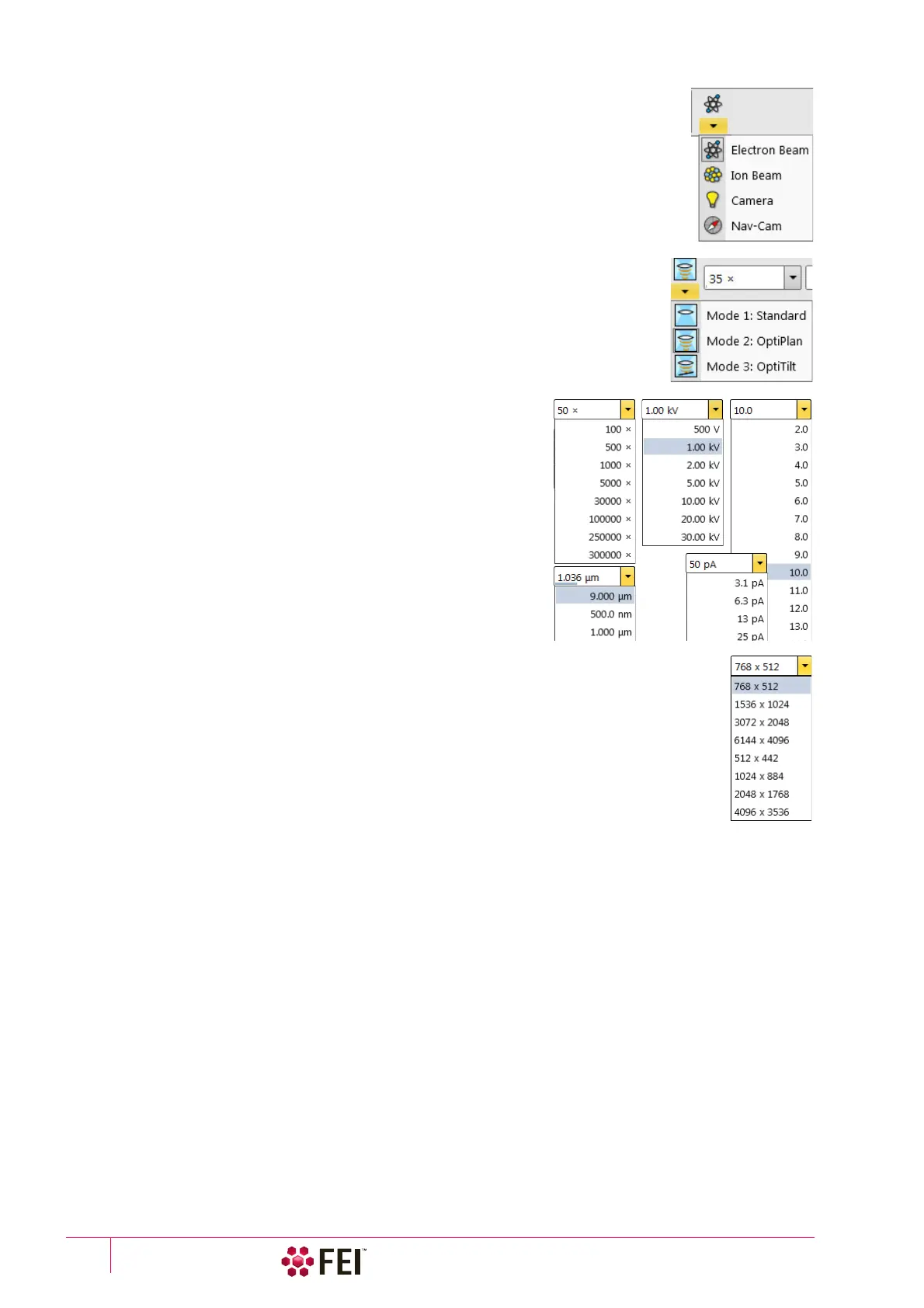
Electron Beam / Ion Beam / Camera / Nav-Cam
Selecting an item from the drop down list makes the display or single screen active to the
Electron Beam / Ion Beam / Camera / Nav-Cam with respect to the source, column, scanning,
and detector settings. Only one is active at any time, but can be operated independently for
each display.
Another possibility to change the beam for the particular imaging is clicking on the image
databar beam icon.
Column Use Cases
The electron column can be operated in different column Use Cases optimized for
specific applications. Selection of a desired Use case can be made by the toolbar drop
down list and also within the Use Case module (see further).
Magnification (HFW) / High Voltage /
Spot Size (Beam current) List Boxes
Click on the list box to expand a list of pre-set and actually allowed
values. Choose one by clicking on it and it is applied immediately (see
the Preferences / Presets section).
• The Spot is defined as the actual electron beam diameter on the
specimen surface and it is expressed by a relative number. The
optional way (representable in the toolbar) to the Spot size number
is the electron Beam Current value (see the Preferences / General
section). Both physical quantities are related. The electron beam
current shown in the toolbar list box (and optionally in the image
databar) is approximate and valid only if the microscope is well
aligned.
Imaging Pixel Resolution List Box
This list contains available imaging pixel resolutions (also used for captured images). Selecting a
new resolution results in the immediate change of the scanning raster and since the present dwell
time remains unchanged, the actual scanning frequency (both Line and Frame time) changes.



 To Next Page