Software Control: Microscope Control Software
C O N F I D E N T I A L – FEI Limited Rights Data3-28
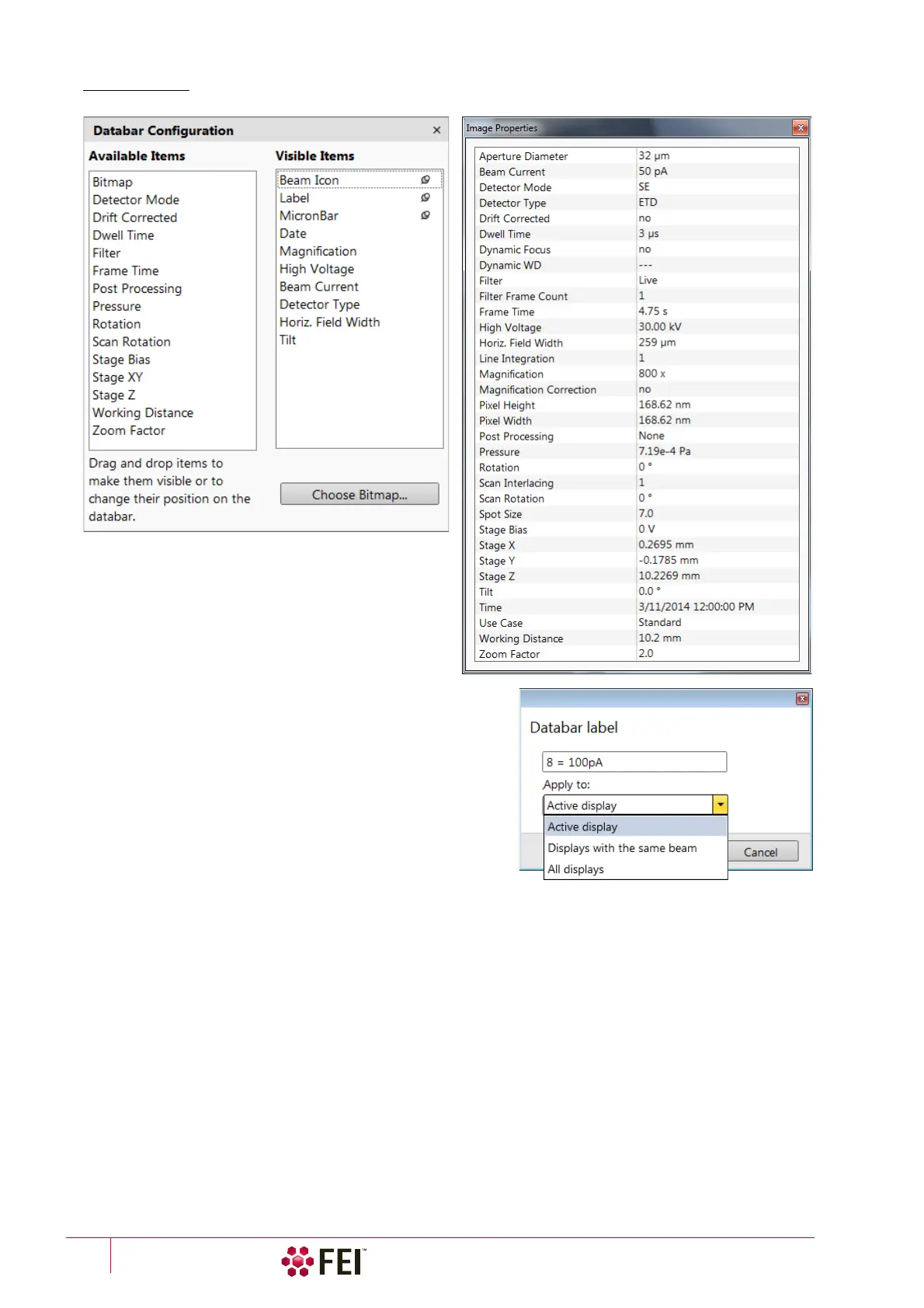
FIGURE 3-14 Databar configuration / Image properties
To label databar, double-click on the Label field and fill in the
dialog. It can be set independently for each display.
The Micronbar area scales to the magnification.
Clicking on the Choose Bitmap item opens a dialog to select a
bitmap to be loaded into the databar (if the Bitmap item is
ticked).



 To Next Page