Use the knob or keypad
to
enter the "program" value.
For
pulse periods < 655
!tS,
the
width is programmable between IOns and 655
(15.
Forpulse periods > 655
(15,
the width
is programmable between 0.002% and 99.9%
of
the programmed pulse period.
If
Standard Waveform: pulse train was selected before "setup," the screen dîsplays the
actual width value which may be different from the programmed value based on the
overall pulse parameters.
To change the pulse width
of
other pulses in the train, press
FIor
rotate the knob until
the number
of
the desired pulse appears. F3 must be pressedbefore the pulse width can
be programmed.
Press FS, "next," to advance to Delay screen. Press F4, "exit," to return to the Standard
Waveform screen.
Pulse Delay
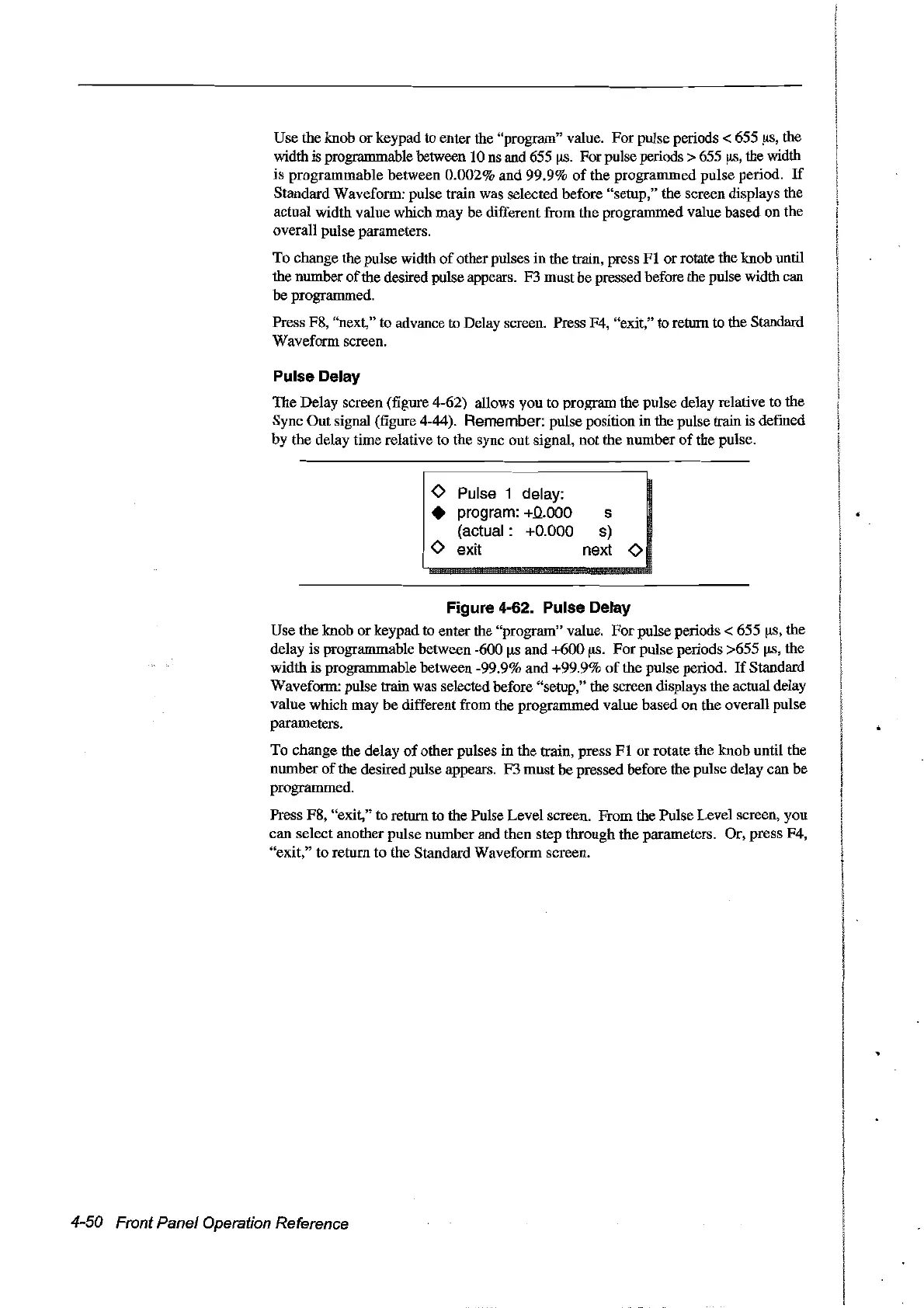
The Delay screen (figure 4-62) allows you to program the pulse delay relative to the
Sync Out signal (figure 4-44).
Remember: pulse position in the pulse train is defined
by
the delay time relative to the sync out signal, not the number
of
the pulse.
<>
Pulse 1 delay:
• program:
+0.000
(actual: +0.000
<>
exit
s
s)
next
<>
Figure 4-62. Pulse Delay
Use the knob or keypad to enter the "program" value.
For
pulse periods < 655
(15,
the
delay is programmable between -600 !ts and +600
!-tS.
For
pulse periods >655
!tS,
the
width
is
programmable between -99.9% and +99.9%
of
the pulse period.
If
Standard
Waveform: pulse train was selectedbefore "setup," the screen displays the actual delay
value which may
be
different from the programmed value based on the overall pulse
parameters.
To
change the delay
of
other pulses in the train, press
FI
or rotate the knob until the
number
of
the desired pulse appears. F3 must be pressed before the pulse delay can be
programmed.
Press FS, "exit," to return to the Pulse Level screen. From the Pulse Level screen, you
can select another pulse number and then step through the parameters. Or, press F4,
"exit," to
retum
to
the Standard Waveform screen.
4-50 Front Panel Operation Reference
Artisan Technology Group - Quality Instrumentation ... Guaranteed | (888) 88-SOURCE | www.artisantg.com



 To Next Page