4.4.12.15 Comb
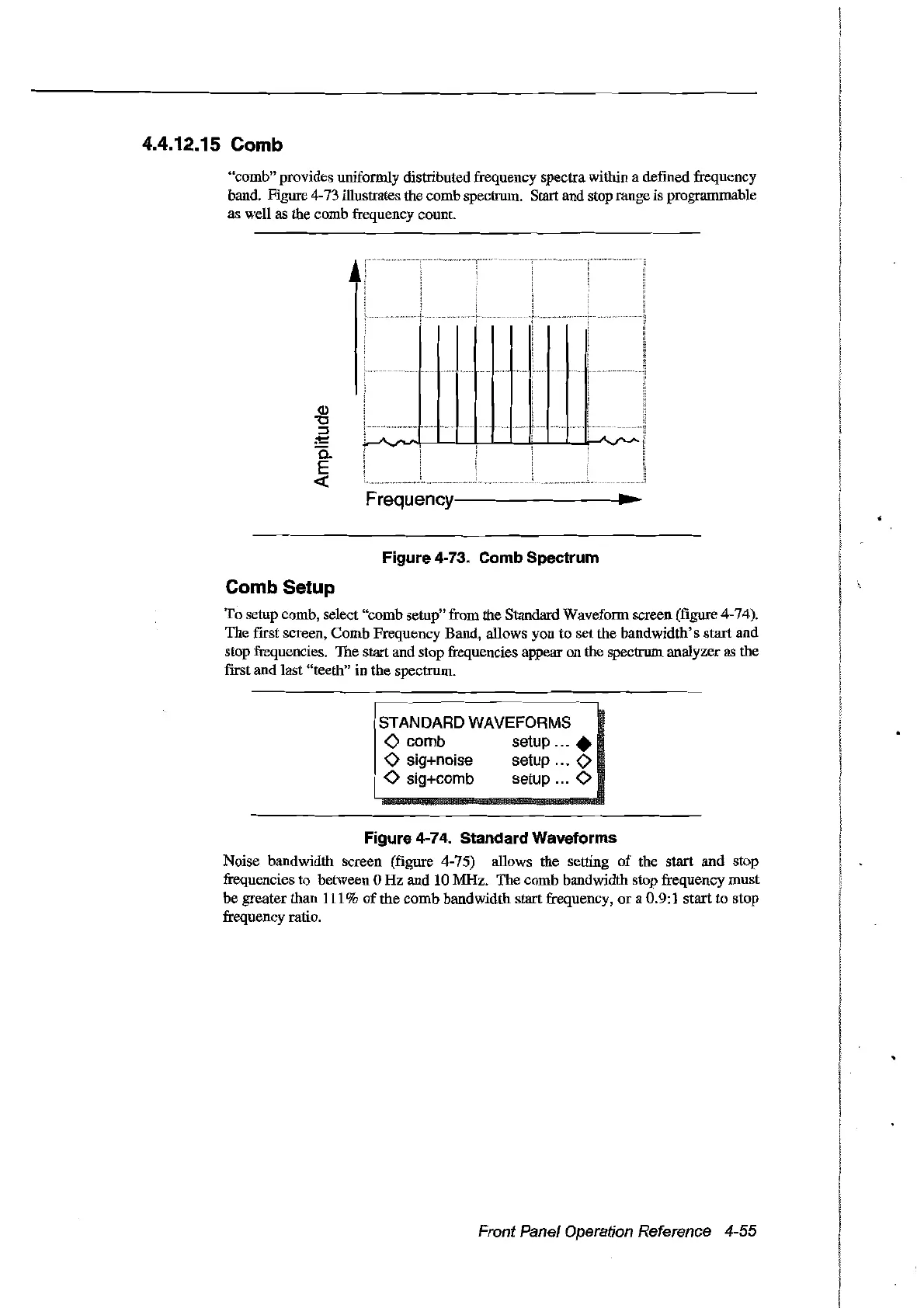
"comb" provides uniformly distributed frequency spectra within a defined frequency
band. Figure 4-73 illustrates the comb spectrum. Start and stop range is programmable
as weIl as the comb frequency count.
......
w.....
w
A
A
~
"""
l
"""
..
_
..
,
!
Frequency--------------
...
~
Figure 4-73. Comb Spectrum
Comb Setup
To setup comb, select "comb setup" from the Standard Wavefonnscreen (figure 4-74).
The first screen, Comb Frequency Band, allows you
to
set the bandwidth's start and
stop frequencies. The start and stop frequencies appear on the spectrum analyzer as the
first and last "teeth"
in
the spectrurn.
I
l'
._._.
STANDARD WAVEFORMS
<>
comb setup
...•
<>
sig+noise setup
<>
!
<>
sig+comb setup 0
Figure 4-74. Standard Waveforms
Noise bandwidth screen (figure 4-75) allows the setting
of
the start
and
stop
frequencies to between 0 Hz and 10 MHz. The comb bandwidth stop frequency must
be greater than
111
%
of
the comb bandwidth start frequency,
or
a 0.9:1 start to stop
frequency ratio.
Front Panel Operation Reference 4-55
Artisan Technology Group - Quality Instrumentation ... Guaranteed | (888) 88-SOURCE | www.artisantg.com



 To Next Page