Advance Trigger Setup
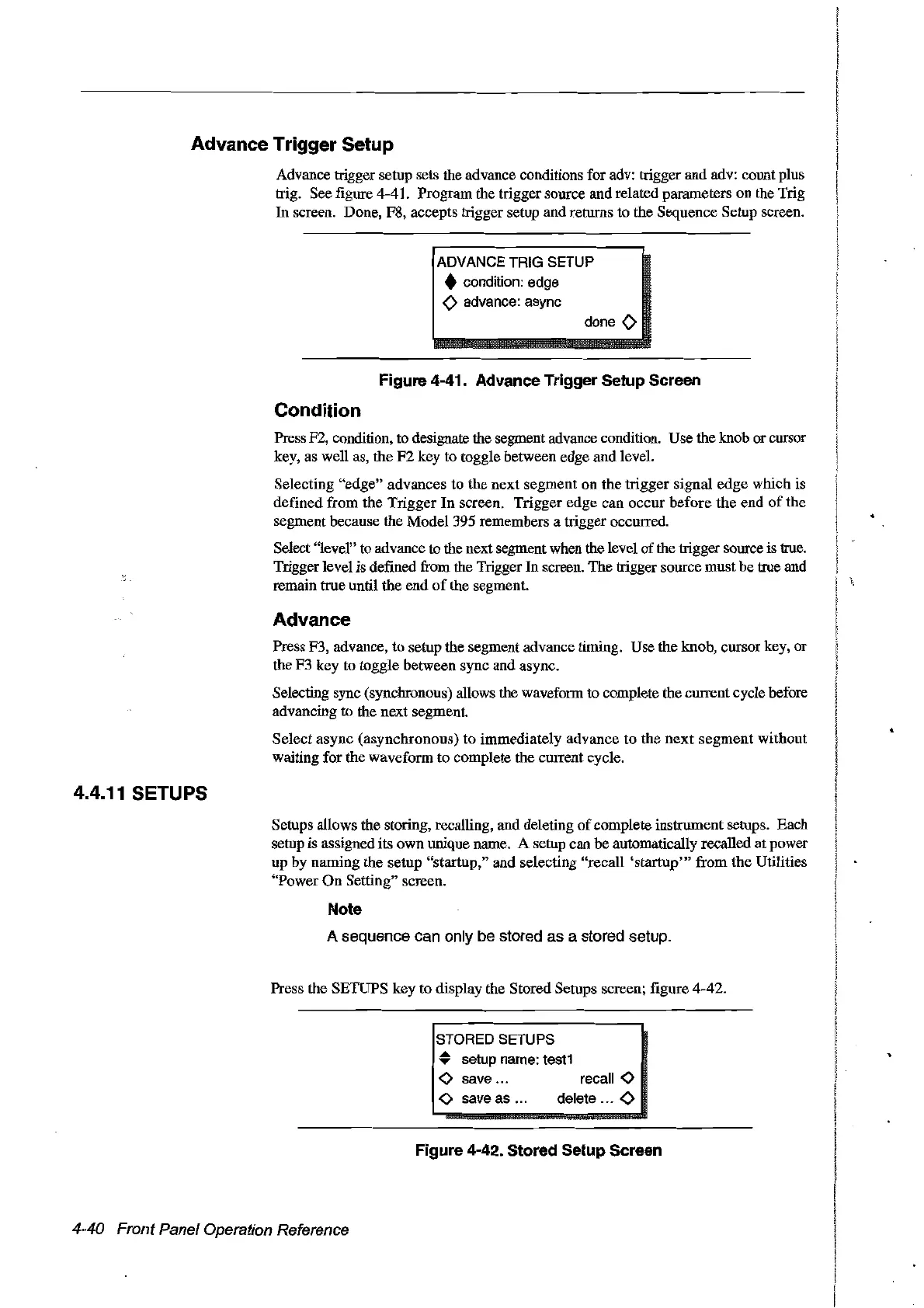
Advance trigger setup sets the advance conditions for adv: trigger and adv: count plus
trig. See figure 4-41. Program the trigger source and related parameters on the Trig
In sereen. Done, F8, accepts trigger setup and retums to the Sequence Setup sereen.
ADVANCE TRIG SETUP
• condition:edge
<>
advance: async
done
<>
Figure 4-41. Advanee Trigger Setup Sereen
Condition
Press F2, condition, to designate the segment advance condition. Use the knob or cursor
key, as well as, the
F2
key to toggle between edge and level.
Selecting "edge" advances to the
next
segment on the trigger signal edge which is
defined from the
Trigger
In
screen. Trigger edge
can
oeeur before the end
of
the
segment beeause the Model 395 remembers a trigger oecurred.
Select "lever' to advance to the next segment when the level
of
the trigger source is true.
Triggerlevel is defined from the Trigger In sereen. The trigger source must be true and
remain true until the
end
of
the segment.
Advance
Press F3, advance, to setup the segment advance timing. Use the knob, cursor key, or
the F3 key to toggle between sync and async.
Selecting sync (synchronous) allows the waveform to complete the current cycle before
advancing to the next segment.
Select async (asynchronous) to immediate1y advance to the
next
segment
without
waiting for the waveform to complete the
CUITent
cycle.
4.4.11 SETUPS
Setups allows the storing, recalling, and deleting
of
complete instrument setups. Each
setup is assigned its own unique name. A setup can be automatically recalled at power
up by naming the setup "startup," and selecting "recall
'startup'"
from
the
Utilities
"Power
On
Setting" screen.
Note
A sequence can only be stored as a stored setup.
Press the SETUPS
key to display the Stored Setups screen; figure 4-42.
recall
<>
delete ...
<>
STORED SETUPS
• setup name: test1
<>
save ...
<>
save as ...
Figure 4-42. Stored Setup Sereen
4-40 Front Panel Operation Reference
Artisan Technology Group - Quality Instrumentation ... Guaranteed | (888) 88-SOURCE | www.artisantg.com



 To Next Page