Step 9 Setting Lower Pulse Levels
When running a pulse waveform, you can set the lower level
of
the pulse by pressing the
Offsetkey.
OFFSET
( )
PULSE LOWER LEVEL:
-1.000 V
To set pulse level to 0.0 V, press:
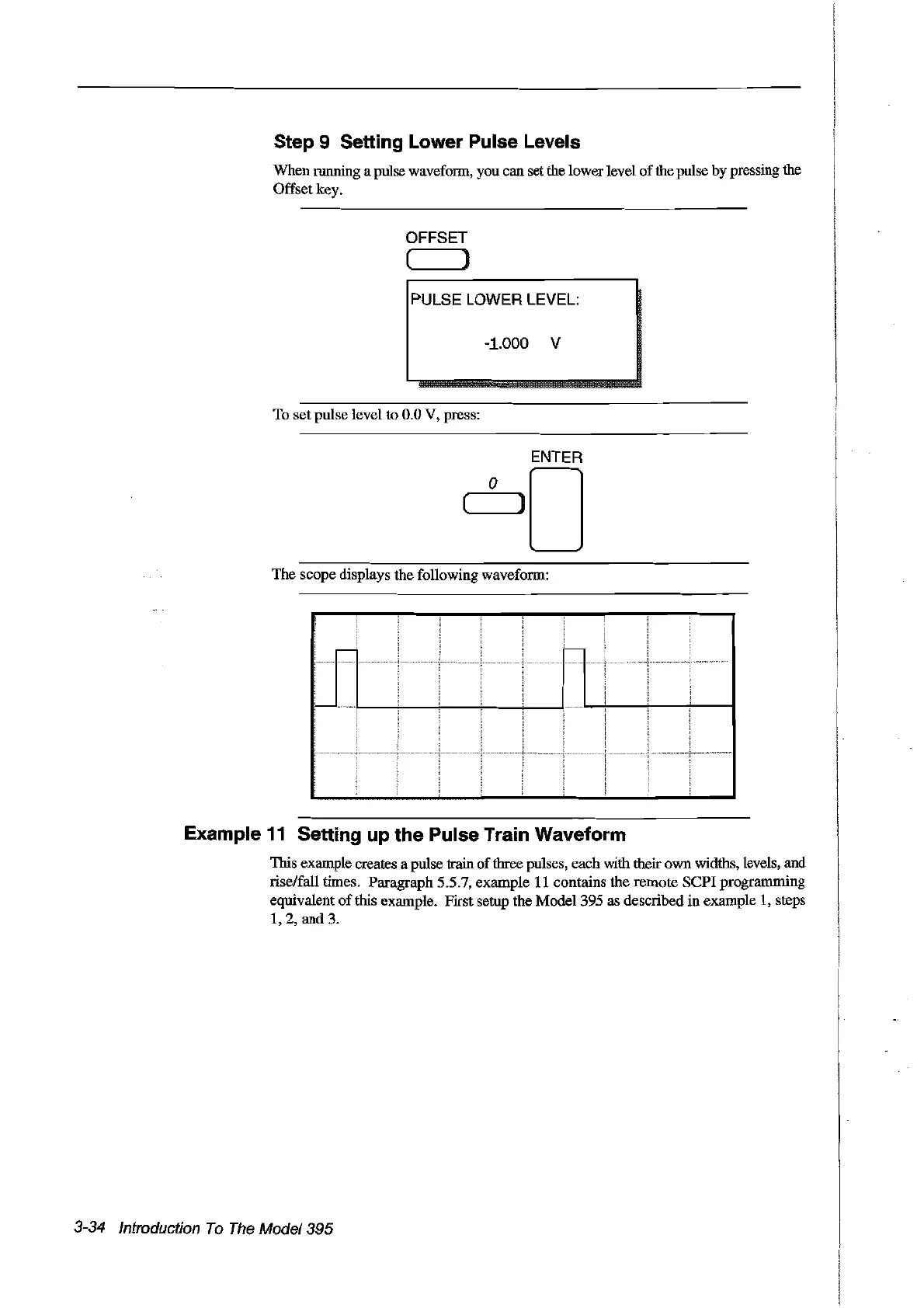
The scope displays the following waveform:
,...--
-
Example
11
Setting up the Pulse Train Waveform
This example creates a pulse train
of
three pulses, each with their own widths, levels, and
rise/faIl tirnes. Paragraph 5.5.7, example
Il
contains the remote
sePI
programming
equivalent
ofthis
example. First setup the
Model395
as described in example
1,
steps
1,2,
and 3.
3-34 Introduction
To
The
Model395
Artisan Technology Group - Quality Instrumentation ... Guaranteed | (888) 88-SOURCE | www.artisantg.com



 To Next Page