Press
F3,
"mod
signal,"
and
use
the
knob
or
keypad
to
step
through
the
listing
of
modulation waveforms. Thelist includes all waveforms except pulse, pulse-train, signal
plus noise, signal plus comb, comb, analog anddigital noise. Note: these waveforms can
be
copiedinto an Arb waveform using "create from copy."
Press F8, "next," to return to the
FM
CarrierSetup screen. Or, press F4, "exit," to return
to the Standard Waveform screen.
To
generate the
FM
waveform, select "fm" from
the
Standard Waveform screen.
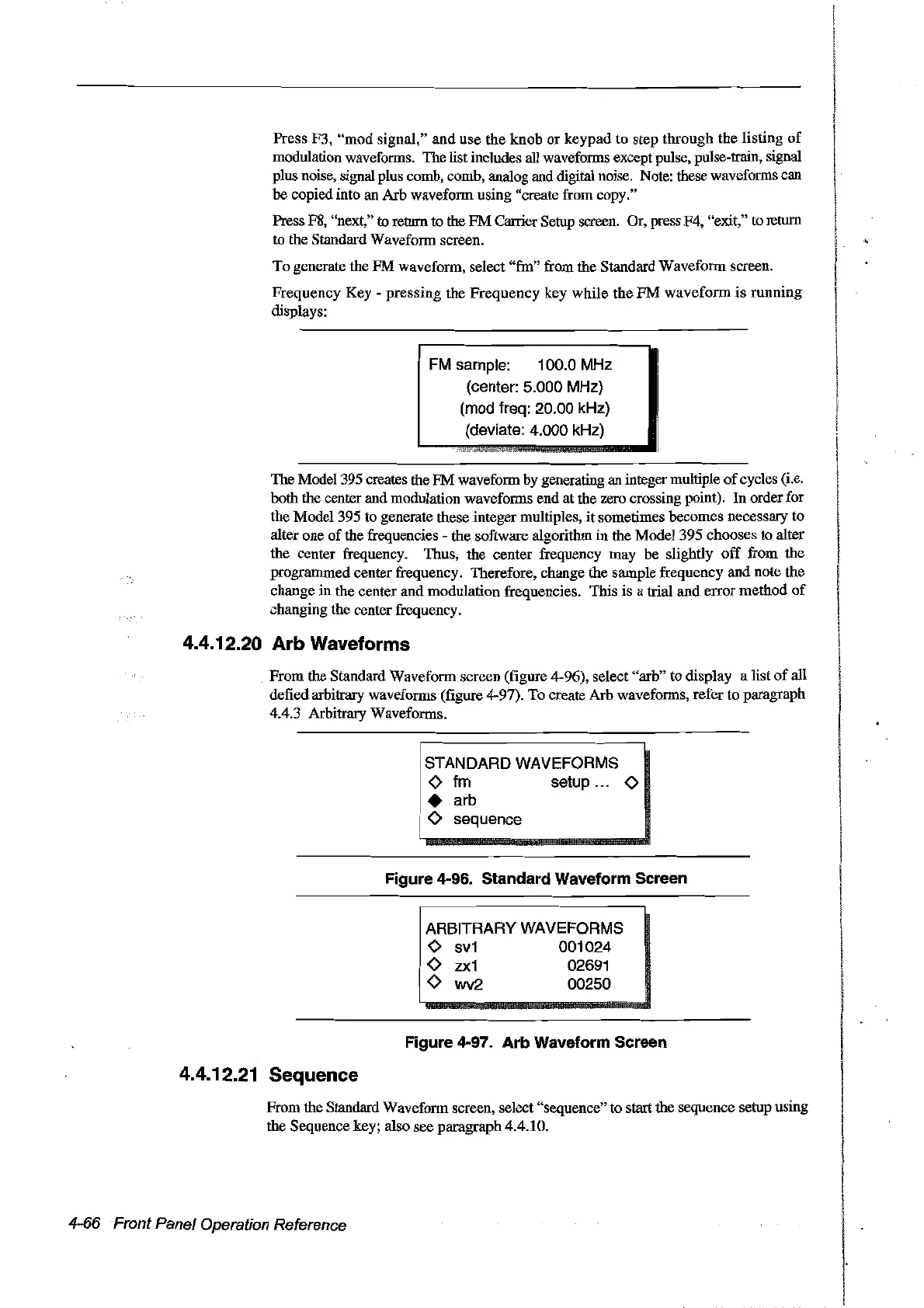
Frequency
Key
-
pressing
the
Frequency
key
while
the
FM
waveform
is
running
displays:
FM
sample: 100.0 MHz
(center: 5.000 MHz)
(mod freq: 20.00 kHz)
(deviate: 4.000
kHz)
The Model 395 creates the
FM
waveform by generating an integer multiple
of
cycles (i.e.
both the center and modulation waveforms
end
at
the zero crossing point).
In
order for
the Model 395
to
generate these integer multiples,
it
sometimes becomes necessary
to
alter
one
of
the frequencies -
the
software algorithm in the Model 395
chooses
to
alter
the
center frequency. Thus, the center frequency
may
be
slightly
off
from
the
programmed center frequency. Therefore, change the sample frequency
and
note
the
change
in
the center
and
modulation
frequencies.
This
is a trial
and
error
method
of
changing
the
center frequency.
4.4.12.20 Arb Waveforms
From
the Standard
Waveform
screen (figure 4-96), select
"arb"
to display a list
of
all
defied arbitrary waveforms (figure 4-97).
To
create
Arb
waveforms, refer to paragraph
4.4.3 Arbitrary Waveforms.
STANDARD WAVEFORMS
o
fm
setup ... 0
• arb
o sequence
Figure 4-96. Standard Waveform Sereen
ARBITRARY WAVEFORMS
o
sv1
001024
o
zx1
02691
o wv2 00250
Figure 4-97. Arb Waveform Sereen
4.4.12.21 Sequence
From
the Standard Waveform screen, select"sequence"
to
start
the
sequence setup using
the Sequence key; also
see
paragraph
4.4.10.
4-66 Front Panel Operation Reference
Artisan Technology Group - Quality Instrumentation ... Guaranteed | (888) 88-SOURCE | www.artisantg.com



 To Next Page