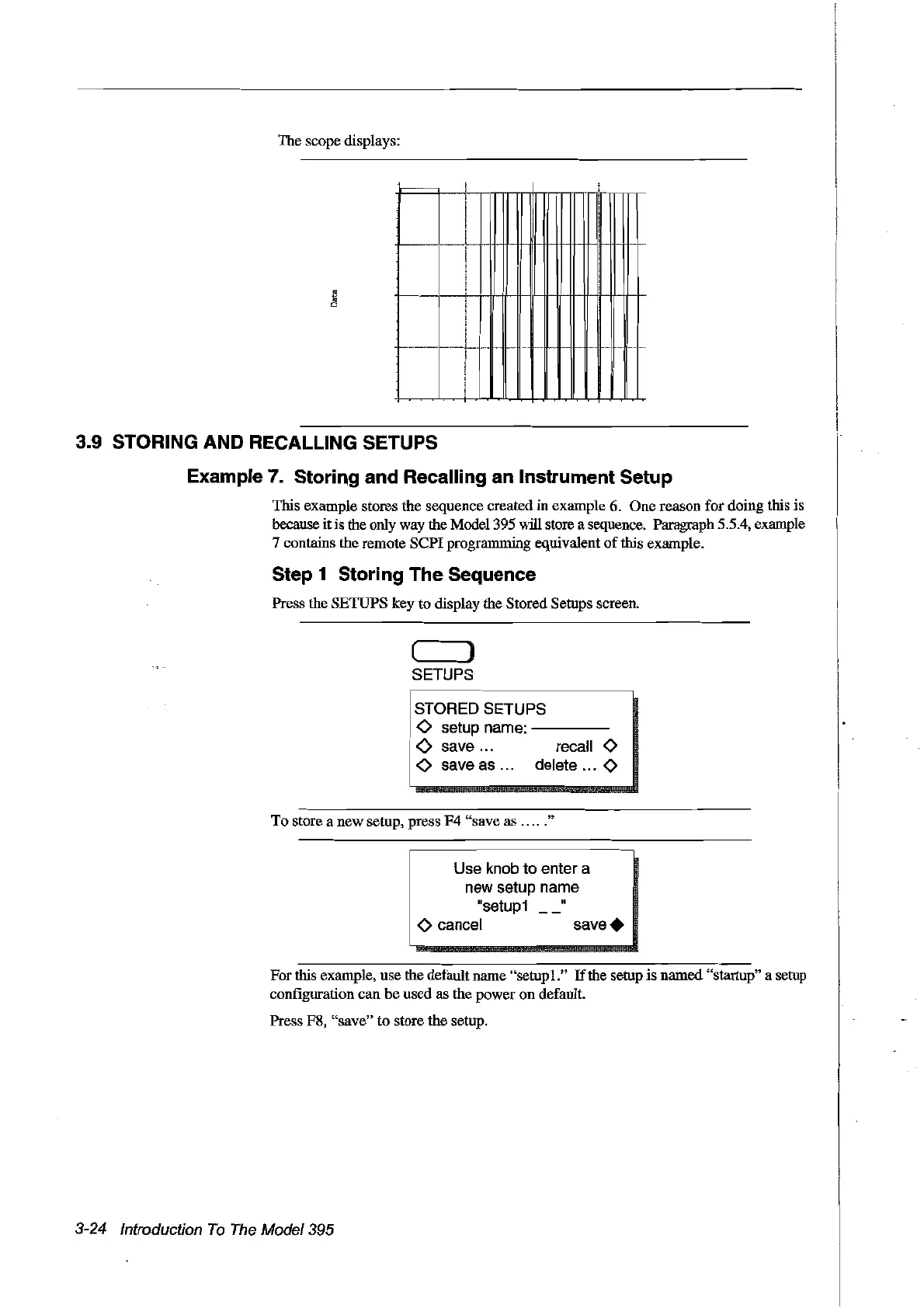
The scope displays:
3.9 STORING AND RECALLING SETUPS
Example 7. Storing and Recalling an Instrument Setup
This example stores the sequence created in example 6. One reason for doing this
is
because itis the only way the Mode1395 will store a sequence. Paragraph 5.5.4, example
7 contains the remote
SePI
programming equivalent
of
this example.
Step 1 Storing The Sequence
Press the SETUPS key to display the Stored Setups screen.
( )
SETUPS
~
STORED
SETUPS
mm
__
<>
setup name:
----
<>
save... recall 0
!
<>
save
as
... delete ... 0
To
store a new setup, press F4 "save as
.....
"
Use
knab
ta enter a
new setup name
"setup1
"
o cancel
save.
For
this example, use the default name "setup1."
If
the setup is named "startup" a setup
configuration
can
he
used as the power on default.
Press F8, "save"
to
store the setup.
3-24 Introduction
Ta
The
Model395
Artisan Technology Group - Quality Instrumentation ... Guaranteed | (888) 88-SOURCE | www.artisantg.com



 To Next Page