4.4.18 UTILITY
Press the UTILITIES key
ta
display the Utilities screen (see figure 4-111). Use this
screen
ta
define the
power
on settings,
ta
view system information,
ta
calibrate the
instrument, and
ta
transfer a waveform captured with a Digital Storage Oscilloscope
(DSO) directly into the
Model395
via GPIB cable (option 001 required).
Io~ower-on
setting ...
~_.
10
~ystem
info .
i
<>
calibration .
i
<>
DSa
upload ...
Figure 4-111. Utilities Sereen
Power On Setting
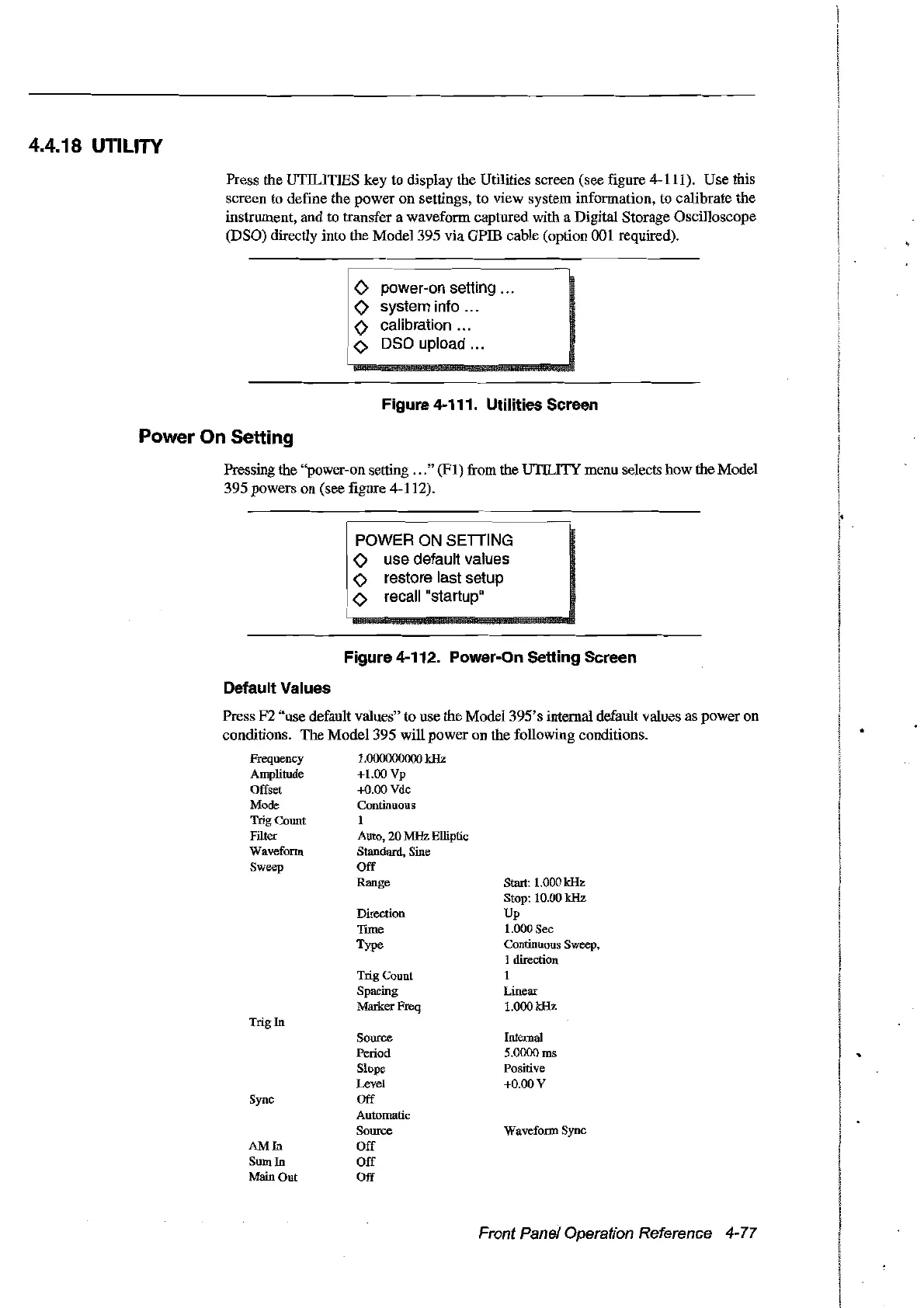
Pressing the "power-on setting
...
"
(FI)
from the UTILITY menu selects how the Madel
395 powers on (see figure 4-112).
POWER ON
SEITING
<>
use default values
<>
restore last setup
<>
recall "
s
tart
up
"
Figure 4-112. Power-On Setting Sereen
Default Values
Sturt: 1.000 kHz
Stop: 10.00 kHz
Up
1.000 Sec
Continuous Sweep,
1 direction
1
Linear
1.000 kHz
Direction
Time
Type
TrigCount
Spacing
MarkerFreq
Trig In
Press F2 "use default values" to use the Madel 395's internal default values as poweron
conditions. The Model 395 will power
on
the following conditions.
Frequency 1.o00ooo000 kHz
Amplitude +1.00
Vp
Offset +0.00 Vdc
Mode Continuous
TrigCount 1
Filter Auto, 20
MHz
Elliptic
Waveform Standard, Sine
Sweep
Off
Range
Sync
AMIn
SumIn
Main Out
Source
Period
Slope
Level
Off
Automatic
Source
Off
Off
Off
Internal
5.0000 ms
Positive
+0.00 V
Waveform Sync
Front Panel Operation Reference 4-77
Artisan Technology Group - Quality Instrumentation ... Guaranteed | (888) 88-SOURCE | www.artisantg.com



 To Next Page