These examples guides
you
through the creation
of
three Arbitrary waveforms. One
waveform, "gray," demonstrates how to create and output an Arb waveform.
The
other
two
Arb
waveforms,
"synel"
and
"syne2" will demonstrate waveform sequencing
(paragraph 3.8).
Example 2 Creating an Arbitrary Waveform Using Line Draw
This
example
creates
waveform
that simulates a nine-step gray scale
video
signal.
Paragraph 5.5.2, example 2 eontains the remote SCPI programming equivalent
of
this
example. You will use this waveform with example 3.
If
you want to view
the
signal on an oscilloscope, connect the
Madel
395
ta
the seope
as describedin paragraph 3.5. First setup the Model395 as described in example
l,
steps
1,2,
and 3.
Step 1 Naming and Sizing the Waveform
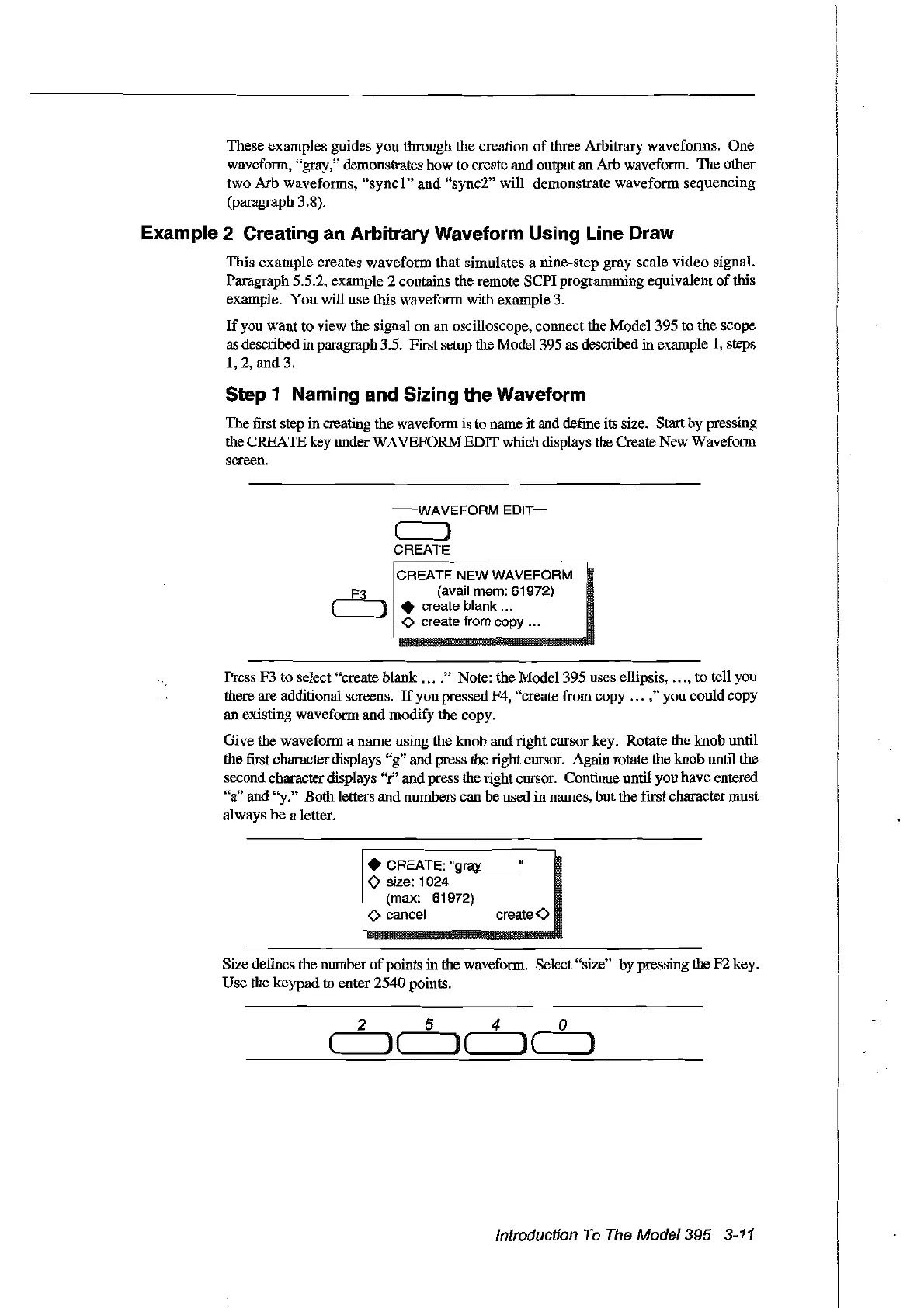
The fust step in creating the waveform is ta name it and define its size. Start by pressing
the
CREAlE
key under
WA
VEFORM EDIT which displays the Create New Waveform
screen.
~--WAVEFORM
EDIT-
e )
CREATE
CREATE NEW WAVEFORM
F3 (avai! mem: 61972)
(
).
create blank ...
<>
create from copy ...
Press F3 to select "create blank
....
" Note: the Model 395 uses ellipsis,
...
, to tell you
there are additional screens.
If
you pressed F4, "create from copy
...
," you could copy
an existing waveform and modify the copy.
Give the waveform a name using the knob and right cursor key. Rotate
the
knob until
thefust character displays "g" and press the right cursor. Again rotate the knob
Ulltil
the
second character displays "r" and press the right cursor. Continue until you have entered
"a" and "y." Both letters and numbers can
be
used in names, but the [rrstcharacter must
always
he a letter.
1
~
~.~6~~"g,~'
(max: 61972)
! 0 cancel create
<0
Size defines
the
number
of
points in the waveform. Select "size"
by
pressingthe
F2
key.
Use the keypad to enter 2540 points.
(
2
le
5
)(
4
J(
o
)
Introduction
To
The
Model395
3-11
Artisan Technology Group - Quality Instrumentation ... Guaranteed | (888) 88-SOURCE | www.artisantg.com



 To Next Page