Create Blank Waveforms
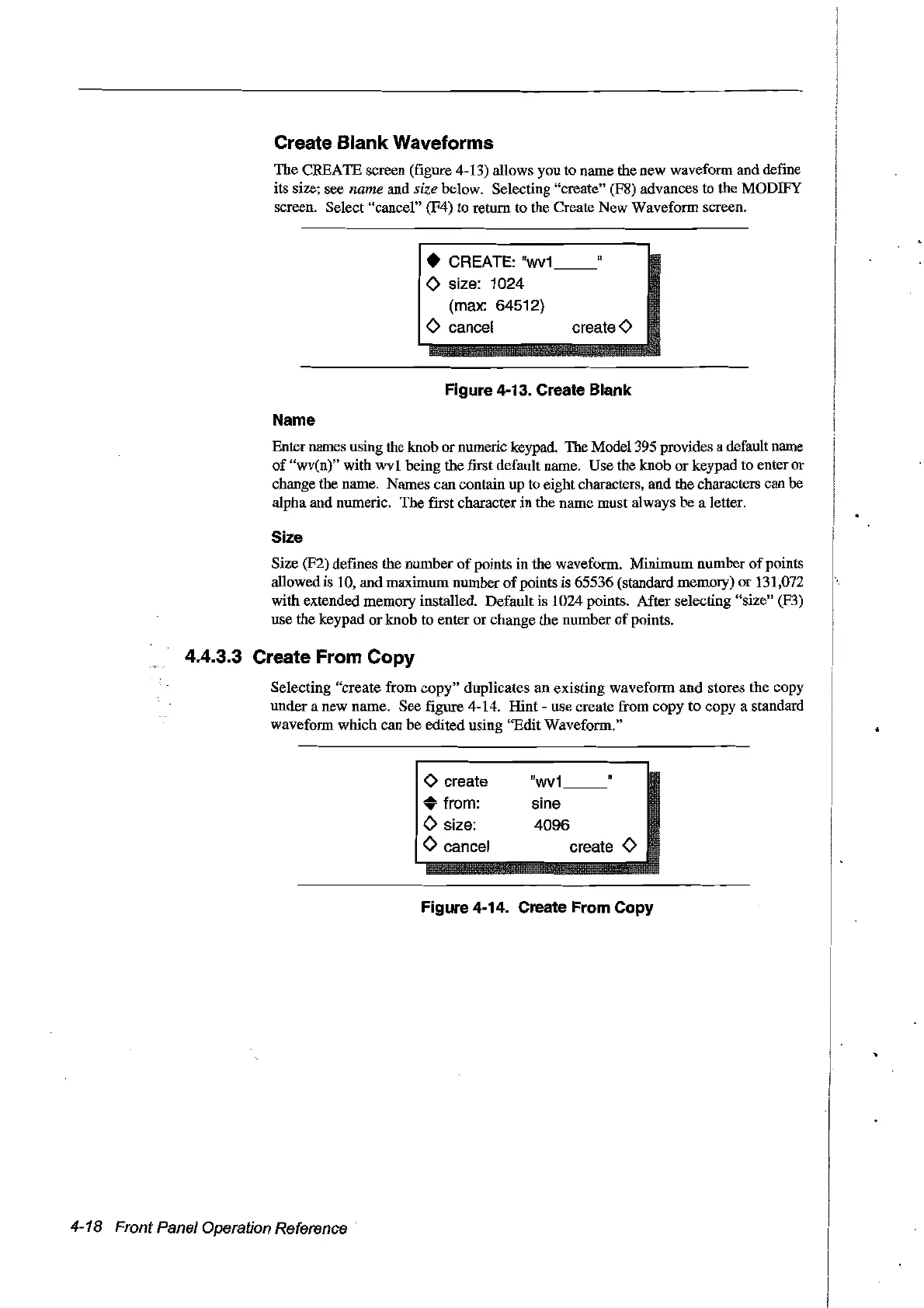
The CREATE screen (figure 4-13) allows you to name the new wavefonn and define
its size; see
name and size below. Selecting "create" (F8) advances to the
MüDIFY
screen. Select "cancer' (F4) to return to the Create New Wavefonn screen.
• CREATE:
"wv1
o size: 1024
(max: 64512)
o cancel create 0
Figure 4-13. Create Blank
Name
Enter names using the knob
or
numeric keypad. The Model395 provides a default name
of
"wv(n)" with
wvl
being the first default name. Use the knob or keypad to enter or
change the name. Names can contain up to eight characters, and the characters can he
alpha and numeric. The [Ifst character in the name must always
be
a letter.
Size
Size (F2) defines the number
of
points in the wavefonn. Minimum number
of
points
allowed is 10, and maximum numher
of
points is 65536 (standard memory) or 131,072
with extended memory installed. Default is 1024 points. After selecting "size" (F3)
use the keypad
or
knob to enter or change the number
of
points.
4.4.3.3 Create From Copy
Selecting "create from copy" duplicates an existing waveform and stores the copy
under a new name. See figure 4-14. Hint use create from copy to copy a standard
wavefonn which can
be
edited using "Edit Wavefonn."
o create
"wv1
• from: sine
o size:
4096
o cancel
create
0
Figure 4-14. Create From Copy
4-18 Front Panel Operation Reference
Artisan Technology Group - Quality Instrumentation ... Guaranteed | (888) 88-SOURCE | www.artisantg.com



 To Next Page