~
...
~~_
...
_-_
...
_
...
~-
STANDARD WAVEFORMS
o pulse setup 0
o pulse train setup 0
• digtl noise setup 0
Figure 4-66. Standard Waveform Sereen
When the Model 395 builds the noise waveform the screen displays a message, see
figure 4-67. This message always appears,
but
may
only
be
seen during longer
sequence lengths.
Function
being built ...
-----Please wait ------
Figure 4-66. Noise Message
Also, while running noise, set the noise clock rate by pressing the FREQUENCY key
and program the rate between 100 mHz and 100 MHz.
To vary the amplitude, press the AMPLITUDE key and enter the level in units
of
Vp-
p
or
Vp. Digital noise operates in continuous, triggered, and gated modes, but cannat
operate in the sweep mode.
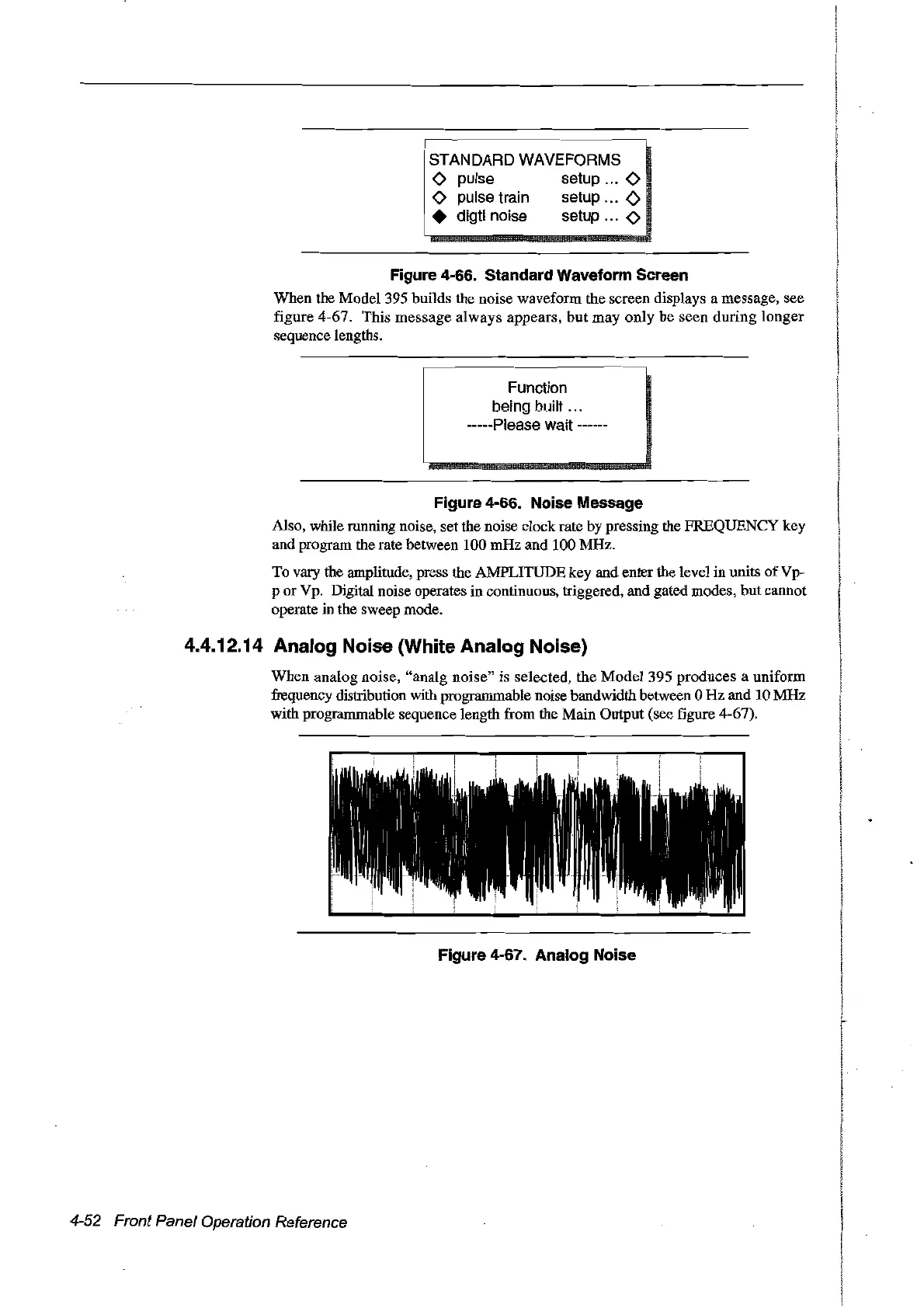
4.4.12.14 Analog Noise (White Analog Noise)
When analog noise,
"analg
noise" is selected, the
Model
395 produces a unifofill
frequency distribution with programmable noise bandwidth between 0
Hz
and 10 MHz
with programmable sequence length from the Main Output (see figure 4-67).
Figure 4-67. Analog Noise
4-52 Front Panel Operation Reference
Artisan Technology Group - Quality Instrumentation ... Guaranteed | (888) 88-SOURCE | www.artisantg.com



 To Next Page