HELP
...
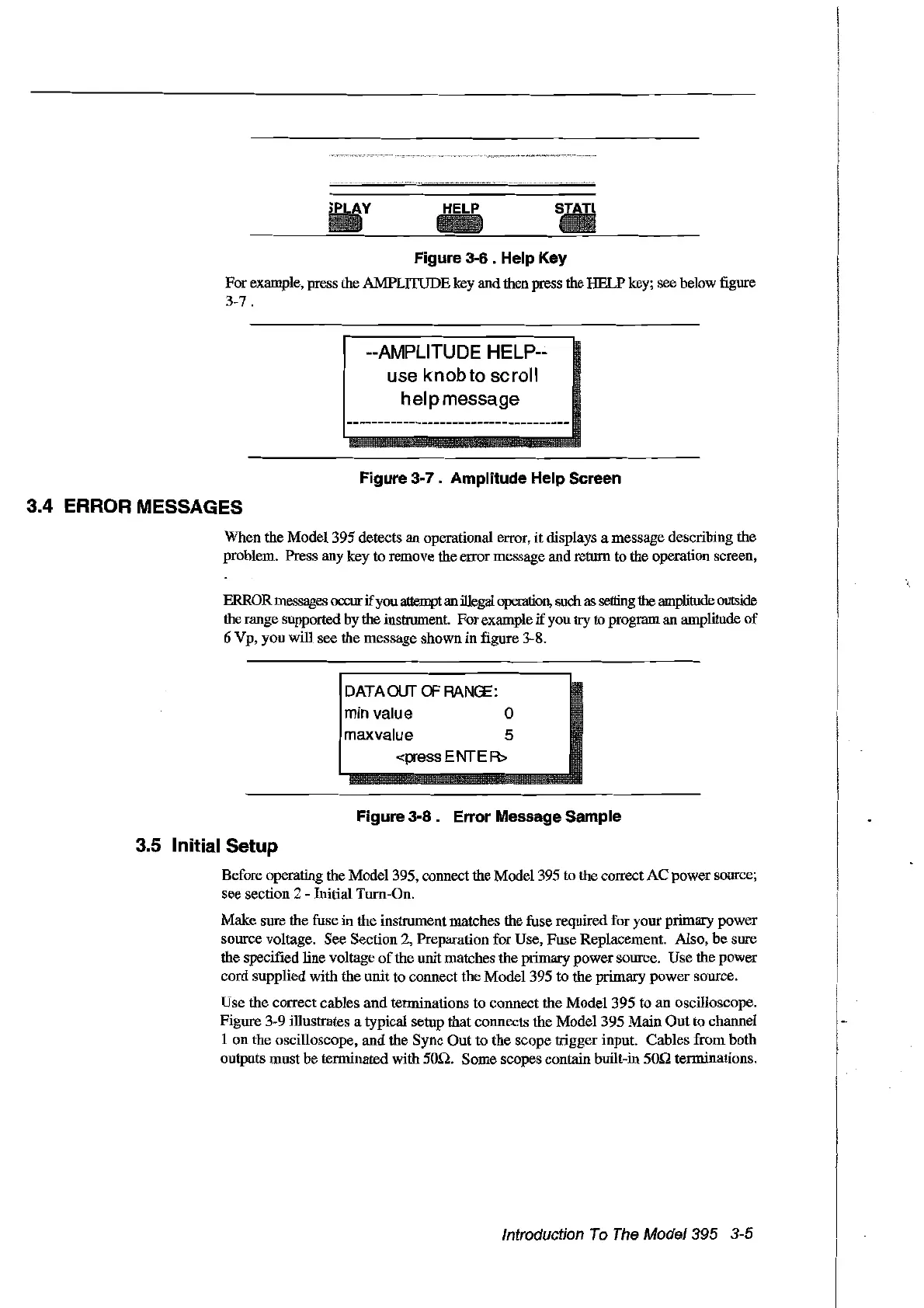
Figure 3-6 . Help Key
Forexample, press the AMPLITUDE key and then press the HELP key; see below figure
3-7.
--AMPLITUDE HELP--
use knob to
se
roll
h
el
p message
Figure 3-7 . Amplitude Help Sereen
3.4 ERROR MESSAGES
When the Model 395 detects an operational error,
it
displays a message describing the
problem. Press any key
to
remove the error message andreturn to the operation screen,
ERRORmessages occur
if
you attemptan illegal operation, such as setting
the
amplitude outside
therange supported by the instrument. Forexample
if
you
try
to program an amplitude
of
6 Vp, you will see the message shown
in
figure 3-8.
DATAOUTOFRANŒ:
min value 0
maxvalue 5
<press
ENTE
R>
Figure
3-8.
Errar Message Sample
3.5 Initial Setup
Before operating the Model 395, connect the Model 395 to the correct
AC
power source;
see section 2 - Initial Tum-On.
Make sure the fuse
in
the instrument matches the fuse required for your primary power
source voltage. See Section 2, Preparation for Use, Fuse Replacement. Also,
be
sure
the specified tine voltage
of
the unit matches the primary power source.
Use
the power
cord supplied with the
unit
to connect the Model 395 to the primary
power
source.
Use the correct cables
and
terminations to connect the
Model395
to
an
oscilloscope.
Figure 3-9 illustrates a typical setup that connects the Model 395
Main
Out
to channel
1
on
the oscilloscope,
and
the Sync
Out
to
the
scope trigger input. Cables from both
outputs must
be
terminated with
50n.
Sorne scopes contain built-in
50n
terminations.
Introduction
Ta
The
Model395 3-5
Artisan Technology Group - Quality Instrumentation ... Guaranteed | (888) 88-SOURCE | www.artisantg.com



 To Next Page