Clear Ali
To set ail
of
the position marker values to low, press
F4
"clear ail." You will then
be
asked for verification
of
fuis operation.
NOTE
Once completed this operation cannot be undone.
Done
When marker editing is completed, press "done" to return to the Edit Waveform screen.
4.4.4 FILTER
4.4.4.1 Introduction
Filters remove unwanted signais that are caused
by
aliasing and DAC
dock
signaIs.
The unit contains three low pass output filters (two elliptic filters and one Bessel filter),
plus "no filter." You can let the unit select the oost filter for the conditions (Automatic),
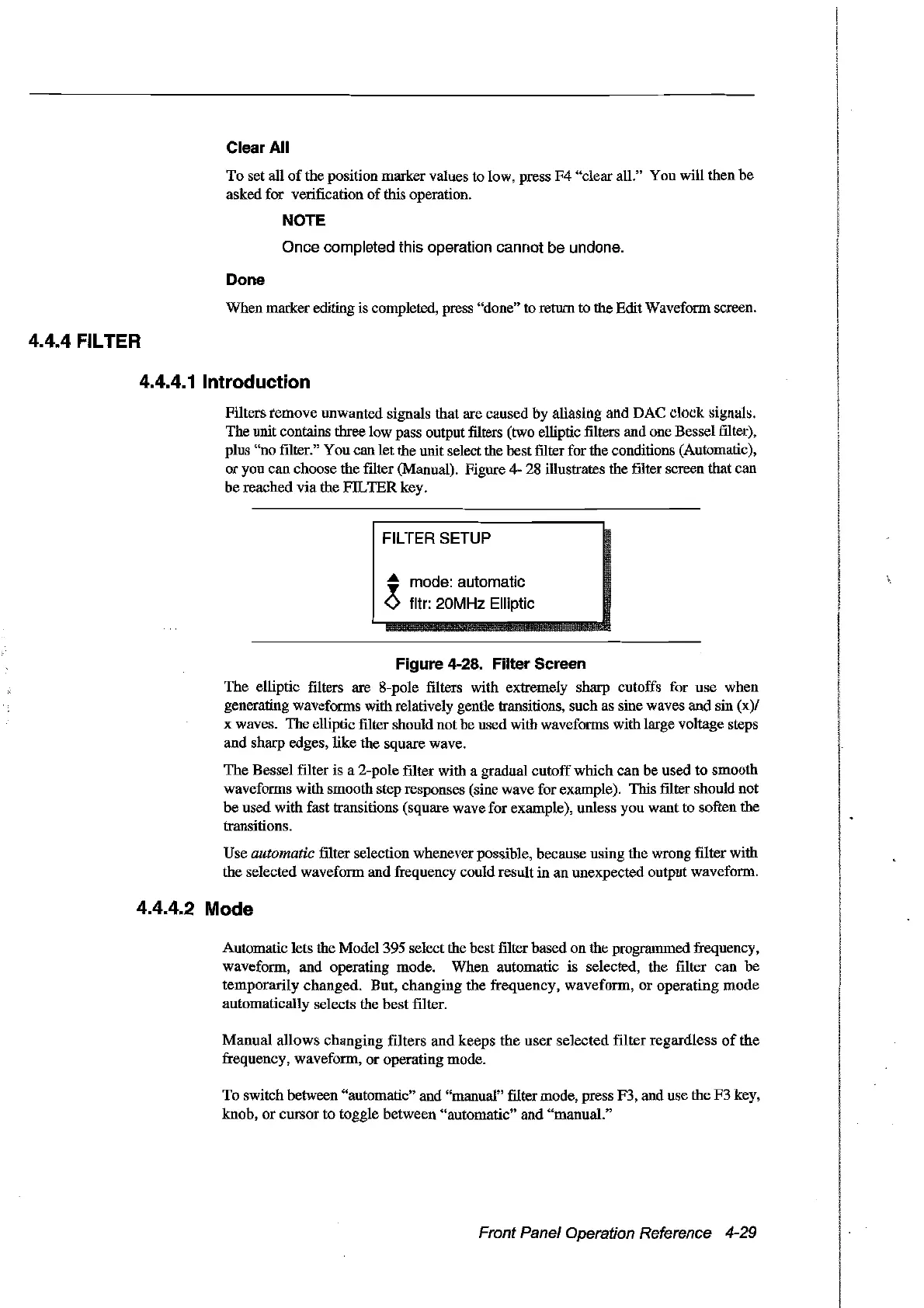
or you can choose the filter (Manual). Figure 4- 28 illustrates the filter screen that can
be reached via the FIL
TER
key.
FILTER SETUP
...
mode: automatic
ofltr: 20MHz Elliptic
Figure 4-28. Filter Sereen
The elliptic filters are 8-pole filters with extremely sharp cutoffs for use when
generating waveforms with relatively gentle transitions, such as sine waves and sin (x)/
x waves. The elliptic filter should not
00
used with waveforms with large voltage steps
and sharp edges, like the square wave.
The
Bessel filter is a 2-pole filter with a graduaI cutoffwhich can be used
to
smooth
waveforms with smooth step responses (sine wave for example). This filter should not
be
used with fast transitions (square wave for example), unless you want to soften the
transitions.
Use
automatic filter selection whenever possible, because using the wrong filter with
the selected waveform and frequency could result in an unexpected output waveform.
4.4.4.2 Mode
Automatic lets the Model395 select the best filter based
on
the programmed frequency,
waveform, and operating mode. When automatic is selected, the filter can be
temporarily changed. But, changing the frequency, waveform,
or
operating mode
automatically selects the best filter.
Manual allows changing filters
and
keeps
the
user selected filter regardless
of
the
frequency, waveform,
or
operating mode.
To switch between "automatic" and "manuaI" filter mode, press F3, and use the F3 key,
knob,
or
cursor to toggle between "automatic" and "manuaI."
Front Panel Operation Reference 4-29
Artisan Technology Group - Quality Instrumentation ... Guaranteed | (888) 88-SOURCE | www.artisantg.com



 To Next Page