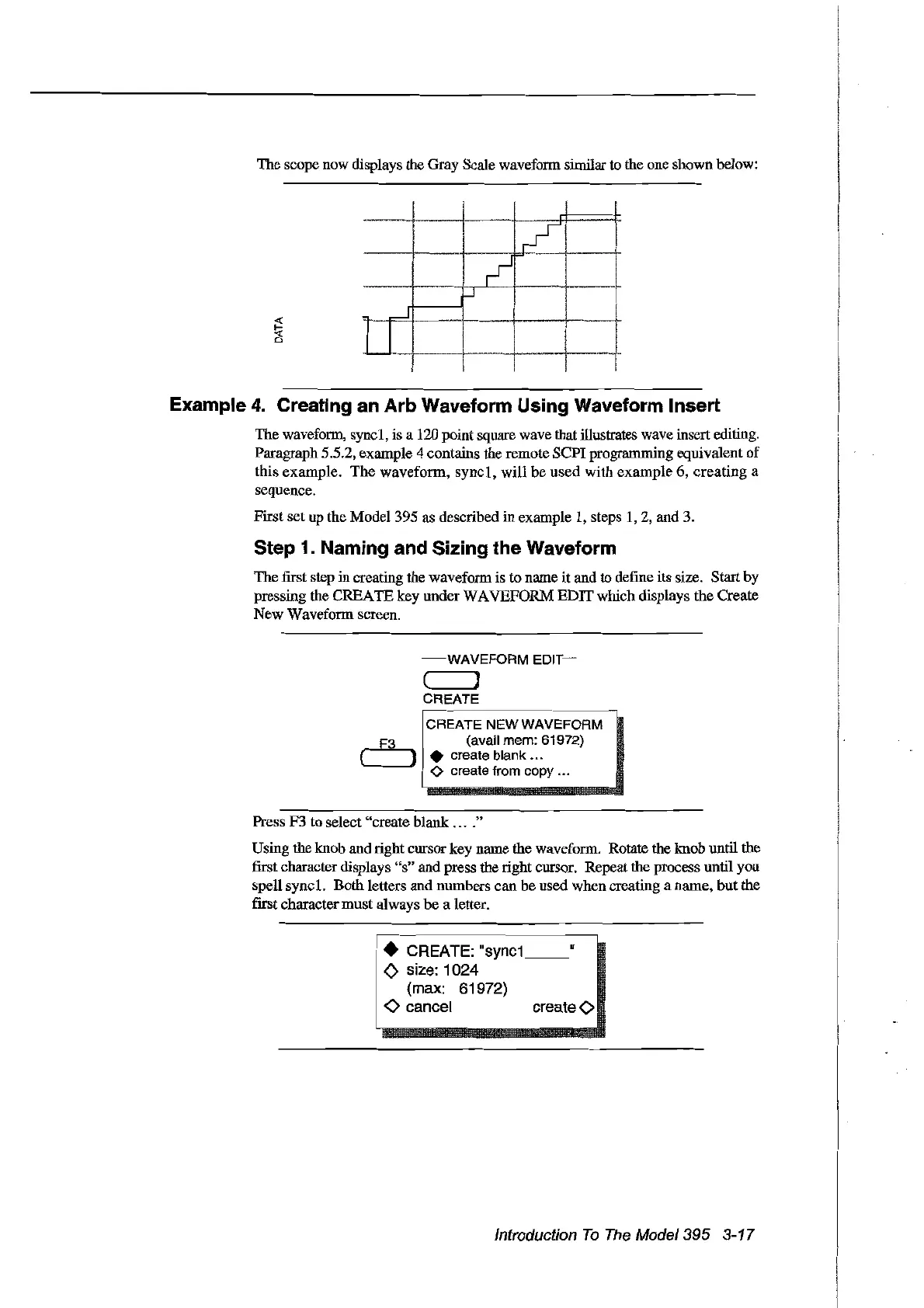
The scope now displays the Gray Scale wavefonn sunilar to the one shown below:
!
/
1
-"""-
~
..J
Ji
1 1 1
1
!1
1 1 1
Example
4.
Creating an Arb Waveform Using Waveform Insert
The wavefonn, syncl, is a 120 point square wave that illustrates wave insert editing.
Paragraph 5.5.2, example 4 contains the remote SCPI programming equivalent
of
this example.
The
waveform,
syncl,
will
be
used
with example 6,
creating
a
sequence.
First set up the
Model395
as described in example 1, steps
1,2,
and 3.
Step 1. Naming and Sizing the Waveform
The fIfst step increating the wavefonn is to name
it
and to define its size. Start by
pressing the CREATE key under
WA
VEFORM EDIT which displays the Create
New
Wavefonn screen.
-mWAVEFORM
EDIT~
( ]
CREATE
CREATE
NEWWAVEFORM
F3 (avait mem: 61972)
(
).
create blank ...
'----'
<>
create from copy ...
Press F3 to select "create blank
....
"
Using the knob and right cursor key name the wavefonn. Rotate the knob until the
fust
character displays
"s"
and press the right cursor. Repeat the process until you
spell sync
1.
Both letters and numbers can be used when creating a name,
but
the
fmt
character
must
always
be
a letter.
• CREATE:
Isync1
__
"
<>
size: 1024
(max: 61972)
<>
cancel create0
Introduction
To
The
Model395 3-17
Artisan Technology Group - Quality Instrumentation ... Guaranteed | (888) 88-SOURCE | www.artisantg.com



 To Next Page