Marker
Sweep marker allows selection
of
frequency which produces a sweep marker pulse.
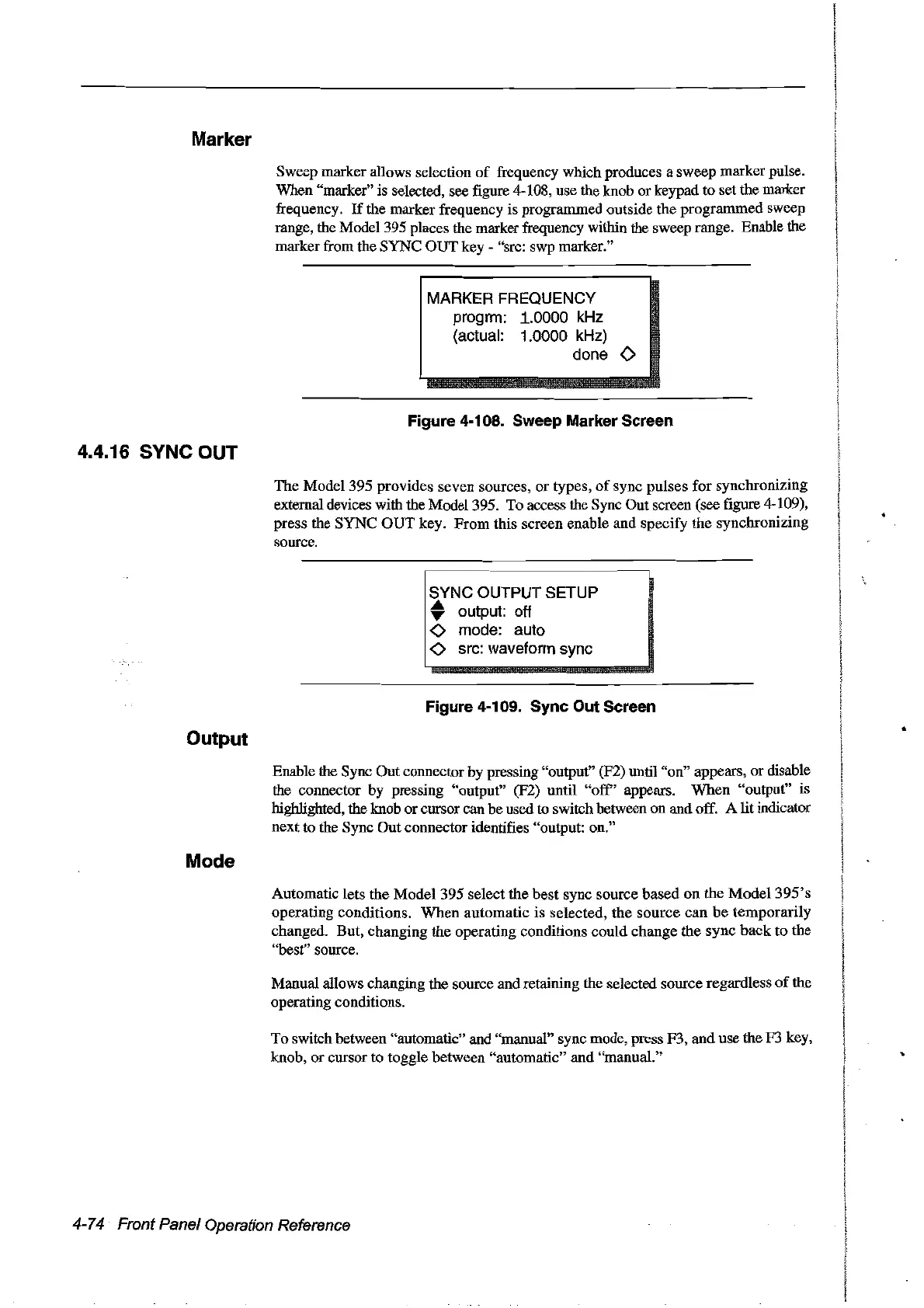
When "marker" is selected, see figure 4-108, use the knob or keypad to set the marker
frequency.
If
the marker frequency is programmed outside the programmed sweep
range, the Model 395 places the marker frequency within the sweep range. Enable the
marker from the SYNC OUT key - "src: swp marker."
MARKER FREQUENCY
progrm:
.1.0000 kHz
(actual:
1.0000 kHz)
done
0
Figure 4·108. Sweep Marker Sereen
4.4.16 SYNC OUT
The Model 395 provides seven sources,
or
types,
of
sync pulses for synchronizing
external devices with the Model 395. To access the Sync Out screen (see figure 4-109),
press the SYNC
OUT
key. From this screen enable and specify the synchronizing
source.
~
..
~....
.
_-~
SYNC OUTPUT SETUP
• output: off
1
<>
mode: auto
!
<>
src: waveform sync
Figure 4-109. Syne Out Sereen
Output
Enable the Sync Out connector by pressing "output" (F2) until "on" appears, or disable
the connector by pressing "output" (F2) until
"off'
appears. When "output" is
highlighted, the knob orcursor can be used to switch between on and off. A lit indicator
next to the Sync Out connector identifies "output: on."
Mode
Automatic lets the Model 395 select the best sync source based
on
the
Mode1395's
operating conditions.
When
automatic is selected, the source
can
be temporarily
changed. But, changing the operating conditions could change the sync back to the
"best" source.
Manual allows changing the source and retaining the selected source regardless
of
the
operating conditions.
To switch between "automatic" and "manual" sync mode, press F3, and use the F3 key,
knob, or cursor to toggle between "automatic" and "manual."
4-74 Front Panel Operation Reference
Artisan Technology Group - Quality Instrumentation ... Guaranteed | (888) 88-SOURCE | www.artisantg.com



 To Next Page