Time
Manual
"manual" sweep allows you to use the knob to change frequency. In manual sweep,
sweep parameters remains set to the start and stop frequencies, the sweep function, and
the sweep time. Because the Model 395 uses a 2048 step sweep table, the programmed
frequency may not be the actual frequency generated by the unit. The Manuai Sweep
Frequency screen displays both programmed and actual frequencies. See figure 4-105.
MANUAL SWEEP FREQ
progrm:
2.0000kHz
(actual:
1.9848kHz)
done 0
Figure 4-105. Manual Sweep Screen
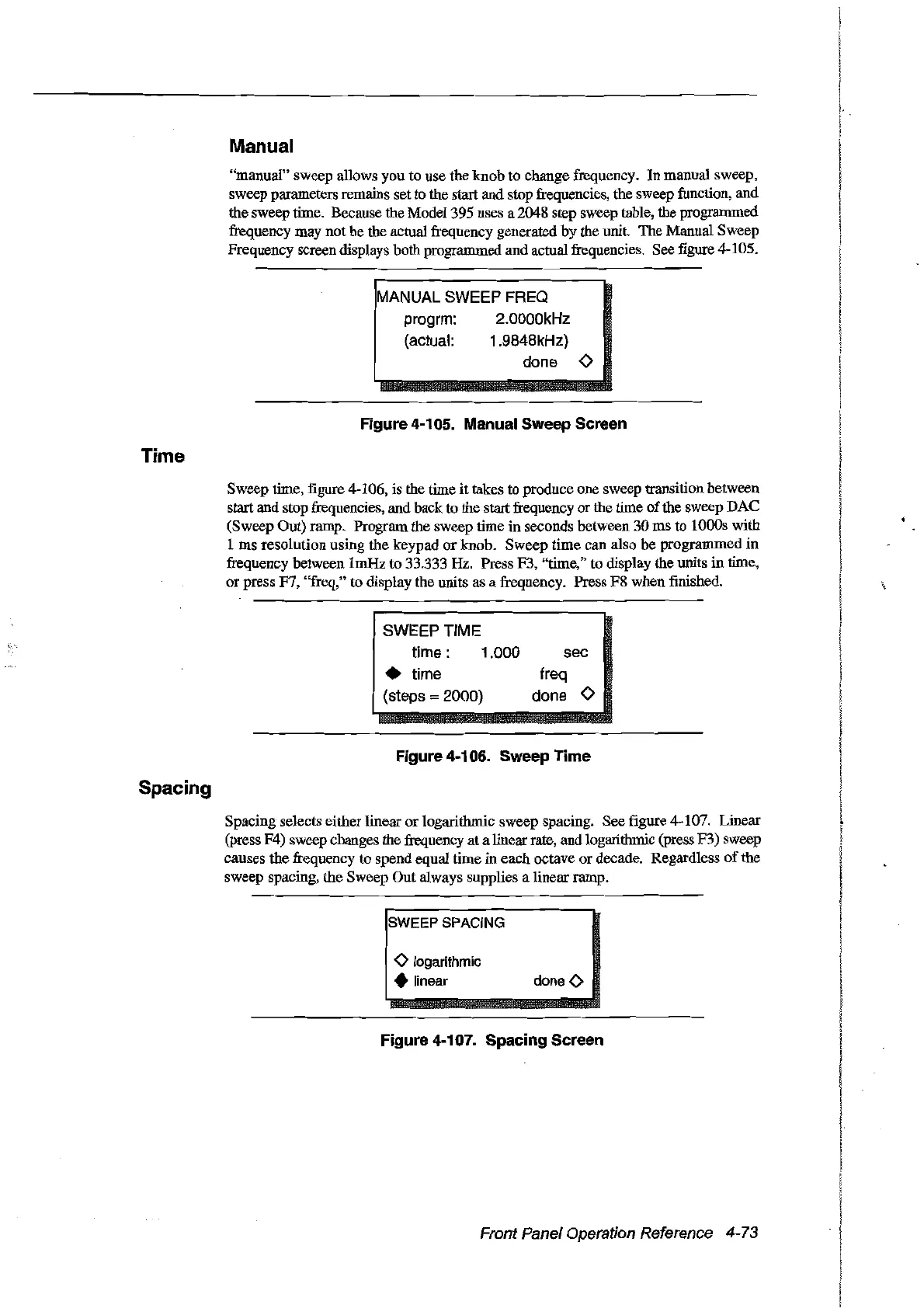
Sweep time, figure 4-106, is the time
it
takes to produce one sweep transition between
start and stop frequencies, and back to the startfrequency or the time
of
the sweep DAC
(Sweep Out) ramp. Program the sweep time in seconds between 30 ms to 1000s with
1 ms resolution using the keypad
or
knob. Sweep time
can
a1so
be programmed
in
frequency between 1mHz to 33.333 Hz. Press F3,
'lime,"
to display the units in time,
or press F7, "freq," to display the units as a frequency. Press F8 when finished.
SWEEPTIME
time:
1.000
• time
(steps :=
2000)
sec
freq
done 0
Spacing
Figure 4-106. Sweep Time
Spacing selects either linear or 10garithmic sweep spacing. See figure 4-107. Linear
(press F4) sweep changes the frequency at a linear rate, and logarithmic (press F3) sweep
causes the frequency to spend equal time in each octave
or
decade. Regardless
of
the
sweep spacing, the Sweep
Out
always supplies a linear ramp.
SWEEP SPACING
o logarithmic
• Iinear
doneO
Figure 4-107. Spacing Screen
Front Panel Operation Reference 4-73
Artisan Technology Group - Quality Instrumentation ... Guaranteed | (888) 88-SOURCE | www.artisantg.com



 To Next Page