4.4.12.13 Digital Noise
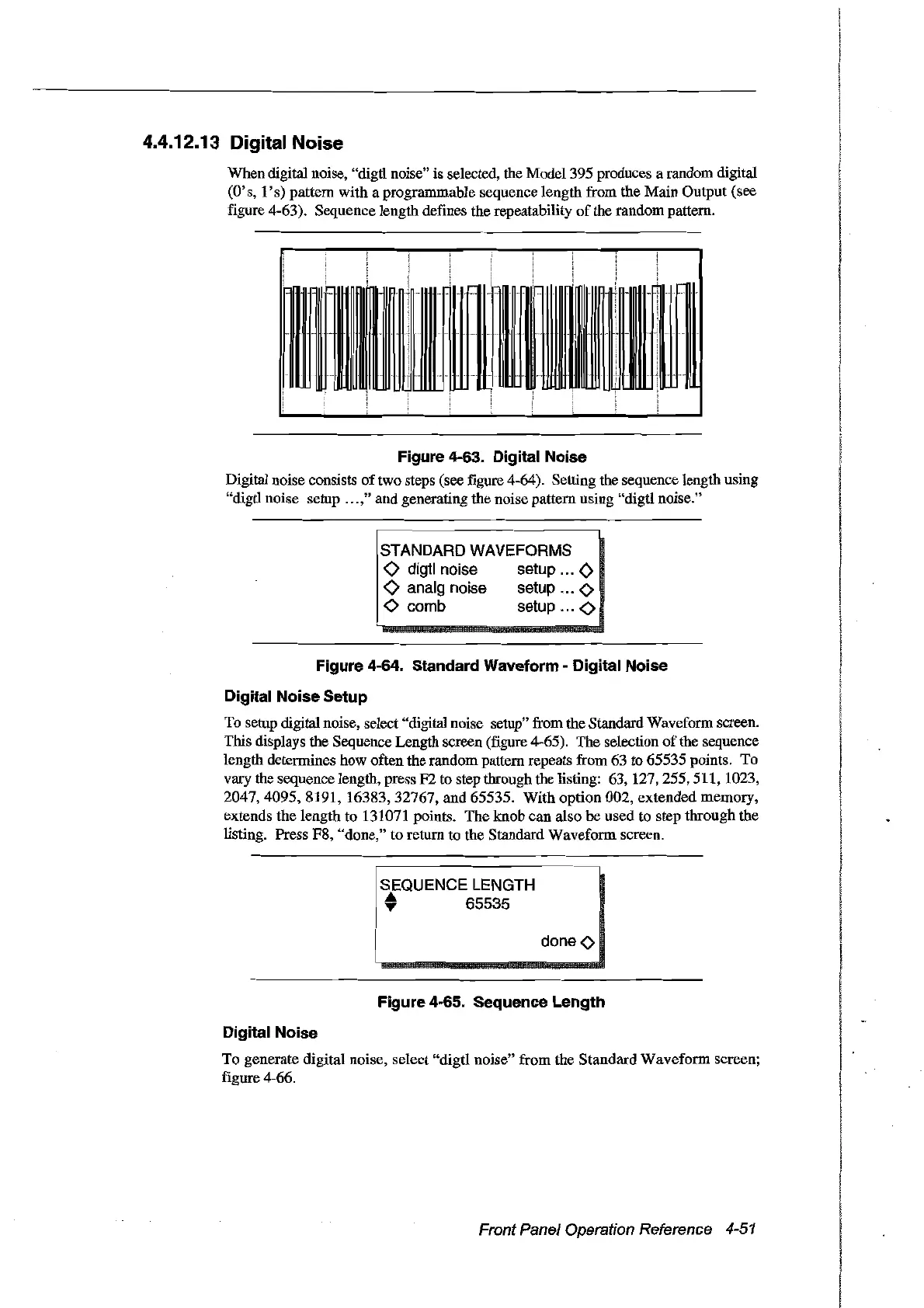
When digital noise, "digtl noise" is selected, the Model 395 produces a random digital
(O's, 1
's)
pattern with a programmable sequence length from the Main Output (see
figure 4-63). Sequence length defines the repeatability
of
the random pattern.
Figure 4-63. Digital Noise
Digital noise consists
oftwo
steps (see figure 4-64). Setting the sequence length using
"digtl noise setup " .," and generating the noise pattern using "digtl noise."
STANDARD WAVEFORMS
o digtl noise setup
<>
o analg noise setup 0
<>
comb
setup
<>
Figure 4-64. Standard Waveform - Digital Noise
Digital Noise Setup
To setup digital noise, select "digital noise setup" from the Standard Waveform screen.
This displays the Sequence Length screen (figure 4-65). The selection
of
the sequence
length determines how often the random pattern repeats from 63 to 65535 points. To
vary the sequence length, press F2 to step through the listing: 63, 127,255,511, 1023,
2047,4095,8191,
16383,32767, and 65535. With option 002, extended memory,
extends the length to 131071 points. The knob can also
be
used to step through the
listing. Press F8, "done," to return to the Standard Waveform screen.
SEQUENCE LENGTH
• 65535
doneo
Figure 4-65. Sequence Length
Digital Noise
To
generate digital noise, select "digtl noise" from the Standard Waveform screen;
figure 4-66.
Front Panel Operation Reference
4-51
Artisan Technology Group - Quality Instrumentation ... Guaranteed | (888) 88-SOURCE | www.artisantg.com



 To Next Page