For this example, program the delay to 420 ms by pressing:
ENTER
4 • 2 EXP +/- 1 0
( )
(,-------"l(
) ( ) ( )("-----'Il
Press F4, "exit," to retum to the Standard Waveform screen.
Step
21
Viewing the Pulse Train
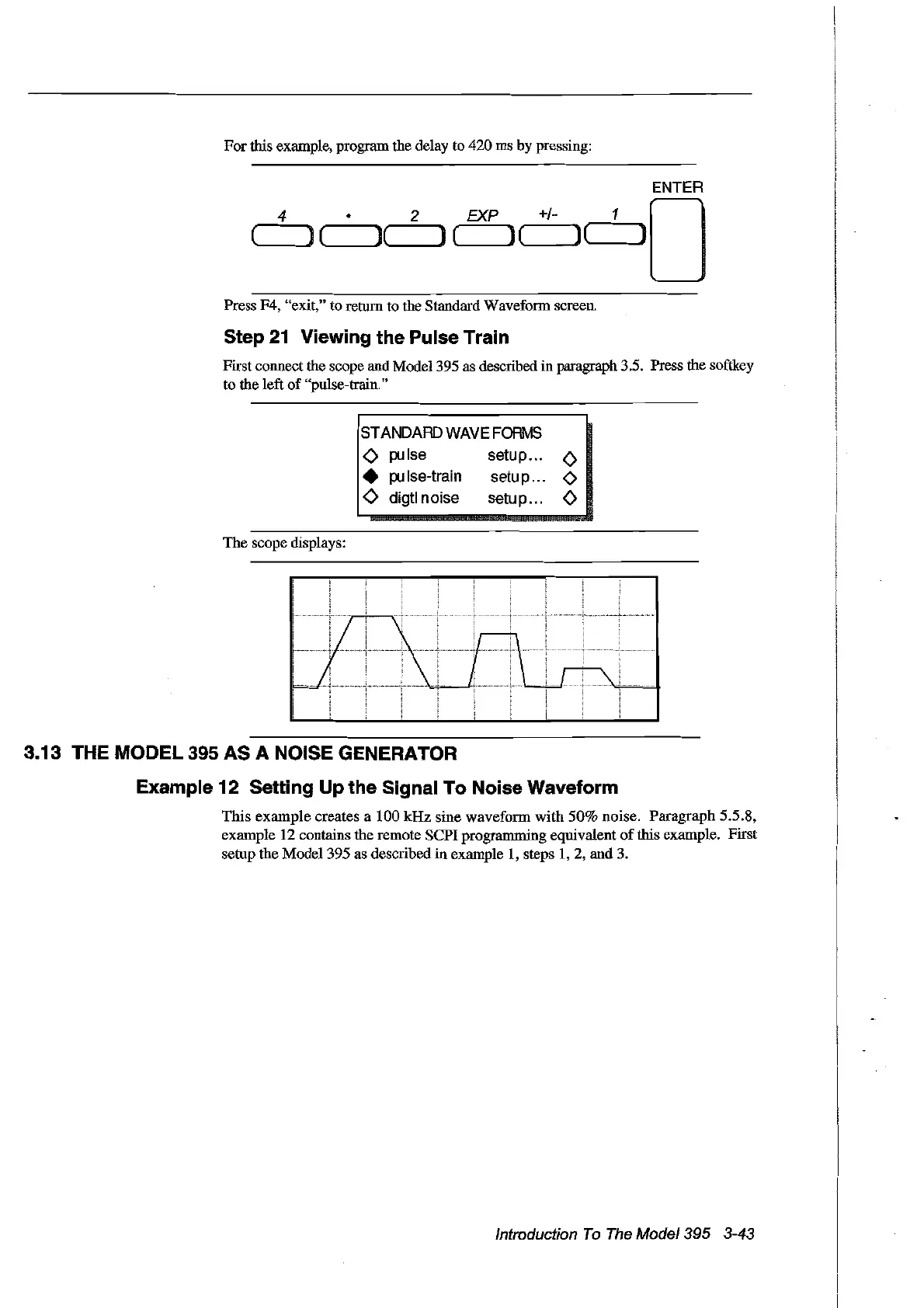
First connect the scope and Mode1395 as described in paragraph 3.5. Press the softkey
to the left
of
"pulse-train."
STANDARD
WAVEFORMS
<>
pulse setup...
<>
•
pu
Ise-train
setu
p...
<>
<>
digtl noise setu p...
<>
The
scope displays:
3.13 THE
MODEl
395 AS A NOISE GENERATOR
Example 12 Setting Up the Signal To Noise Waveform
This example creates a 100
kHz
sine waveform with
50%
noise. Paragraph 5.5.8,
example 12 contains the remote
SePI
programming equivaIent
of
this example. First
setup the Mode1395 as described in exarnple
1,
steps
1,2,
and 3.
Introduction
To
The
Model395 3-43
Artisan Technology Group - Quality Instrumentation ... Guaranteed | (888) 88-SOURCE | www.artisantg.com



 To Next Page