4.4.14 SUM
IN
Sum produces an output proportional to the instantaneous amplitude
of
the internally
generated signal and the instantaneous amplitude
of
the external
Sum
In signal. The
Model 395 sums (adds) the signaIs before its output attenuators
which
affects the
attenuation
of
the input signal. The output attenuation is initially set by the programmed
Amplitude and Offset, but through the Sum
In
screen the attenuators can be changed.
If
the automatic
mode
is selected, the attenuator selected
on
the
Sum
In screen will
change
if
the peak amplitude plus offset is outside the limits listed under "Attenuator."
Manual mode locks in the attenuator regardless
of
a change in amplitude or offset.
In
this mode, the
peak
amplitude plus offset cannot exceed the maximum level for the
selected
attenuator's
range
(see the limits listed
under
"Attenuator." However, the
range's lower limit can be exceed, but possibly with some loss
of
resolution.
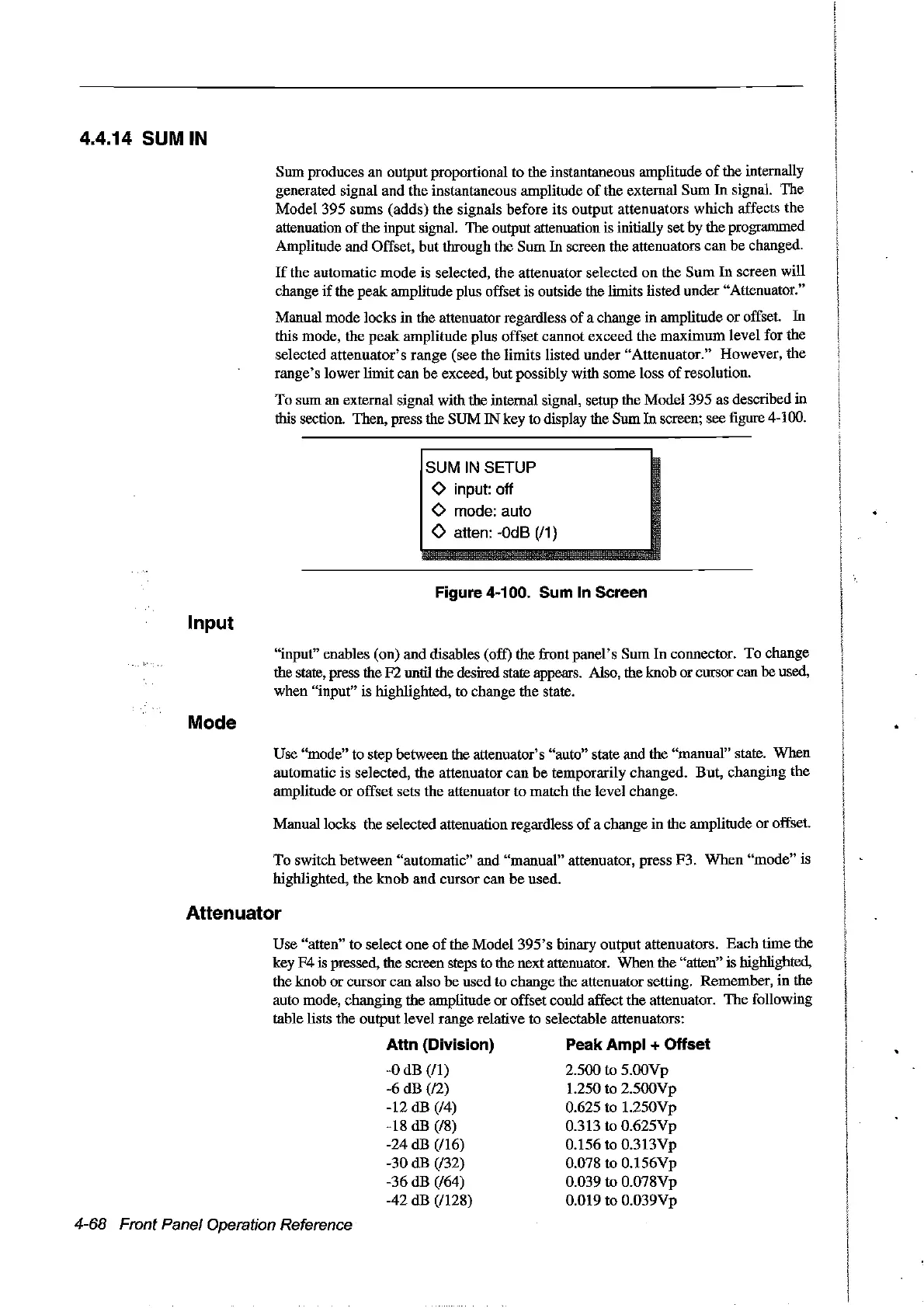
To sum an external signal with the internal signal, setup the Model 395 as described in
this section. Then, press the SUM IN key to display the Sum
In
screen; see figure 4-100.
SUM
IN
SETUP
<>
input: off
<>
mode: auto
o atten:
-OdB
(/1)
Figure 4-100. Sum
ln
Sereen
Input
"input" enables (on) and disables (off) the front panel's Sum
In
connector. To change
the state, press the F2 until the desired state appears. Also, the knob or cursor can be used,
when "input" is highlighted, to change the state.
Mode
Use "mode" to step between the attenuator's "auto" state and the "manual" state. When
automatic is selected, the attenuator can
be
temporarily changed. But, changing the
amplitude or offset sets the attenuator to match the level change.
Manuallocks the selected attenuation regardless
of
a change in the amplitude
or
offset.
To
switch between "automatic" and "manual" attenuator, press F3.
When
"mode"
is
highlighted, the knob and cursor can
be
used.
Attenuator
Use "atten" to select one
of
the Model
395's
binary output attenuators.
Each
time the
key F4
is
pressed, the screen steps to the next attenuator. When the "atten" is highlighted,
the knob
or
cursor can also
be
used to change the attenuator setting. Remember,
in
the
auto mode, changing the amplitude or offset could affect the attenuator.
The
following
table lists the output level range relative to selectable attenuators:
4-68 Front Panel Operation Reference
Attn (Division)
-0
dB (/1)
-6
dB (/2)
-12 dB (/4)
-18 dB (/8)
-24 dB
(/16)
-30 dB (/32)
-36 dB
(/64)
-42 dB (/128)
Peak Ampl + Offset
2.500 to 5.00Vp
1.250 to 2.500Vp
0.625 to 1.250Vp
0.313 to 0.625Vp
0.156 to 0.313Vp
0.078
to
0.156Vp
0.039 to 0.078Vp
0.019 to 0.039Vp
Artisan Technology Group - Quality Instrumentation ... Guaranteed | (888) 88-SOURCE | www.artisantg.com



 To Next Page