5.5.7 The Model 395 as a Pulse Generator
Example 10 Setting up the Pulse Waveform
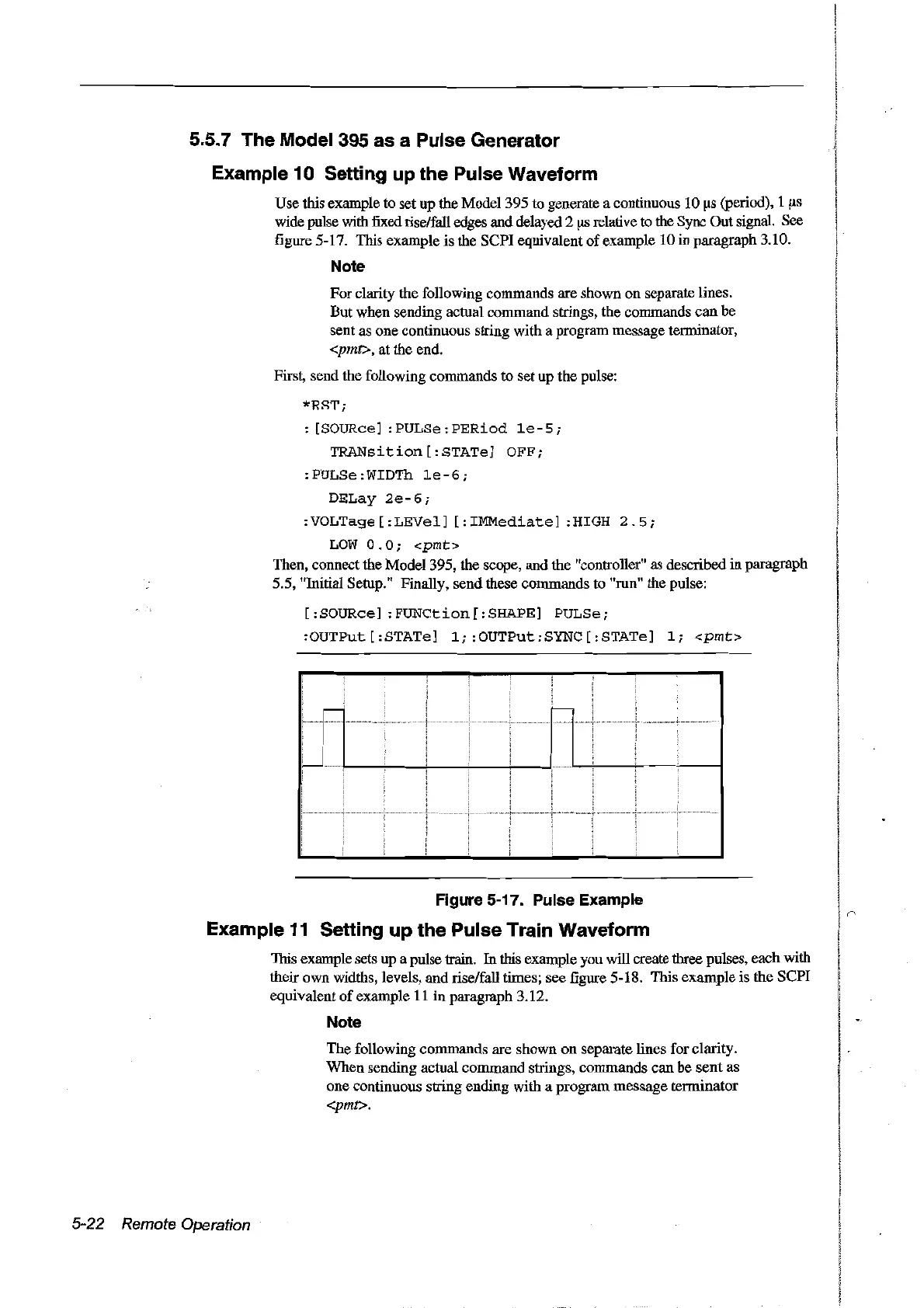
Use this example to set up the
Model395
to generate a continuous 10
Ils
(peciod), 1
Ils
wide pulse with fixed cise/faU edges and delayed2
flS
relative to the Sync Out signal. See
figure 5-17. This example is the SCPI equivalent
of
example 10 in paragraph 3.10.
Note
For clarity the following commands are shown
on
separate lines.
But when sending actual command strings, the commands
can
he
sent as one continuous string with a program message terminator,
<pmt>, at the end.
First, send the following commands to set up the pulse:
*Rii'T';
: [SOURce]
:PULSe:PERiod
1e-5;
TRANsition
[:STATe] OFF;
:PULSe:WIDTh
1e-6;
DELay
2e-6;
:VOLTage
[:LEVel]
[:IMMediate]
:HIGH
2.5;
LOW
0.0;
<pmt>
Then, connect the Model 395, the scope, and the "controller" as descrihed in paragraph
5.5, "Initial Setup." Finally, send these commands to "mn" the pulse:
[:SOURce]
:FUNCtion[:SHAPE]
PULSe;
:OUTPut [:STATe]
l;:OUTPut:SYNC[:STATe]
li
<pmt>
:
-
c--
.......
:
Figure 5-17. Pulse Example
Example
11
Setting up the Pulse Train Waveform
This example sets up a pulse train.
In
this example you will create three pulses, each with
their own widths, levels, and cise/faU times; see figure 5-18. This example is the SCPI
equivalent
of
example
Il
in
paragraph 3.12.
Note
The following commands are shown
on
separate lines for clarity.
When sending actual
command
strings, commands can he
sent
as
one continuous string ending with a program message terminator
<pmt>.
5-22 Remote Operation
Artisan Technology Group - Quality Instrumentation ... Guaranteed | (888) 88-SOURCE | www.artisantg.com



 To Next Page