4.4.6 MODE
Modes set the operating state
of
the Mode1395. The Model 395 supports four modes
of
operation: continuous, sweep, gated, and triggered. The triggered
and
gated modes
require trigger signaIs to activate the selected waveform; see Triggering.
To
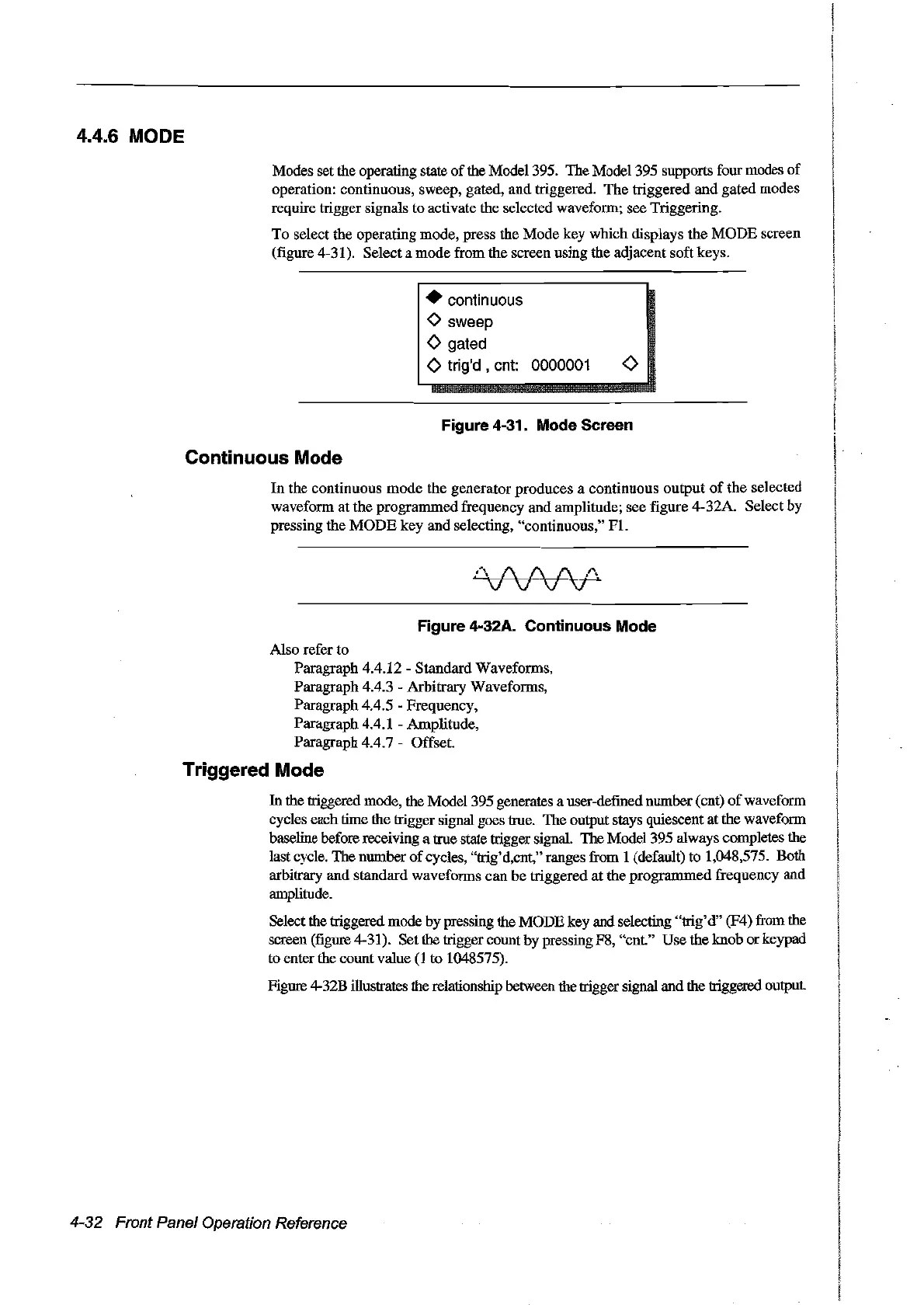
select the operating mode, press the Mode key which displays the MODE screen
(figure 4-31). Select a mode from the screen using the adjacent soft keys.
• continuous
o sweep
<>
gated
<>
trig'd ,cnt: 0000001
<>
Figure 4-31. Mode Sereen
Continuous Mode
In
the continuous mode the generator produces a continuous
output
of
the selected
waveform at the programmed frequency and amplitude; see figure 4-32A. Selectby
pressing the
MODE
key and se1ecting, "continuous,"
FI.
D
/\
1\
1\.
l"'~
V V
VV
Figure 4-32A. Continuous Mode
Also refer to
Paragraph 4.4.12 Standard Waveforms,
Paragraph 4.4.3 - Arbitrary Waveforms,
Paragraph 4.4.5 - Frequency,
Paragraph 4.4.1 - Amplitude,
Paragraph 4.4.7 - Offset.
Triggered Mode
In
the triggered mode, the Model395 generates a user-defined nurnber (cnt)
of
waveform
cycles each time the trigger signal goes true. The output stays quiescent
at
the waveform
baseline before receiving a true state trigger signal. The Model 395 always completes the
last cycle. The number
of
cycles, "trig'd,cnt," ranges from 1 (default) to 1,048,575. Both
arbitrary and standard waveforms can be triggered
at
the programmed frequency and
amplitude.
Selectthe triggered mode by pressing the MODE key and selecting "trig'd" (F4) from the
screen (figure 4-31). Set the trigger count by pressing F8, "cnt." Use the knob or keypad
to enter the count value
(1
to 1048575).
Figure
4--
32B illustrates the relationship between the trigger signal and the triggered output.
4-32 Front Panel Operation Reference
Artisan Technology Group - Quality Instrumentation ... Guaranteed | (888) 88-SOURCE | www.artisantg.com



 To Next Page