Gated
Waveform~~~
f'\
-~.
1
:V:V
1 1
1 1
1 1
1 1
Trigger 1 ( 1
Signal 1
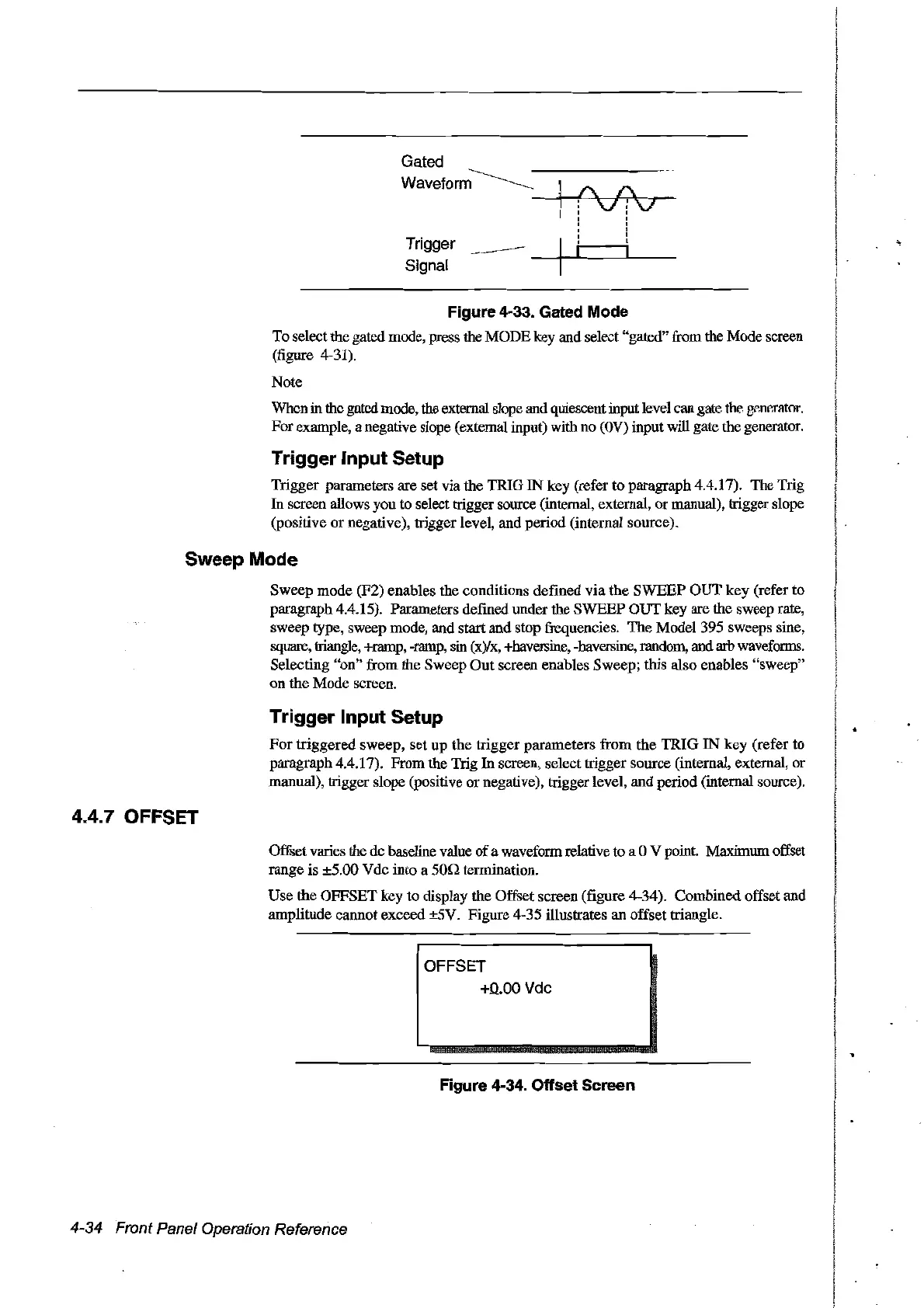
Figure 4-33. Gated Mode
To selectthe gated mode, press the MODEkey and select "gated" from the Mode screen
(figure 4-31).
Note
Whenin thegntcd mode, the extern31slope and quiescent input level can gate
the
g~m~mtor.
Forexample, a negative slope (external input) with no
(OV)
input will gate the generator.
Trigger Input Setup
Trigger parameters are set via the TRIG
IN
key (refer to paragraph 4.4.17). The Trig
In
sereen allows you to select trigger source (internal, external, ormanual), trigger slope
(positive
or
negative), trigger level, and period (internaI source).
SweepMode
Sweep
mode (F2) enables the conditions defined
via
the
SWEEP
OUT
key (refer to
paragraph 4.4.15). Parameters defined under the SWEEP
OUT
key are the sweep rate,
sweep type, sweep mode, and start and stop frequencies.
The
Model 395 sweeps sine,
square, triangle, +ramp, -ramp,
sin
(x)/x, +haversine, -haversine, random, and
arb
waveforms.
Selecting
"on"
from the Sweep
Out
sereen enab1es Sweep; this also enables "sweep"
on
the
Mode sereen.
Trigger Input Setup
For
triggered
sweep,
set
up
the
trigger
parameters
from
the
TRIG
IN
key
(refer to
paragraph 4.4.17).
From
the Trig In sereen, select trigger source (internal, external,
or
manual), trigger slope (positive
or
negative), trigger level, and period (internal source).
4.4.7 OFFSET
Offset varies the de baseline value
of
a waveform relative ta a 0 V point. Maximum offset
range is ±5.00 Vde into a
son
termination.
Use
the OFFSET key to display the Offset sereen (figure 4-34). Combined offset and
amplitude eannot exeeed ±5V. Figure 4-35 illustrates an offset triangle.
OFFSET
+0.00
Vdc
Figure 4-34. Offset Sereen
4-34 Front Panel Operation Reference
Artisan Technology Group - Quality Instrumentation ... Guaranteed | (888) 88-SOURCE | www.artisantg.com



 To Next Page