2.7 ERROR MESSAGES
Sorne front panel entries may cause error
or
information messages to appear
on
the
display.
2.8 FUNCTIONAL CHECKOUT
The functional checkout provides a quick method
of
verifying the Model 395 operation.
The only test equipment required is an oscilloscope (Tektronix 2445 - dual channel
or
equivalent), and the appropriate cables and loads.
Continuous Mode Check
1.
Connect the Model 395 to the primary power source. Leave
aU
cables
disconnected. See Initial Turn-On in this section.
2. Turn on the Model 395 by pushing in the POWER switch.
At
power on, the Model 395 displays its start up screen (figure 2-4).
Wavetek
Madel 395
(for assistance,
press HELP)
Figure 2-4.
Model395
Slart Up Sereen
3. Press the RESET key, and from the InstrumentReset screen press F3
to
reset aIl
parameters. Then press
F8
to
confmn
reset.
4. Press the
MAIN
OUT
key
to
turn
on
the
Main
Output.
Main
Out
indicator
remains on.
5. Press the SYNC
OUT
key. From the Sync Output Setup screen, press F2 twice
to turn the Sync Output on ("output: on").
Observe: Scope displays a 1Vp sine wave at 1kHz (Main
Out
musthe terrninated
into
50n).
Sweep Mode Check
Press the MODE key.
From
the Mode screen, press F2 "sweep."
Observe: Scope displays a sweep
of
the frequency from 1kHz to
10kHz.
Gated Mode Check
Press
the
MODE
key.
From
the
Mode
screen, press
F3
"gated."
Press the
STANDARD
key,
and
then
rotate the knob;
select
the
softkey
to
select
"triangle."
This check uses the
Model395's
internal trigger source whichis prograrnmed
to
5 ms.
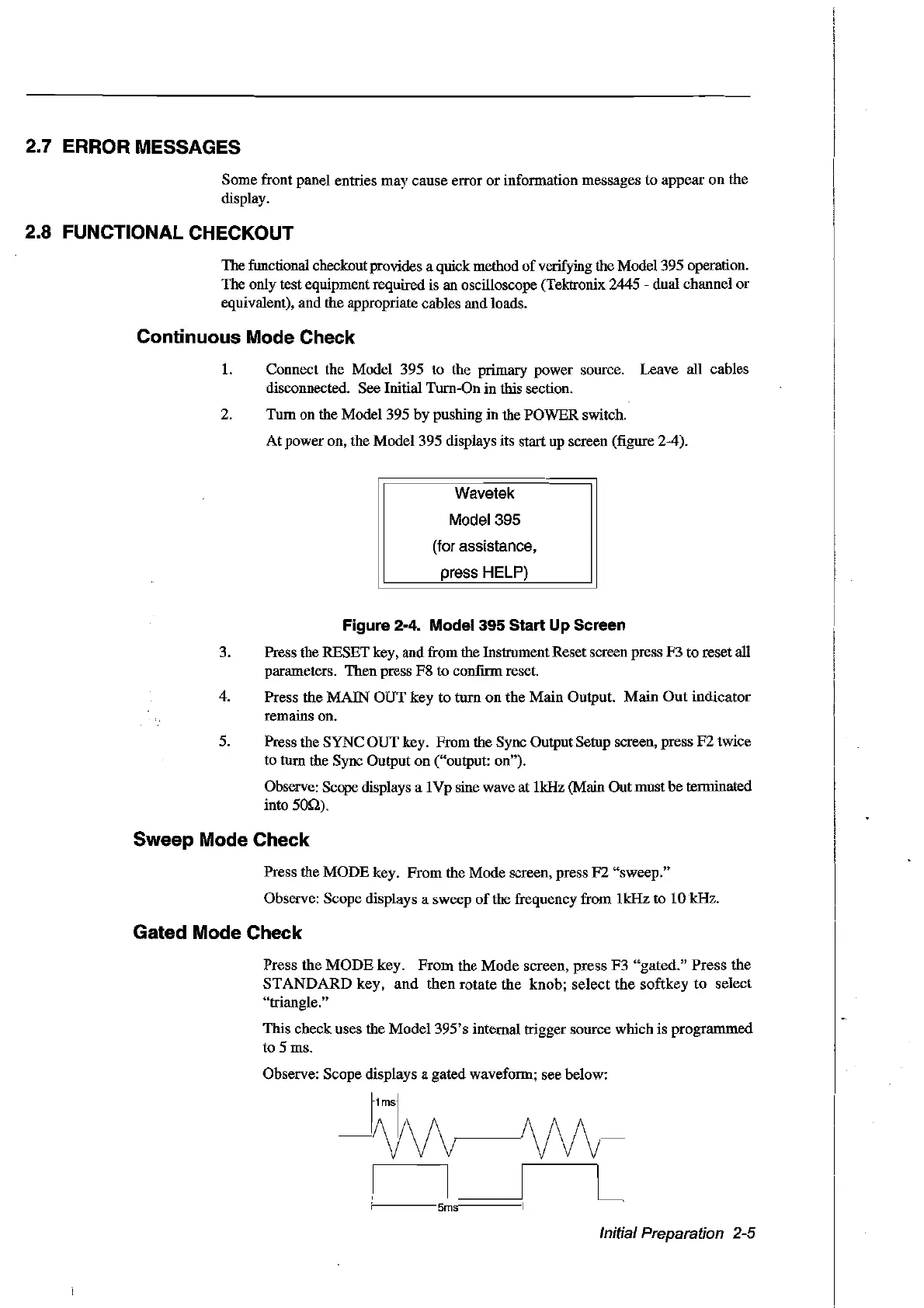
Observe: Scope displays a gated waveform; see below:
~lmsl
m~M-
Initial Preparation 2-5
Artisan Technology Group - Quality Instrumentation ... Guaranteed | (888) 88-SOURCE | www.artisantg.com



 To Next Page