Set the percentage to
50
%Vp-p by pressing:
ENTER
( 5
-J]
(,,--_0
----.l']
0
Press F4, "exit," to
retum
to the Standard
Wavefonn
screen.
Step 8 Viewing Signal To Noise
To
view signal to noise, first connectthe scope and Model 395 as described
in
paragraph
3.5.
STANDARD WAVEFORMS
<>
comb setup 0
• sig+noise setup 0
<>
sig+comb setup 0
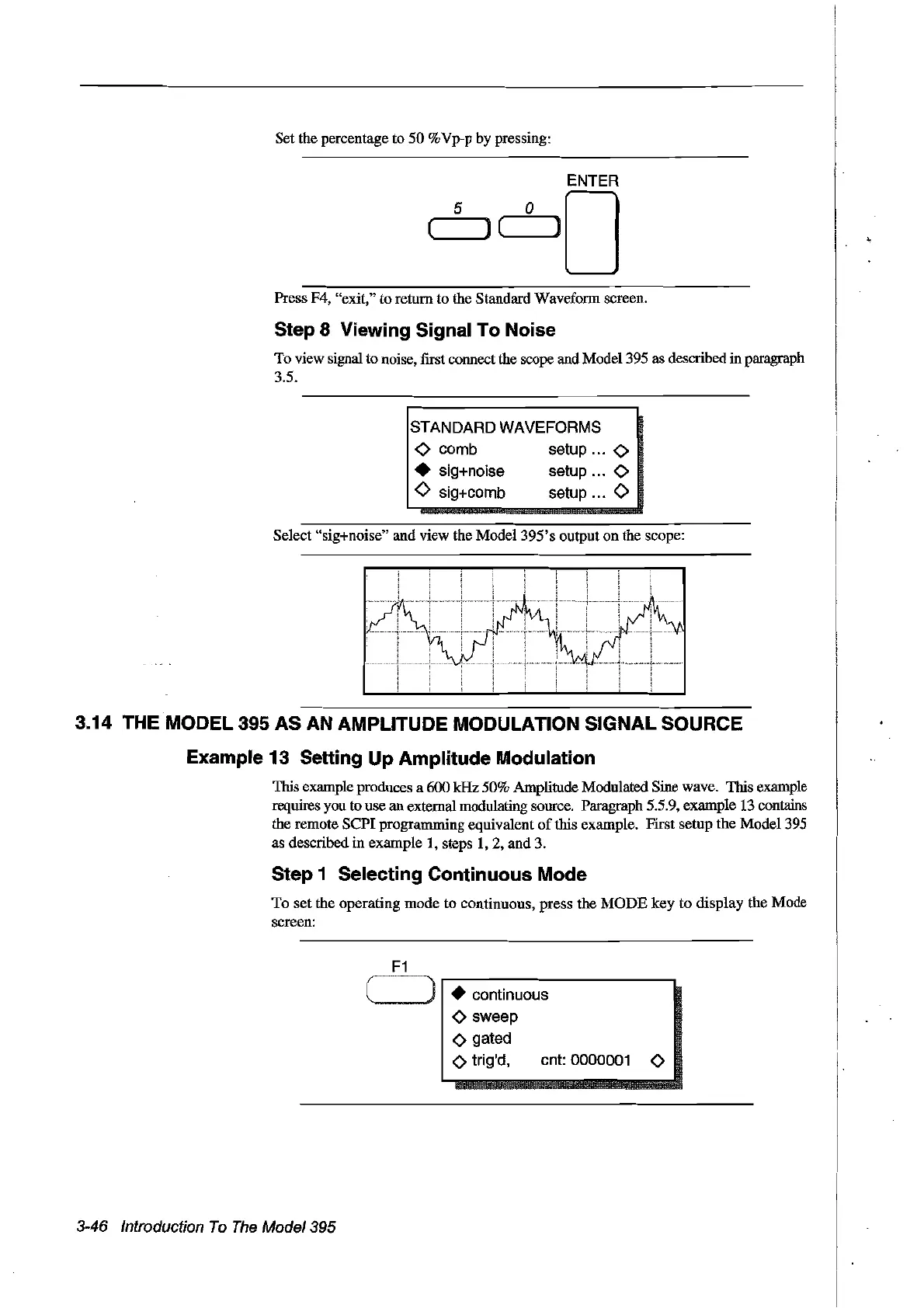
Select "sig+noise" and view the Model
395'
s output
on
the scope:
3.14 THE
MODEl
395 AS
AN
AMPLITUDE MODULATION SIGNAL SOURCE
Example 13 Setting Up Amplitude Modulation
This example produces a 600 kHz 50% Amplitude Modulated Sine wave. This example
requires you to use an extemal modulating source. Paragraph 5.5.9, example 13 contains
the remote
SePI
programming equivalent
of
this example. First setup the
Model
395
as
described
in
example 1, steps
1,2,
and
3.
Step 1 Selecting Continuous Mode
To
set
the operating
mode
to continuous, press the
MODE
key
to
display
the Mode
screen:
• continuous
o sweep
o gated
o trig'd, cnt:
0000001
0
3-46 Introduction
To
The
Model395
Artisan Technology Group - Quality Instrumentation ... Guaranteed | (888) 88-SOURCE | www.artisantg.com



 To Next Page