1
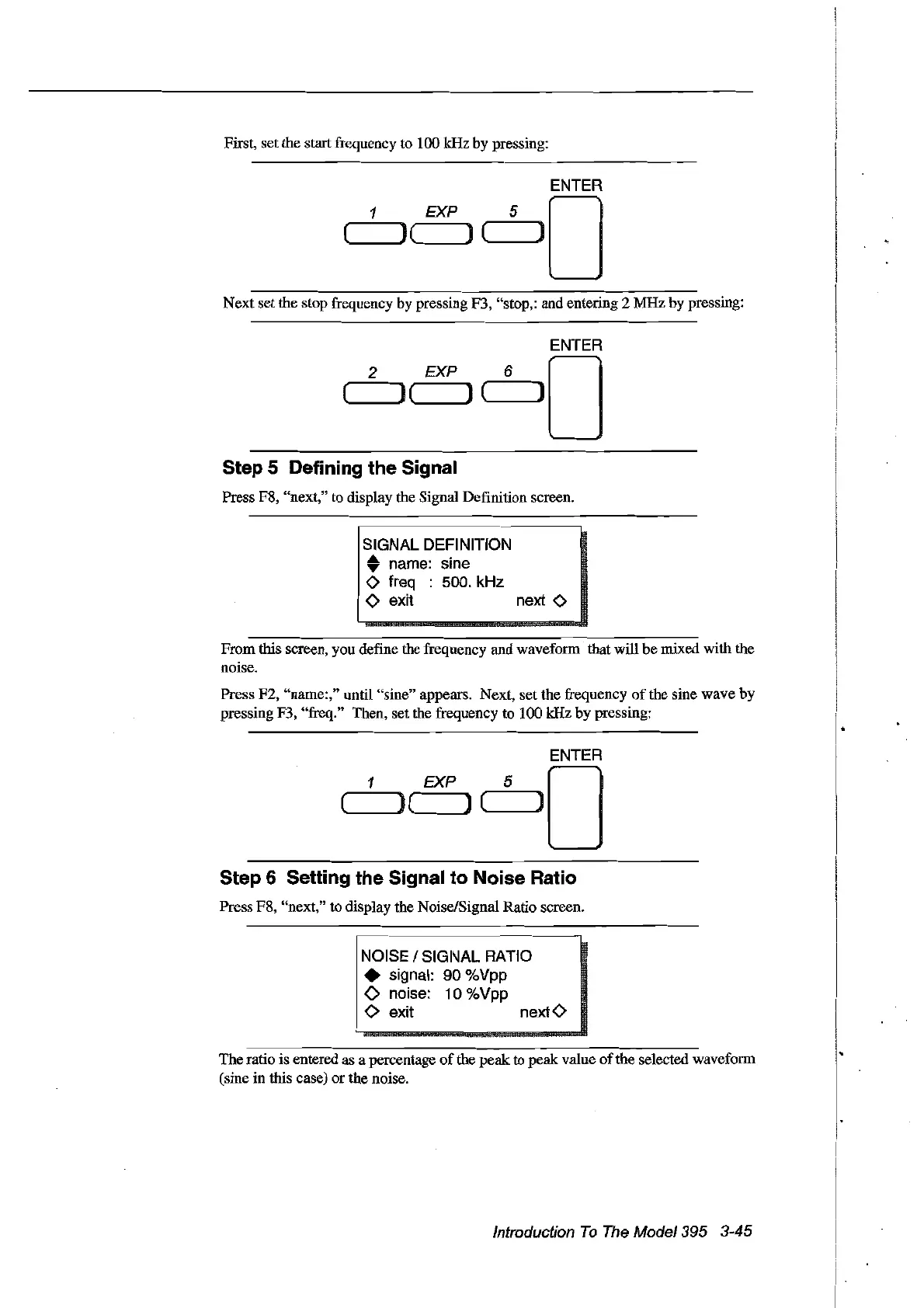
First, set the start frequency to 100 kHz by pressing:
ENTER
EXP 5 0
('--~)(
)
(------]
Next set the stop frequeney by pressing F3, "stop,: and entering 2 MHz by pressing:
ENTER
2 EXP 6 0
( ) ( ] (
----JI]
Step 5 Defining the Signal
Press F8, "next," to display the Signal Definition sereen.
SIGNAL DEFINITION
• name: sine
o freq : 500. kHz
o exit next 0
Fromthis sereen, you define the frequeney and waveform that will
be
rnixed with the
noise.
Press F2, "name:," until "sine" appears. Next, set the frequency
of
the sine wave by
pressing F3, "freq." Then, set the frequency to 100 kHz by pressing:
ENTER
1 EXP 5 0
( ) ( ) ('-------il]
Step 6 Setting the Signal to Noise Ratio
Press F8, "next," to display the Noise/Signal Ratio sereen.
NOISE 1SIGNAL RATIO
• signal: 90 %Vpp
o noise: 10 %Vpp
o exit nextO
The ratio is entered as a percentage
of
the
peak
to peak value
of
the selected waveform
(sine in this case)
or
the noise.
Introduction
To
The
Model395 3-45
Artisan Technology Group - Quality Instrumentation ... Guaranteed | (888) 88-SOURCE | www.artisantg.com



 To Next Page