4.4.12.16 Signal Plus Noise
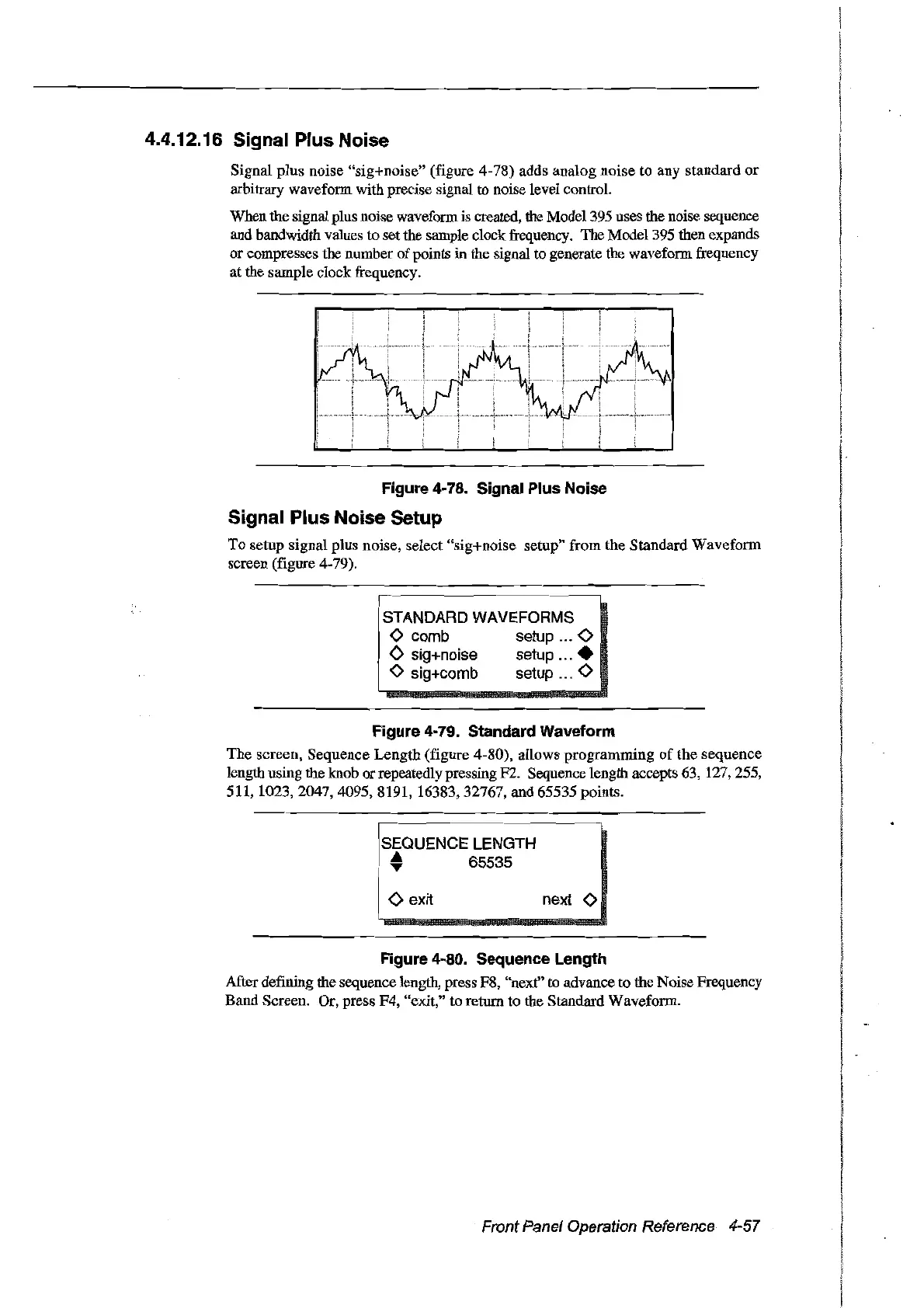
Signal plus noise "sig+noise" (figure 4-78) adds analog noise to any standard
or
arbitrary waveform with precise signal to noise level control.
When the signal plus noise waveform is created, the Model 395 uses the noise sequence
and bandwidth values to set the sample
dock
ftequency. The Model395 then expands
or
compresses the number
of
points in the signal to generate the waveform ftequency
at the sample
dock
ftequency.
Figure
4~
78. Signal Plus Noise
Signal Plus Noise Setup
Ta setup signal plus noise, select "sig+noise setup"
ftom
the Standard Waveform
screen (figure 4-79).
I
W_.~.~~.
__
._.
__
._~._~~_
STANDARD WAVEFORMS
o comb setup ... 0
<>
sig+noise setup
...•
1 0 sig+comb setup ... 0
1
Figure
4~79.
Standard Waveform
The screen, Sequence Length (figure 4-80), allows programming
of
the sequence
length using the knob
or
repeatedly pressing F2. Sequence length accepts 63, 127,255,
511, 1023,
2047,4095,8191,
16383,32767, and 65535 points.
I:
~QUEN~~~
LE~~T~
-~-~-
• 65535
<>
exit next 0
Figure
4~80.
Sequence Length
After defming the sequence length, press
FS,
"next" to advance to the Noise Frequency
Band Screen. Or, press F4, "exit," to retum to the Standard Waveform.
Front Panel Operation Reference 4-57
Artisan Technology Group - Quality Instrumentation ... Guaranteed | (888) 88-SOURCE | www.artisantg.com



 To Next Page