Restore Last Setup
Press
F3,
"restore last setup," al10ws the Model 395 to power up to the instrument
conditions at powered off.
Reeall Startup
Press
F4,
'recal1
"startup",'
to use a stored setting named
"startup"
for power on
conditions. Create the stored setting "startup" from the SETUP screens; paragraph
4.4.11.
System Information
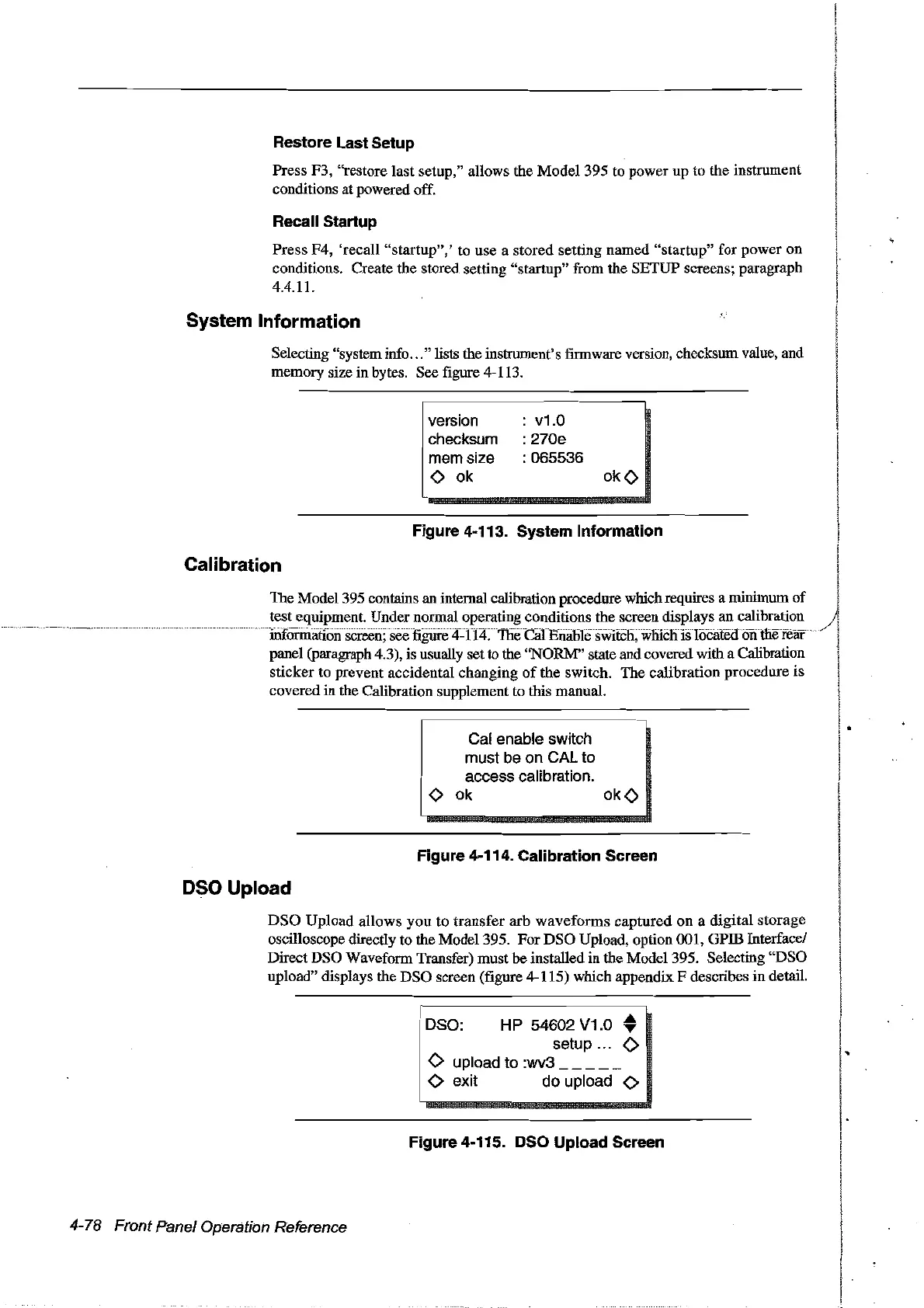
Selecting "system info
...
" lists the instrument's firmware version, checksum value, and
memory size in bytes. See figure 4-113.
version
checksum
mem size
<>
ok
v1.0
: 270e
: 065536
okO
Figure 4-113. System Information
Calibration
The Model 395 contains an internal calibration procedure which requires a minimum
of
test equipment. Under normal operating conditions the screen displays an calibration
./
screen; see
mhj"h
j"
1()('~rPI
. on me rear
panel (paragraph 4.3), is usually set to the "NORM" state and covered with a Calibration
sticker to prevent accidentaI changing
of
the switch.
The
calibration procedure is
covered
in
the Calibration supplement to this manual.
Cal enable switch
must be on
CAL to
access calibration.
<>
ok
okO
Figure 4-114. Calibration Sereen
osa Upload
DSO
Upload
al10ws
you
to
transfer
arb
waveforms
captured
on a digital storage
oscilloscope directly to the Madel 395. For
DSO
Upload, option 001, GPffi Interface!
Direct DSO Waveform Transfer) must he installed in the Madel 395. Selecting "DSO
upload" displays the DSO screen (figure 4-115) which appendix F describes
in
detaiL
1 DSO:
HP
54602 V1.0 •
setup ...
<>
.
<>
upload to :wv3
1
<>
exit do upload
<>
Figure 4-115. osa
Upload
Sereen
4-78 Front Panel Operation Reference
Artisan Technology Group - Quality Instrumentation ... Guaranteed | (888) 88-SOURCE | www.artisantg.com



 To Next Page