Step 7 Programming Pulse Delay
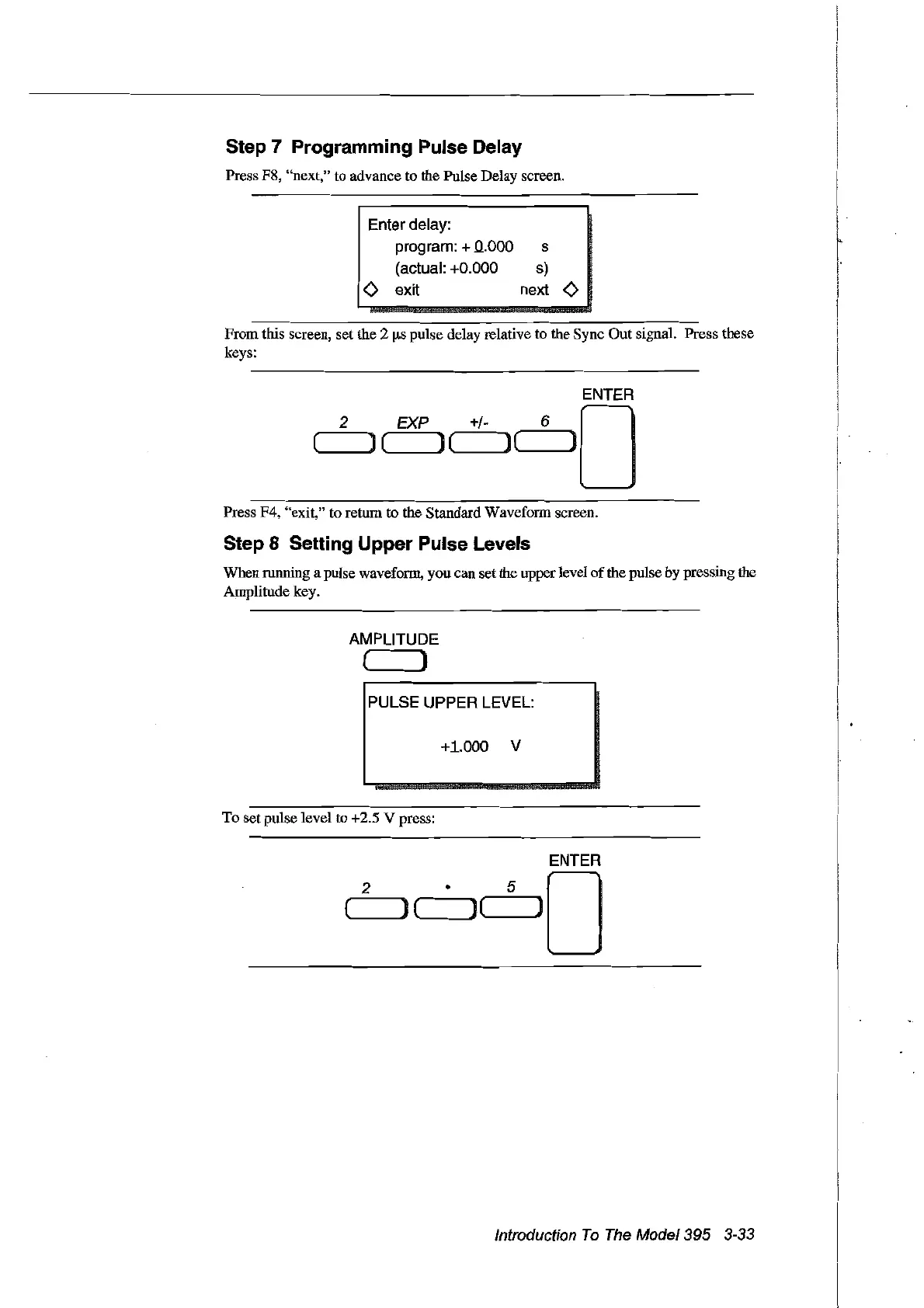
Press F8, "next," to advance to the Pulse Delay screen.
Enter delay:
program: + 0.000
(actual: +0.000
Ô exit
s
s)
next Ô
2
From this screen, set the 2
ilS
pulse delay relative to the Sync Out signal. Press these
keys:
ENTER
EXP +/- 6 0
(",,-----JI]
( ) ( )
('--~)
Press F4, "exit," to return to the Standard Waveform screen.
Step 8 Setting Upper Pulse Levels
When running a pulse waveform, you can setthe upper level
of
the pulse by pressing the
Amplitude key.
AMPLITUDE
( )
PULSE UPPER LEVEL:
+1.000 V
To set pulse level to +2.5 V press:
ENTER
2
• 5
)0
(
)(
J(
Introduction
To
The
Model395 3-33
Artisan Technology Group - Quality Instrumentation ... Guaranteed | (888) 88-SOURCE | www.artisantg.com



 To Next Page