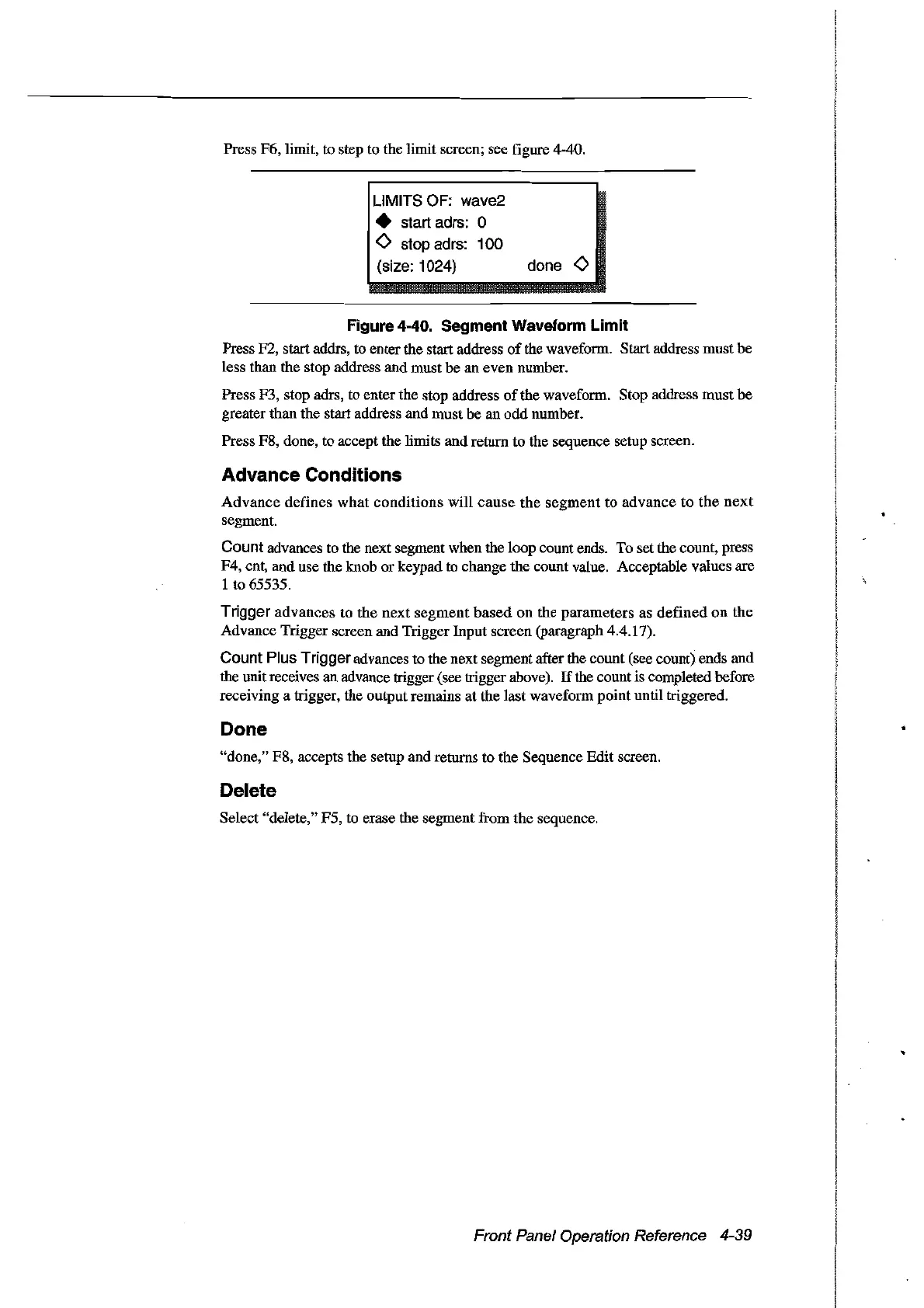
Press F6, limit, to step to the limit screen; see figure 4-40.
LlMITS
OF:
wave2
• start adrs: 0
o stop adrs: 100
(size: 1024) do
ne
0
Figure 4-40. Segment Waveform Limit
Press F2, start addrs, to enter the start address
of
the waveform. Start address must be
less than the stop address and must be an even number.
Press stop adrs, to enter the stop address
of
the waveform. Stop address
must
be
greater than the start address and must be an
odd
number.
Press F8, done, to accept the limits andreturn to the sequence setup screen.
Advance Conditions
Advance
defines
what
conditions
will
cause
the
segment
to
advance
to
the
next
segment.
Count advances to the next segment when the loop count ends. To set the count, press
F4, cnt, and use the knob or keypad to change the count value. Acceptable values are
1
to
65535.
Trigger
advances
to
the
next
segment
based
on the
parameters
as
defined
on
the
Advance Trigger screen and Trigger Input screen (paragraph 4.4.17).
Count Plus Triggeradvances to the next segment after the count (see count) ends and
the unit receives an advance trigger (see trigger above).
If
the count is completed before
receiving a trigger, the output remains
at
the
last
waveform point until triggered.
Done
"done," F8, accepts the setup and returns to the Sequence
Edit
screen.
Delete
Select "delete," F5, to erase the segment from
the
sequence.
Front Panel Operation Reference 4-39
Artisan Technology Group - Quality Instrumentation ... Guaranteed | (888) 88-SOURCE | www.artisantg.com



 To Next Page