Press F3, "noise," to change the peakto peak value (programmable between l % and
99%)
of
the noise using the knob or keypad. Increasing the value decreases the signal
value and via versa.
Press F4, "exit," to return to the Standard Waveform screen, orpress F8, "next,"
to
step
to the Sequence Length screen.
Signal Plus Noise Output
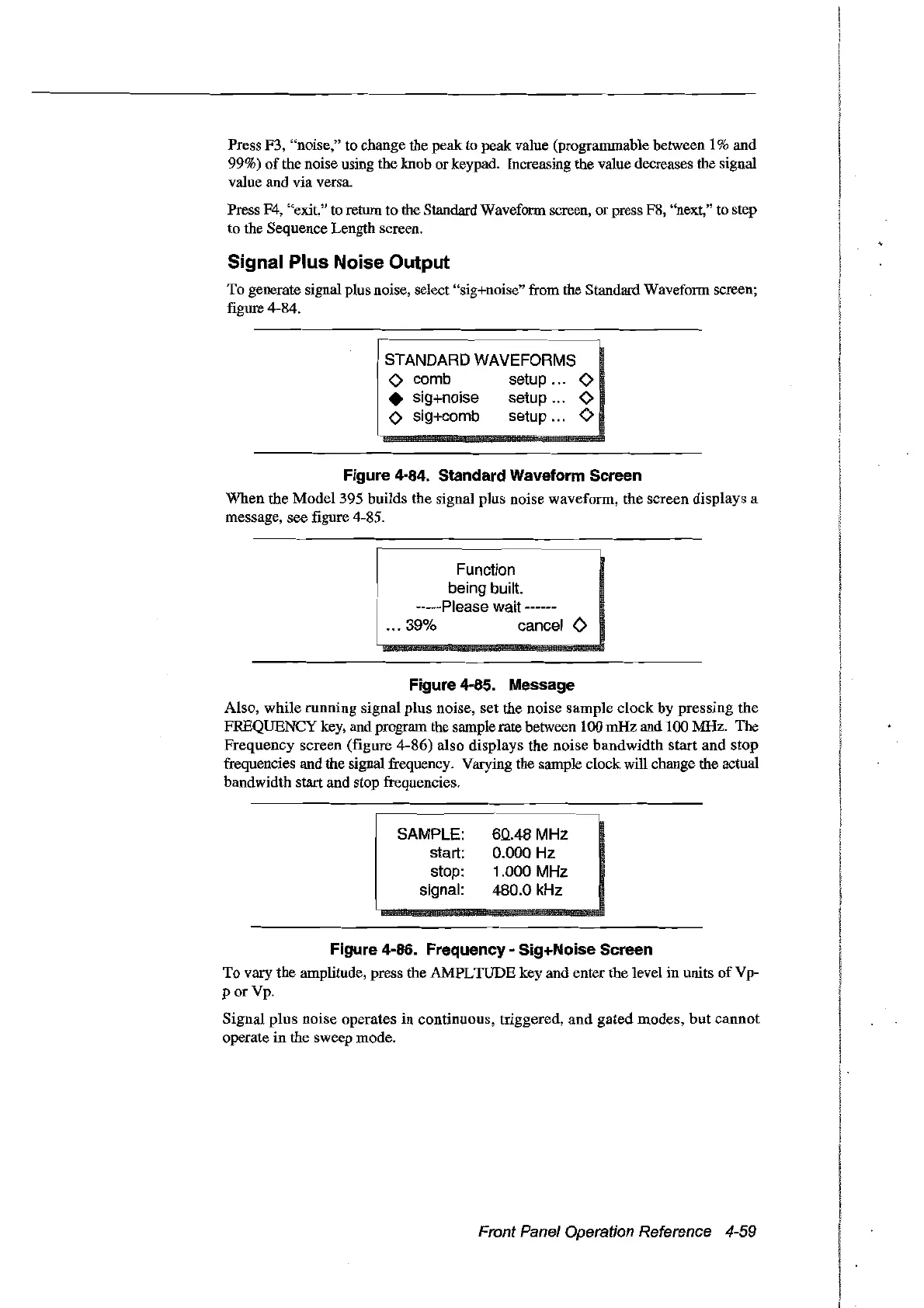
To generate signal plus noise, select "sig+noise" from the Standard Waveform screen;
figure 4-84.
STANDARD WAVEFORMS
o comb setup 0
• sig+noise setup 0
o sig+comb setup 0
Figure 4-84. Standard Waveform Sereen
When the Model 395 builds the signal plus noise waveform, the screen displays a
message, see figure 4-85.
Function
being built.
-----Please wait ------
... 39% cancel
0
Figure 4-85. Message
Also, while running signal plus noise, set the noise sample clock by pressing
the
FREQUENCY key, and program the sample rate between 100 mHz and 100 MHz. The
Frequency
screen (figure 4-86) also displays the noise bandwidth start and stop
frequencies and the signal frequency. Varying the sample clock will change the actual
bandwidth start and stop frequencies.
SAMPLE:
start:
stop:
signal:
6.0..48
MHz
0.000
Hz
1.000
MHz
480.0
kHz
Figure 4-86. Frequeney - Sig+Noise Sereen
To
vary the amplitude, press the AMPLTUDE key and enter the level
in
units
ofVp-
porVp.
Signal
plus
noise operates
in
continuous, triggered,
and
gated
modes,
but
cannot
operate
in
the sweep mode.
Front Panel Operation Reference 4-59
Artisan Technology Group - Quality Instrumentation ... Guaranteed | (888) 88-SOURCE | www.artisantg.com



 To Next Page