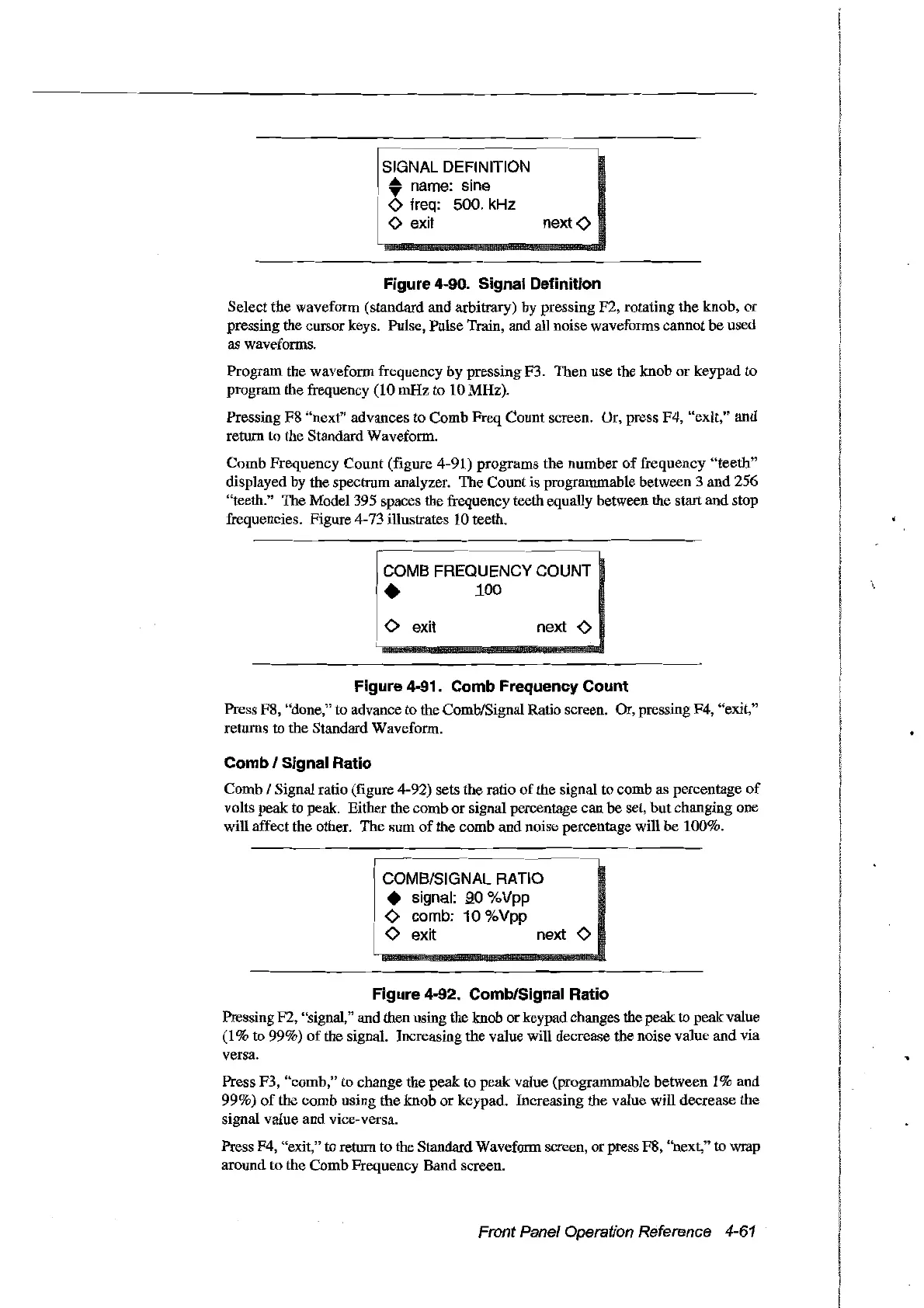
Figure 4-90. Signal Definition
Select the waveform (standard and arbitrary) by pressing F2, rotating the knob,
or
pressing the cursor keys. Pulse, Pulse Train, and all noise waveforms cannot
be
used
as waveforms.
Program the waveform frequency by pressing F3. Then use the knob
or
keypad to
program the frequency (10 mHz to 10MHz).
Pressing F8 "next" advances to Comb Freq Count screen. Ur, press F4, "exit," and
return to the Standard Waveform.
Comb
Frequency
Count
(figure 4-91) programs the
number
of
frequency
"teeth"
displayed by the spectrum analyzer. The Count is programmable between 3 and 256
"teeth." The Model 395 spaces the frequency teeth equally between the start and stop
frequencies. Figure 4-73 illustrates 10 teeth.
COMB FREQUENCY COUNT
•
100
o exit
next
<>
Figure 4-91. Comb Frequency Count
Press F8, "done," to advance to the Comb/Signal Ratio screen. Or, pressing F4, "exit,"
returns to the Standard Waveform.
Comb / Signal Ratio
Comb / Signal ratio (figure 4-92) sets the ratio
of
the signal to comb as percentage
of
volts peak to peak. Either the comb or signal percentage can be set, but changing one
will affect the other. The sum
of
the comb and noise percentage will
be
100%.
COMB/SIGNAL RATIO
• signal:
.90
%Vpp
<>
comb: 10 %Vpp
<>
exit next
<>
Figure 4-92. Comb/Signal Ratio
Pressing F2, "signal," and then using the knob orkeypad changes the peak
10
peakvalue
(1
% to 99%)
of
the signal. Increasing the value will decrease the noise value and via
versa.
Press F3, "comb," to change the
peak
to peak value (programmable between 1% and
99%)
of
the comb using the knob
or
keypad. Increasing the value will decrease the
signal value and vice-versa.
Press F4, "exit,"
10
return to the Standard Waveform screen,
or
press F8, "next," to wrap
around to the Comb Frequency Band screen.
Front Panel Operation Reference 4-61
Artisan Technology Group - Quality Instrumentation ... Guaranteed | (888) 88-SOURCE | www.artisantg.com



 To Next Page