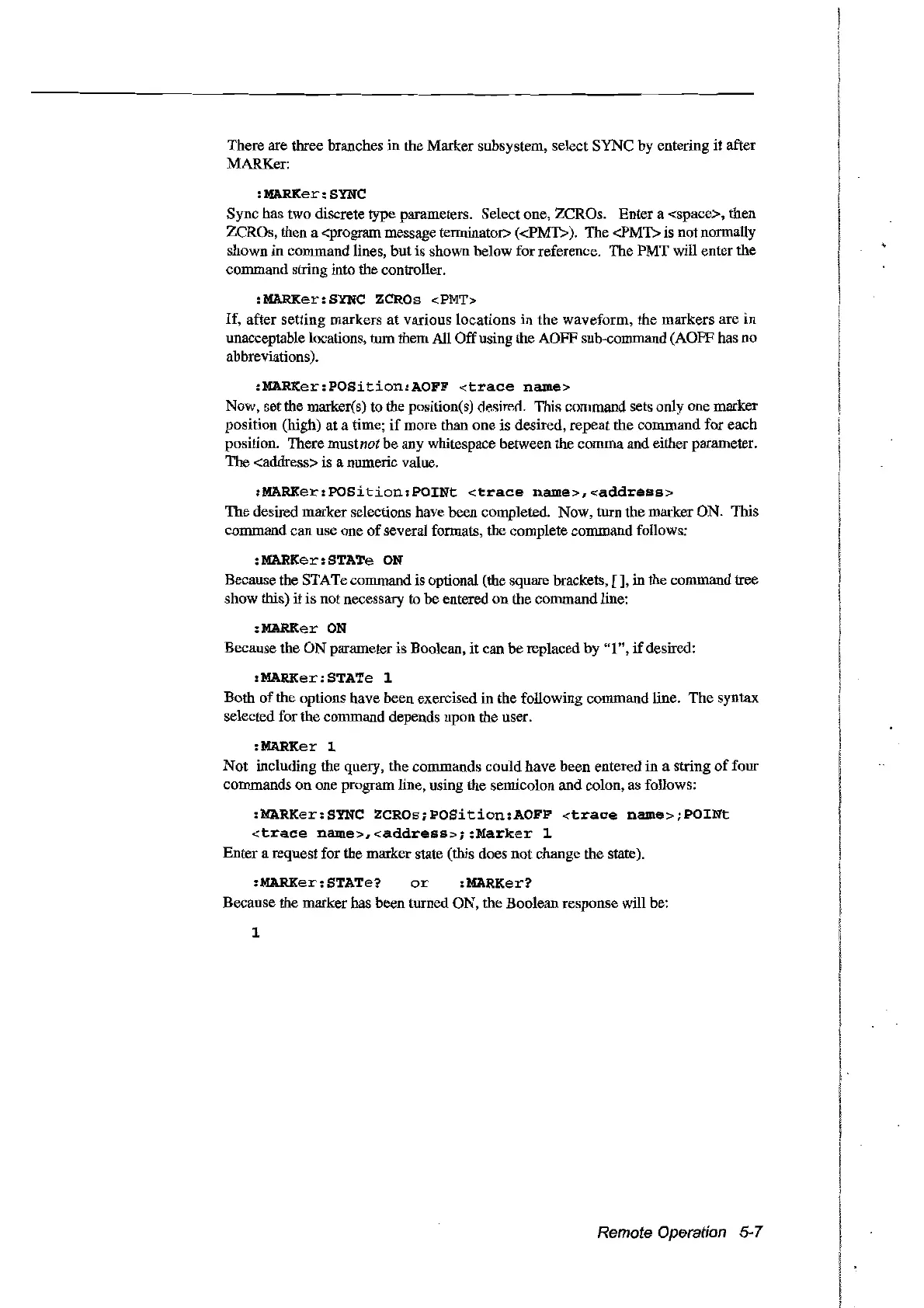
There are three branches in the Marker subsystem, select
SYNC
by
entering
it
after
MARKer:
:MARKer:SYNC
Sync has two discrete type parameters. Select one, ZCROs. Enter a <space>, then
ZCROs, then a <program message terminator>
«PMT».
The <PMT>
is
not normally
shown
in
command lines,
but
is shown below for reference. The PMT will enter the
command string into the controller.
:MARKer:SYNC ZCROs
<PMT>
If,
after
setting
markers
at
various
locations
in
the waveform, the
markers
are
in
unacceptable locations, tum them AlI Offusing the AOFF sub-command (AOFF bas no
abbreviations).
:MARKer:POSition:AOFF
<trace
name>
Now, setthe marker(s) to the position(s) desimn. This command sets only one marker
position (high) at a time;
if
more than
one
is desired, repeat the
command
for
each
position. There
mustnot
be
any whitespace between the commaand either parameter.
The
<address> is a numeric value.
:MARKer:POSition:POINt
<trace
name>,<address>
The desired marker selections have been completed. Now, turn the marker ON. This
command can use one
of
several formats, the complete command follows:
:MARKer:STATe
ON
Because the STATe command is optional (the square brackets,
[],
in the command tree
show this) it
is
not necessary to
be
entered
on
the command
Hne:
:MARKer
ON
Because the
ON
parameter is Boolean, it can be replaced by
"1",
if
desired:
:MARKer:STATe 1
Both
of
the options have been exercised in the following command line.
The
syntax
selected for the command depends upon the user.
:MARKer l
Not
including the query, the commands
could
have
been
entered in a string
of
four
commands
on
one program line, using the semicolon and colon, as follows:
:MARKer:SYNC
ZCROs;POSition:AOFF
<trace
name>;POINt
<trace
name>,<address>;:Marker
1
Enter a request for the marker state (this does not change the state).
:MARKer:STATe?
or
:MARKer?
Because the markerhas been turned ON, the Boolean response will be:
1
Remote Operation 5-7
Artisan Technology Group - Quality Instrumentation ... Guaranteed | (888) 88-SOURCE | www.artisantg.com



 To Next Page