Replacing the Dual microSD 64GB Enterprise
▶
Remove the defective Dual microSD 64GB Enterprise, see "Removing the
Dual microSD 64GB Enterprise" on page 323
.
▶
Remove both microSD cards from the defective Dual microSD 64GB
Enterprise.
Proceed as described in the following:
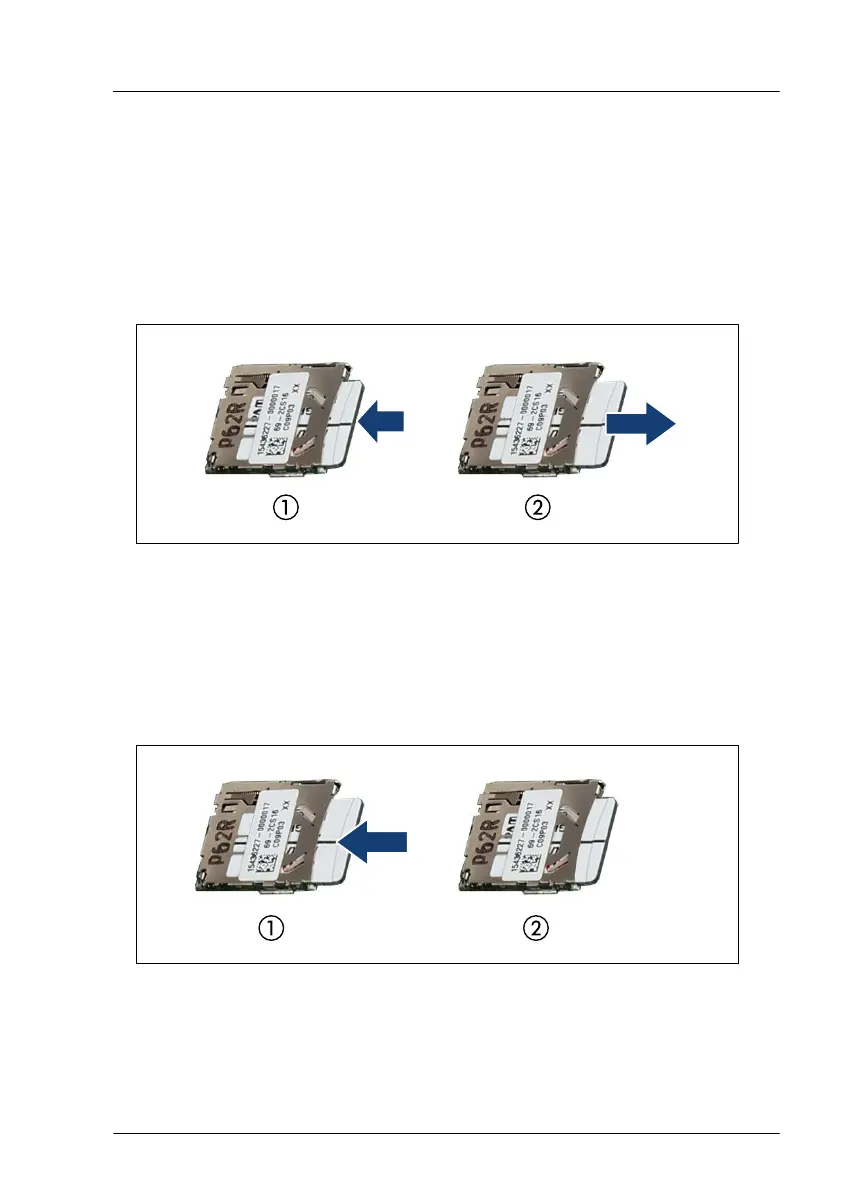
Figure 258: Removing the microSD card
▶
To eject the microSD card, gently push it in and then let go (1).
▶
Pull the microSD card straight out of its slot (2).
▶
Install both microSD cards on the new Dual microSD 64GB Enterprise.
Proceed as described in the following:
Figure 259: Installing the microSD card
▶
With the label facing up, insert the microSD card into the microSD slot on
the controller (1) until it locks in place (2).
System board and components
RX1330 M5 Upgrade and Maintenance Manual 325


 To Next Page
 Loading...