Accessories
Centrella® Smart+ Bed Instructions for Use Manual (193587 REV 10) 119
OXYGEN TANK HOLDER, E-SIZE (P276 AND P27601)
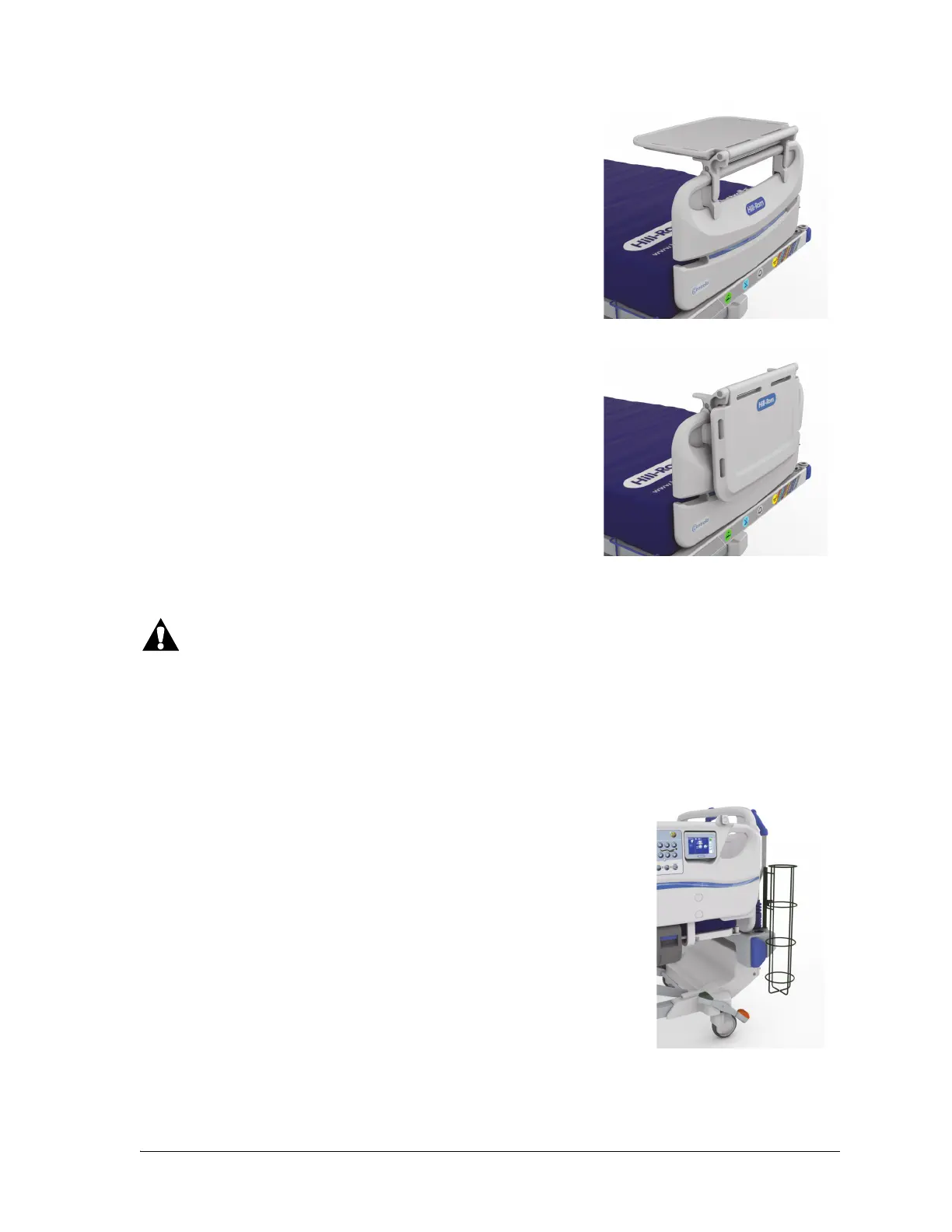
To Use
1. Make sure the foot section is flat.
2. Lift the shelf up and over the footboard toward the mattress
until the shelf stops in the horizontal position.
To Store
1. Remove all the equipment from the shelf, and connect the
hook and loop straps.
2. Lift the shelf up and over the footboard away from the
mattress until the shelf is flat against the footboard and is
locked in position.
To help prevent injury and/or equipment damage, obey these warnings:
• Warning—Failure to correctly attach the oxygen tank holder could cause it to drop. Injury or
equipment damage could occur.
• Warning—If the oxygen tank holder is placed at the foot end of the bed, make sure the Foot
and Knee Up/Down controls are locked out. Failure to do so can result in caregiver, patient, or
visitor injury if the foot section fully lowers and the holder becomes dislodged from the bed.
The oxygen tank holder holds one E size oxygen tank with a regulator. The
mount location lets the affixed oxygen tank holder pivot. The safe working
load of the oxygen tank holder is 14 kg (30 lb).
To Install
1. Install the mounting bar vertically into any of the equipment sockets
at either the head end or foot end of the bed.
2. Put the oxygen tank in the oxygen tank holder.
3. Tighten the holder thumbscrew to keep the oxygen tank in position.















 To Next Page