Graphical Caregiver Interface (GCI)® Controls
Centrella® Smart+ Bed Instructions for Use (193587 REV 10) 45
USE THE TOUCHSCREEN MENU CONTROLS
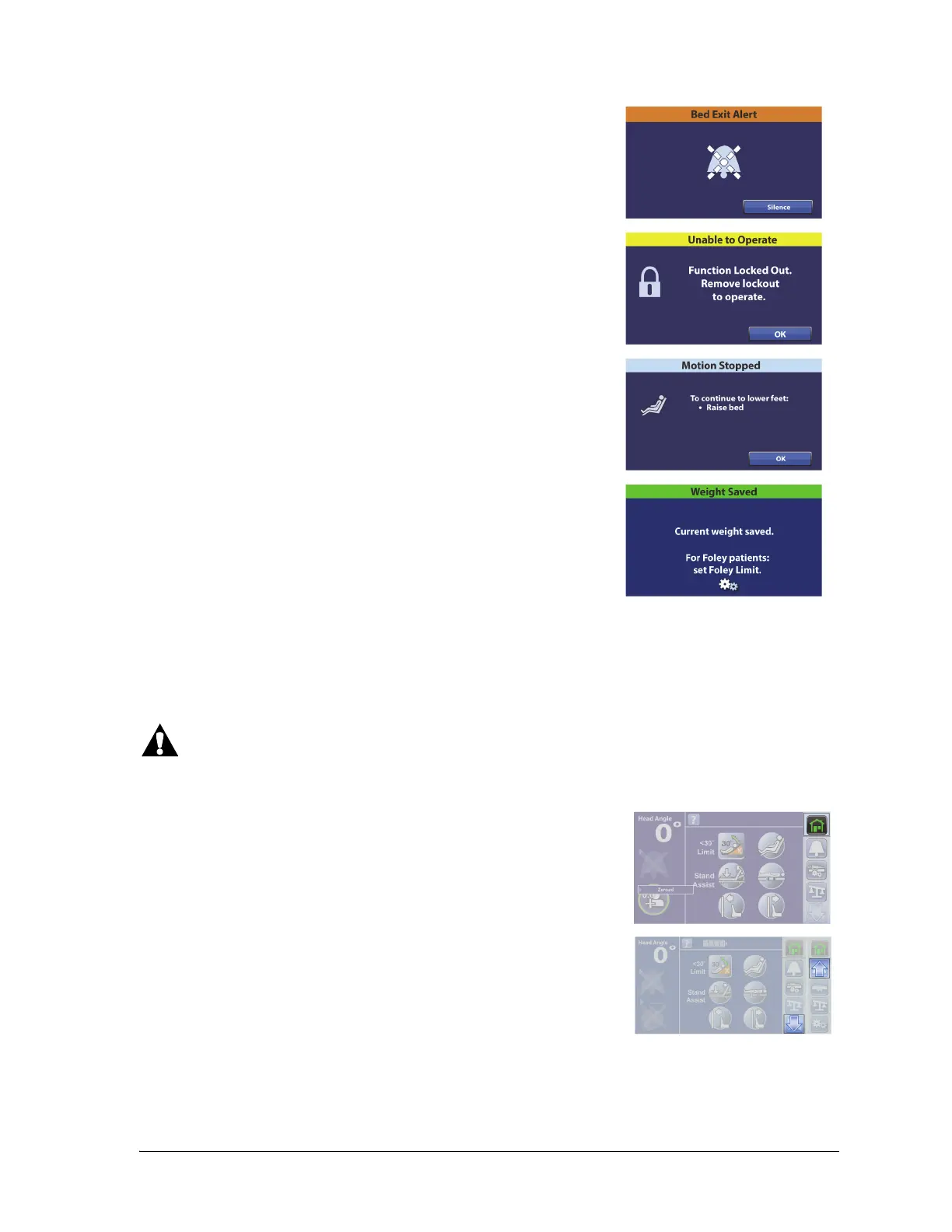
The color on the upper border of the screen indicates these:
•Orange = warning
• Yellow = caution
• Blue = instructions or information
• Green = task was successful
If a triple beep sounds, look at the touchscreen and follow the on-screen instructions.
Warning—Use care when you use the touchscreen menu controls, pressing a control inadvertently
may cause unexpected bed movement that may cause patient injury.
As you use the touchscreen’s menu controls and view the different
screens, you can press the Home menu control to return to the Home
screen.
To view additional menu controls, use the Up and Down arrow
controls.















 To Next Page