Bed Frame Features
Centrella® Smart+ Bed Instructions for Use (193587 REV 10) 23
To Lower a Siderail
Warning—When the bed is in its lowest position, make sure that your feet are out from under the
siderail before you lower the siderail. Otherwise, injury could occur.
To Raise a Siderail
1. Pull the siderail up, and push it in until it latches into the locked position. You will hear a click when
the siderail latches into the locked position.
2. After you hear the click, gently pull on the siderail to make sure it is latched correctly.
Caution—Do not use the siderails to move the bed. Always push or pull from the headboard or
footboard. Otherwise, equipment damage could occur.
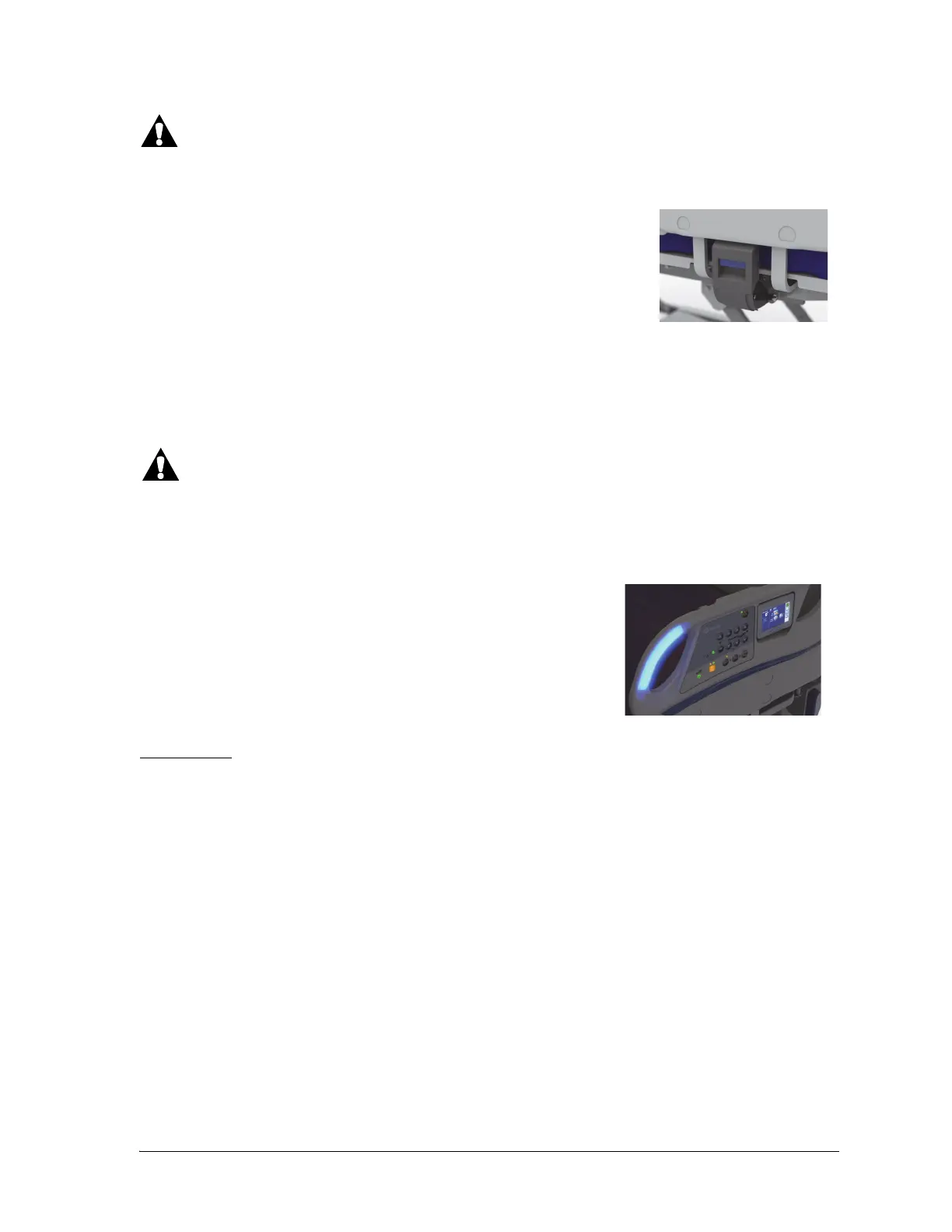
IllumiGuide® Siderail Handgrip Option
Lift up on the recessed blue release handle that is on the lower part of the
main siderail support. The siderail has a dampening mechanism that slowly
lowers the siderail.
Gently leaning into the siderail may make it easier to latch and unlatch in
some situations. For example, this may be helpful when siderail pads are
installed.
Beds equipped with the IllumiGuide® handgrip allow the patient to
easily find the grip location on the siderail when the patient gets back
into bed. The light will stay on for 15 minutes after the patient exits
the bed or 2 minutes after they return to the bed. The IllumiGuide®
handgrip also identifies the Bed Exit status. You can turn the light off
or on through the Settings menu control on the touchscreen. See
“IllumiGuide® Siderail Handgrip (blue light only)—ON/OFF” on page
68.
Light Status
Blue—the Bed Exit Alert is off and the patient has left the bed.
Flashing Amber—the Bed Exit Alert is on and is alerting.
Solid Amber—the active Bed Exit Alert is silenced and is waiting to re-arm.
Off—the Bed Exit Alert is off with the patient in bed, or the IllumiGuide® handgrip option has been
turned off.















 To Next Page