Troubleshooting
Centrella® Smart+ Bed Instructions for Use Manual (193587 REV 10) 133
TROUBLESHOOTING
Warning—Only facility-authorized persons should service the bed. Service done by unauthorized
persons could cause injury or equipment damage.
POWER LOSS
A power loss can occur under these conditions:
• The bed power cord has been unplugged from the AC power outlet.
• A power outage has occurred.
• A bed fuse has blown.
During a power loss, the bed can operate on battery backup. See “Battery Charging Indicators and
Battery Backup” on page 14.
When power is restored, the bed will resume operation at its previous state.
THE BED DOES NOT LOWER
Make sure of these:
• The bed is plugged into AC power or the battery is active.
• The Bed Down control is not locked out.
• There is nothing between the upper and the base frames.
• There is nothing between the Obstacle Detect® sensors on the base frame.
• The base covers with Obstacle Detect® sensors are installed correctly.
• The bed is not adjacent to a device that can cause electromagnetic (EM) interference with the
Obstacle Detect® System. See “Obstacle Detect® System” on page 35.
SPECIFICATIONS
Model Identification
NOTES:
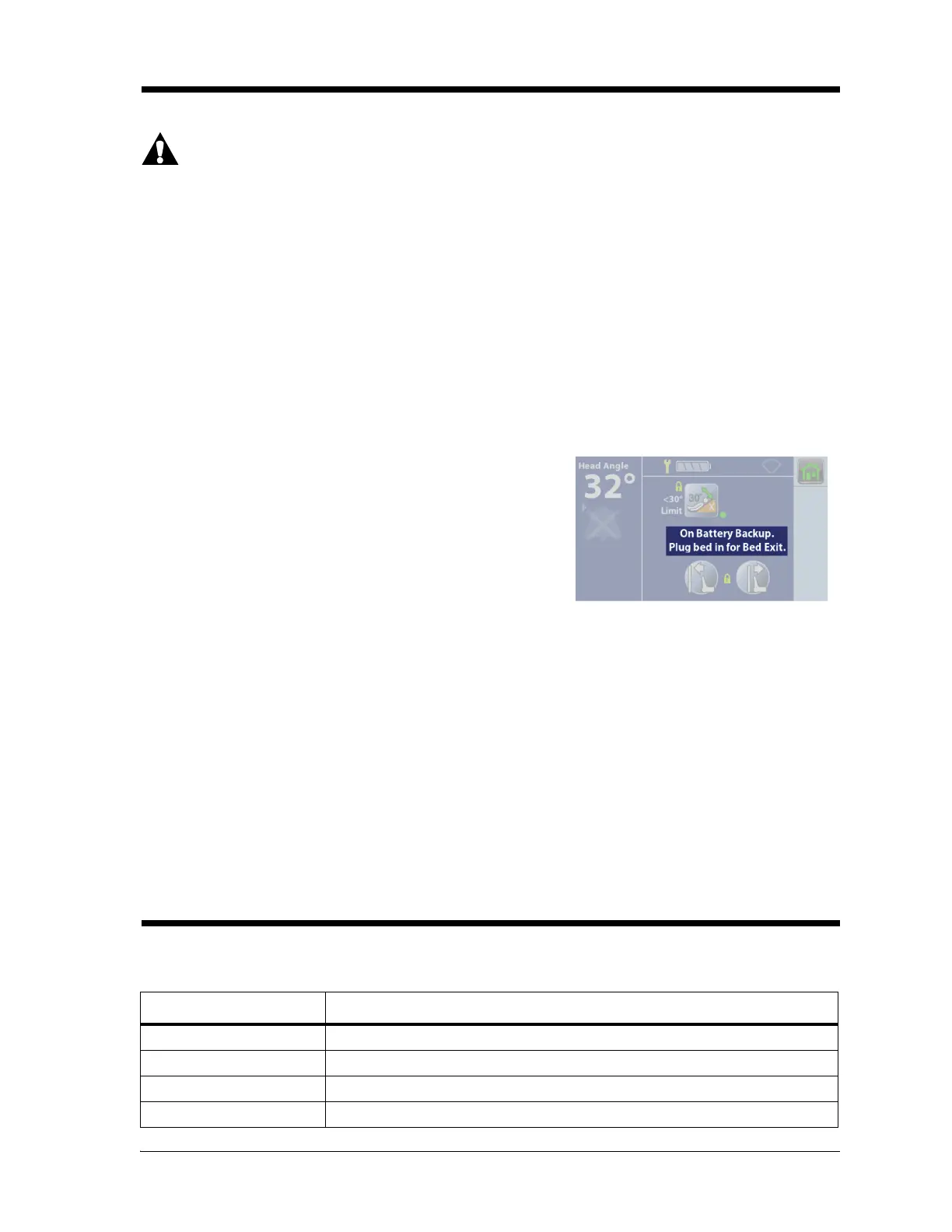
• To make sure the On Battery Backup indicator operates
correctly, do as follows:
1. Unplug the bed, and make sure that the touchscreen
shows “On Battery Backup”.
2. Plug the bed in, and make sure that the touchscreen
no longer shows “On Battery Backup”.
• The screen will dim after 10 seconds and then go off after
30 seconds of no activity.
Model Description
P7900 Centrella® Smart+ Bed
P7920 Centrella® core mattress
P7921 Centrella® pro mattress
P7922 Centrella® max mattress















 To Next Page