Graphical Caregiver Interface (GCI)® Controls
46 Centrella® Smart+ Bed Instructions for Use (193587 REV 10)
HELP (?) MENU
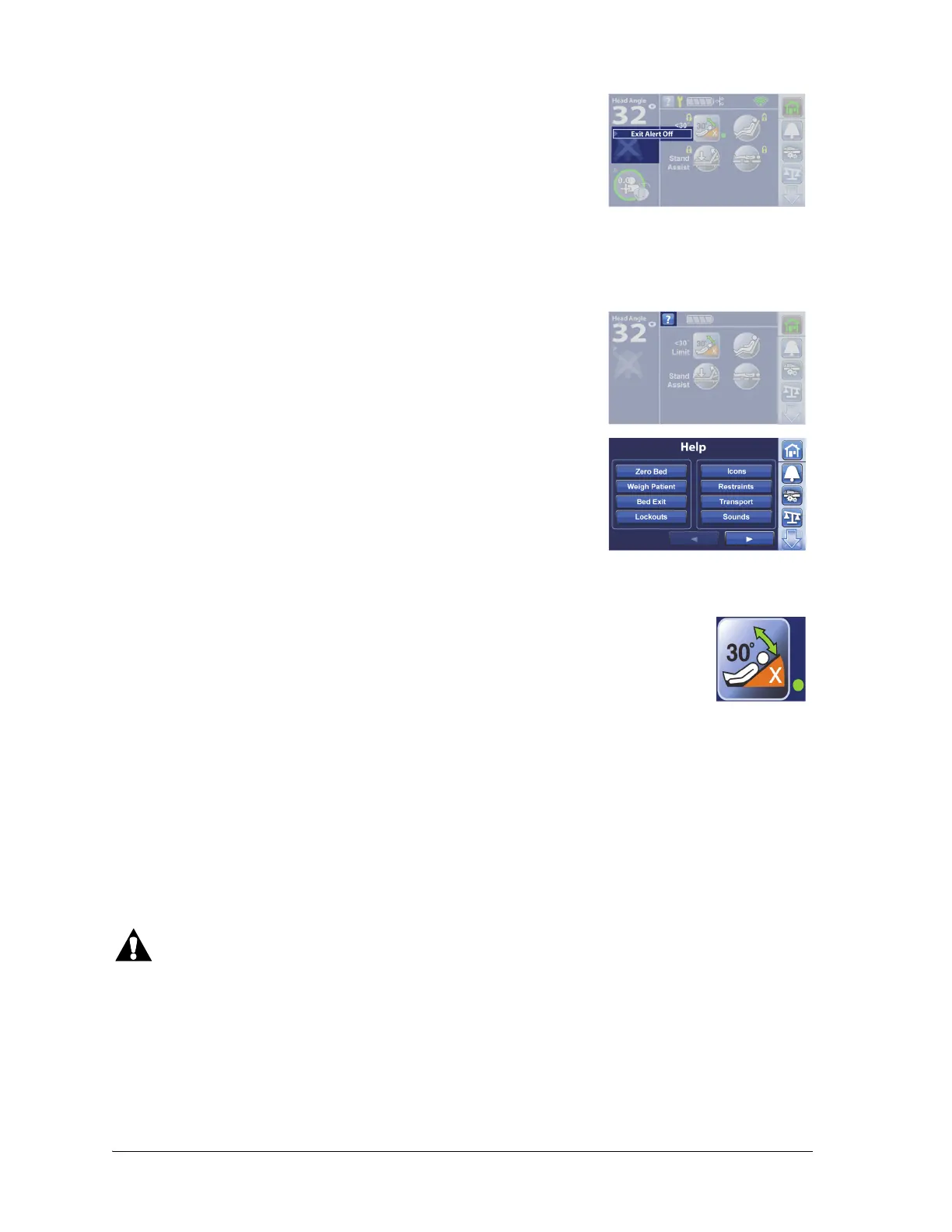
HEAD ANGLE <30° LIMIT
DINING CHAIR® POSITION
To see more detail associated with the Status indicators that are on
the left side of the screen, touch the applicable indicator.
Through the Help menu control, you can access additional instruction for many of the bed functions
and features.
1. Press the Help control on the touchscreen.
2. Press the control for the subject that you want to view.
The <30° Limit control allows the caregiver to prevent the head of the bed to be low-
ered below 30°.
To Activate
1. Raise the head section to the desired position above 30°.
2. Press the <30° Limit control. A beep will sound and a green indicator light next to the <30° Limit
control will come on to let you know that this feature is active.
If a triple beep sounds and an error screen shows, follow the on-screen instructions.
Warning—For patient and equipment safety, make sure to monitor the patient and all patient
interface lines during articulation. Failure to do so could cause injury or equipment damage.















 To Next Page