NaviCare® System
Centrella® Smart+ Bed Instructions for Use (193587 REV 10) 43
Asset Tag
To help prevent equipment damage, obey these cautions:
• Caution—The Wireless Connectivity feature is configured for the Hill-Rom approved Location
Asset tag. The location feature may not operate correctly if you use a different asset tag. Contact
your local Hill-Rom representative for more information.
• Caution—Do not have other wireless devices with 8” (20 cm) of the Location Asset Tag. If their
locations are too close, the devices may not operate.
If installed, this tag is used along with the Wireless Connectivity option to identify the bed’s location
(refer to “Wireless Connectivity Option” on page 41).
NAVICARE® SYSTEM
The NaviCare® System is an enterprise system that connects and monitors Hillrom™ beds and
mattresses. The system sends bed and mattress data to the network applications for caregivers to view
and receive alerts. For complete operational instructions for the NaviCare® System, refer to the
NaviCare® System User Manual.
WATCHCARE® INCONTINENCE MANAGEMENT SYSTEM
The WatchCare® Incontinence Management System option provides a discreet visual alert and optional
equipment call alerts after moisture is detected on the WatchCare® smart pad. Refer to the WatchCare®
Incontinence Management System Instructions for Use and Service Manual (196414) for more information.
GRAPHICAL CAREGIVER INTERFACE (GCI)® CONTROLS
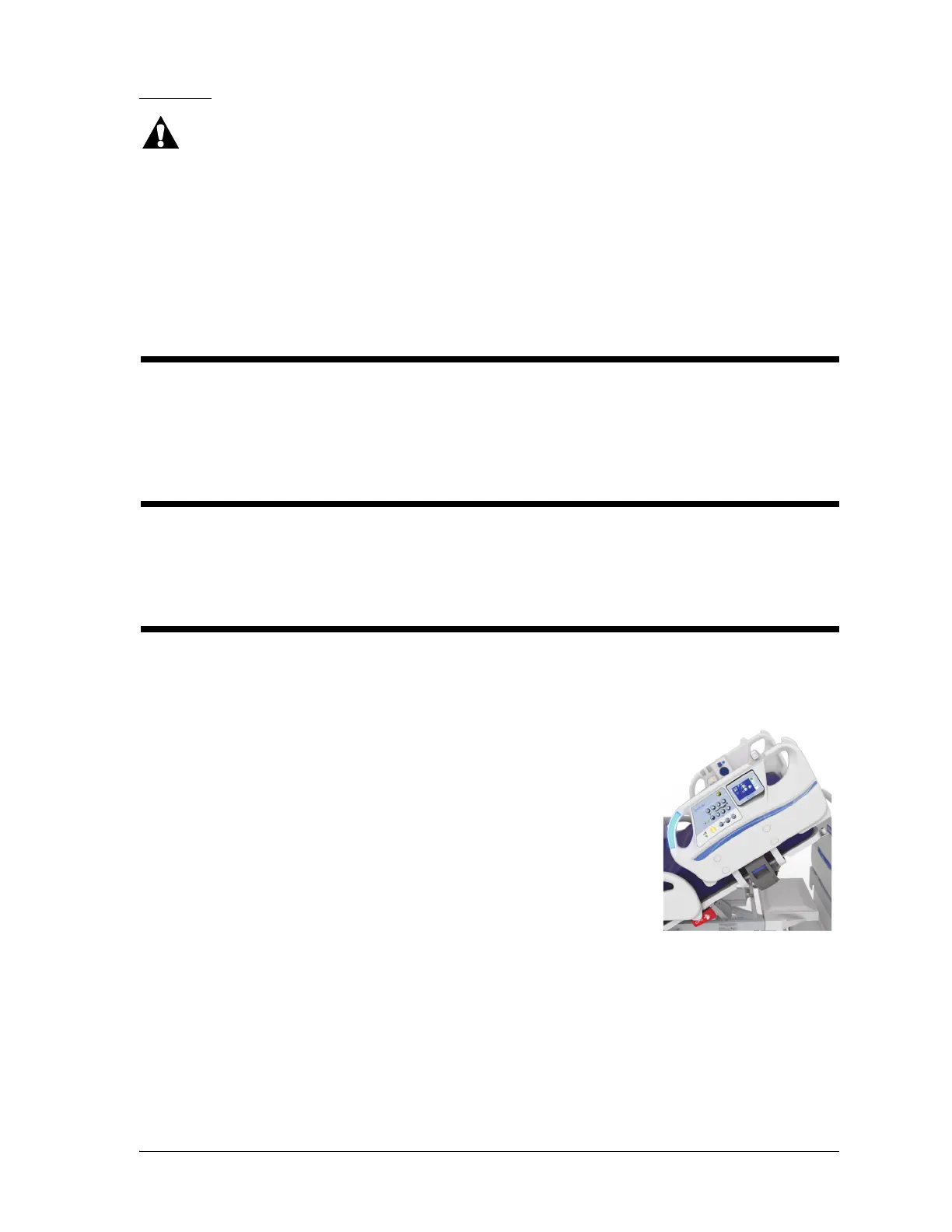
The Graphical Caregiver Interface (GCI)® (touchscreen) is on the left head siderail. Some models have
the touchscreen on both head siderails.
Through the touchscreen, you can—
• View helpful information for the bed functions.
• Set the Bed Exit, SafeView®+ Alerts option, and <30° Head Limit.
•Zero the scale.
• Weigh the patient.
• Adjust the Centrella® max mattress settings (Turn Assist, Comfort,
and Max Inflate).
• Turn on or off the MCM® feature for the pro+ mattress.
• Adjust the touchscreen’s date and time.
• Adjust the bed.
• View service information.
• Change the bed settings.















 To Next Page