Graphical Caregiver Interface (GCI)® Controls
44 Centrella® Smart+ Bed Instructions for Use (193587 REV 10)
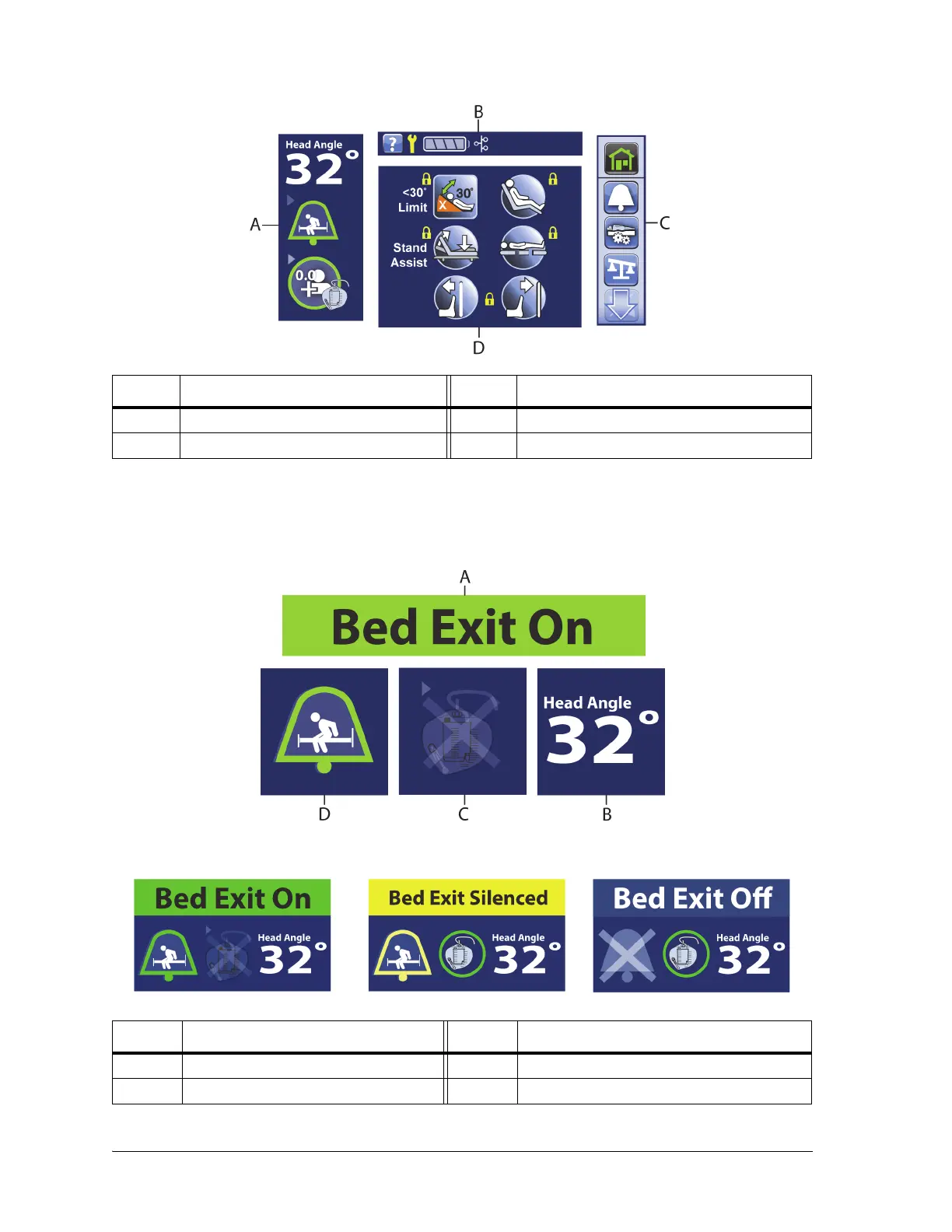
Home Screen
Status Screen
Item Description Item Description
A Status indicators C Menu list
B Information indicators D Bed controls
To Activate—touch the screen. The Home screen will show.
The screen will dim after 1 minute of no activity. After 3 minutes of no activity, the status screen shows
(see “Status Screen” on page 44).
Item Description Item Description
A Bed Exit Status C Foley Limit indicator
B Head Angle D Bed Exit indicator















 To Next Page