Bed Frame Features
24 Centrella® Smart+ Bed Instructions for Use (193587 REV 10)
Line Manager
Warning—Make sure that the lines are not pinched or kinked and that there is sufficient slack in the
lines for bed articulations and patient movement. Failure to do so could cause injury or equipment
damage.
USB Charging Port
To help prevent injury and/or equipment damage obey these warnings:
• Warning—Never allow excess cable length near the patient’s head or neck. To do so could
result in strangulation. Secure any excess cable to the siderail or other suitable object.
• Warning—Do not allow the conductive parts of the patient charging cable, to come into
contact with other conductive parts, this includes earth ground. Otherwise, an electrical short
might occur, risking electric shock to the patient and damage to their portable electronic
device.
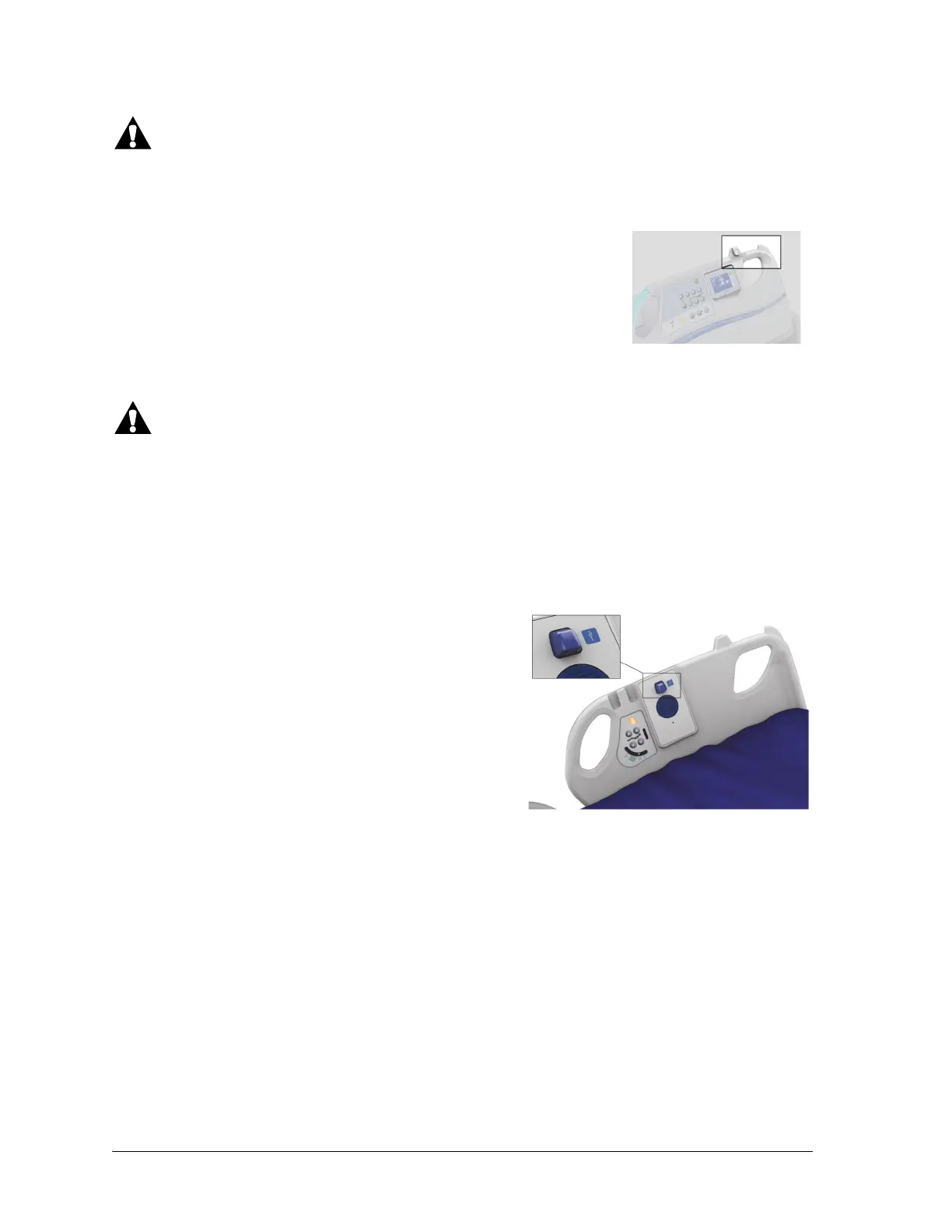
Each head siderail has an integrated Line Manager on the top of the
siderail. The Line Manager helps to keep lines (such as IV lines, suction
lines, etc.) together and away from the articulating frame.
The USB charging port is on the right-head siderail.
The USB charging port may not be compatible with all
devices.
The USB charging port can be used to charge personal
electronic devices (PED) such as cell phones, computer
tablets, portable media players, and pocket computers. The
port is not designed for devices that require less than
170 mA of power such as USB reading lights, but supports
up to 2.4 A of current. If the device does not charge, make
sure the setting for the charging port is On.
To turn on or off the USB charging port, see “USB Charging
Port—On/Off” on page 69.















 To Next Page