Point-Of-Care® Bed Controls
40 Centrella® Smart+ Bed Instructions for Use (193587 REV 10)
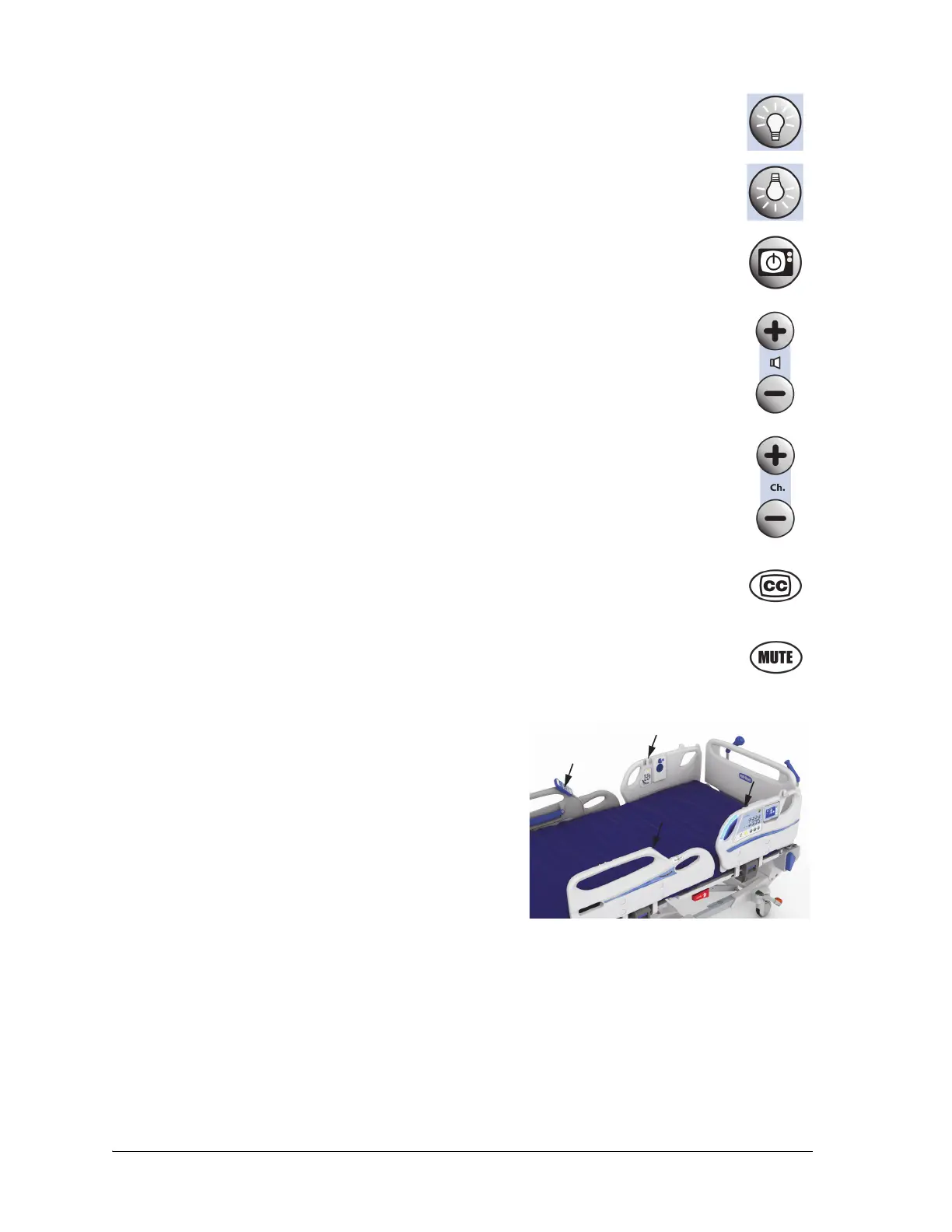
• Room Light—turns the room light off and on.
• Reading Light—turns the reading light off and on.
• Television Control—turns the television on and off. The volume and channel
are controlled by the Volume and Channel controls.
• Volume Control—adjusts the volume of the television or radio in the room.
• Channel Control—changes channels on the television or stations on the radio
in the room.
• Closed Captioning—turns the captioning option of the television on and off (if
the television is closed captioning capable).
• Mute—turns the sound on and off.
To Store the Patient Pendant (Handheld Remote) on to
the Siderail
Align the patient pendant above the pendant holder, and
slide the remote control on to the holder.
To Remove the Patient Pendant (Handheld Remote)
from the Siderail
Pull out or slide the pendant off the holder.
Patient Pendant Holder Locations















 To Next Page