92
_____________________________________________________________________________________________
6.7 RS Command [START]
______________________________________________________________________________________________
0
:
Not set (Initial setting)
1
:
Set
NOTE
Unless the control program on your PC is complete, select "
0
: Not set."
6.7 RS Command [START]
When RS-232C is used for control, settings can be made to specify whether
to accept the test start command ":STAR."
If "1: Set" is selected, a test is started when the ":STAR" command is
received.
If "
0
: Not set" is selected, this command is disregarded.
1. Press
SHIFT + STOP keys while in READY state to display the Optional
function setting screen.
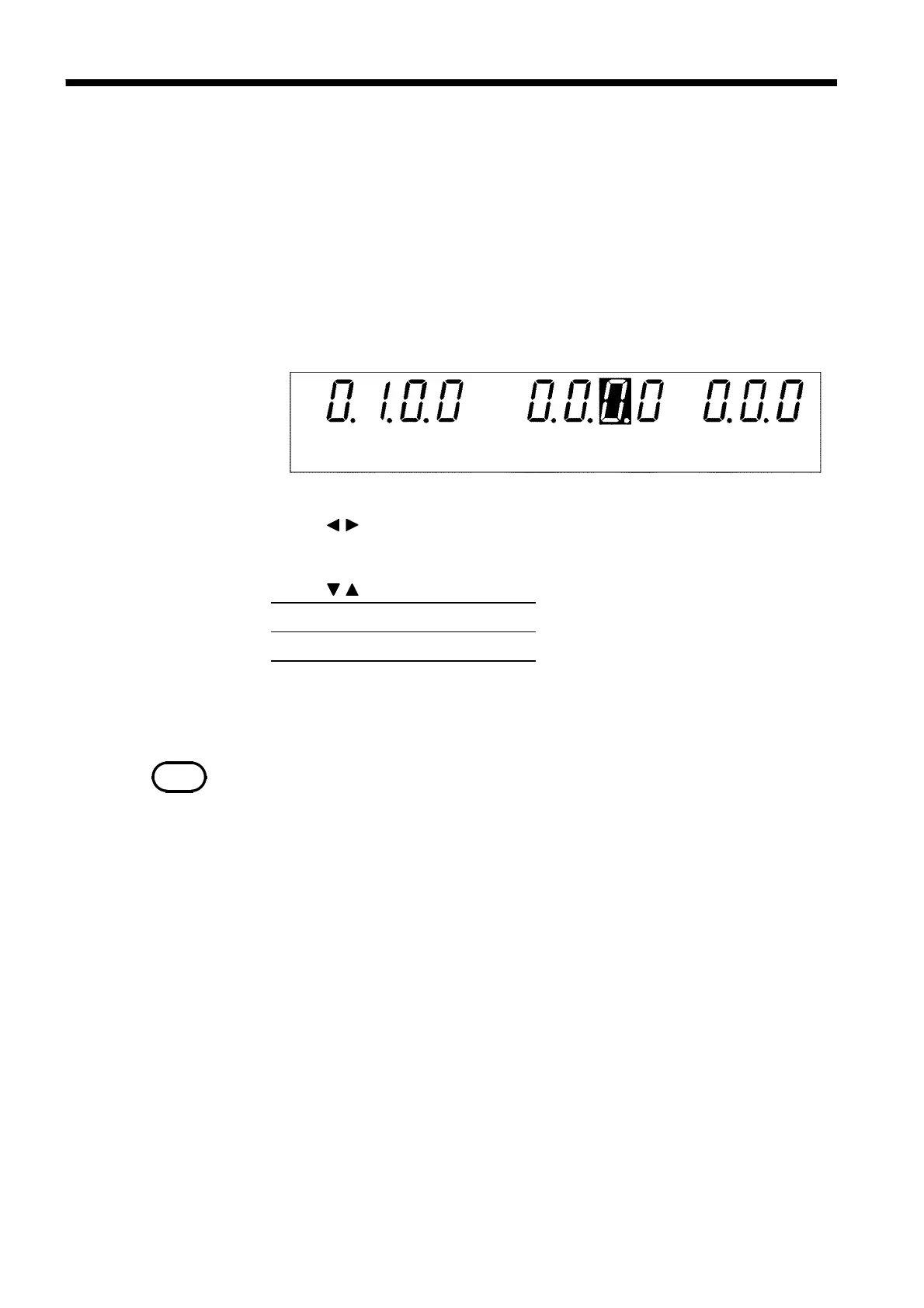
2. Use the
/ keys to move the flashing cursor to the position shown in the
figure.
3. Use the
/ keys to set a value at the flashing cursor location.
4. To complete the optional settings, press
SHIFT + STOP keys. The unit
reverts to the READY state.



 To Next Page