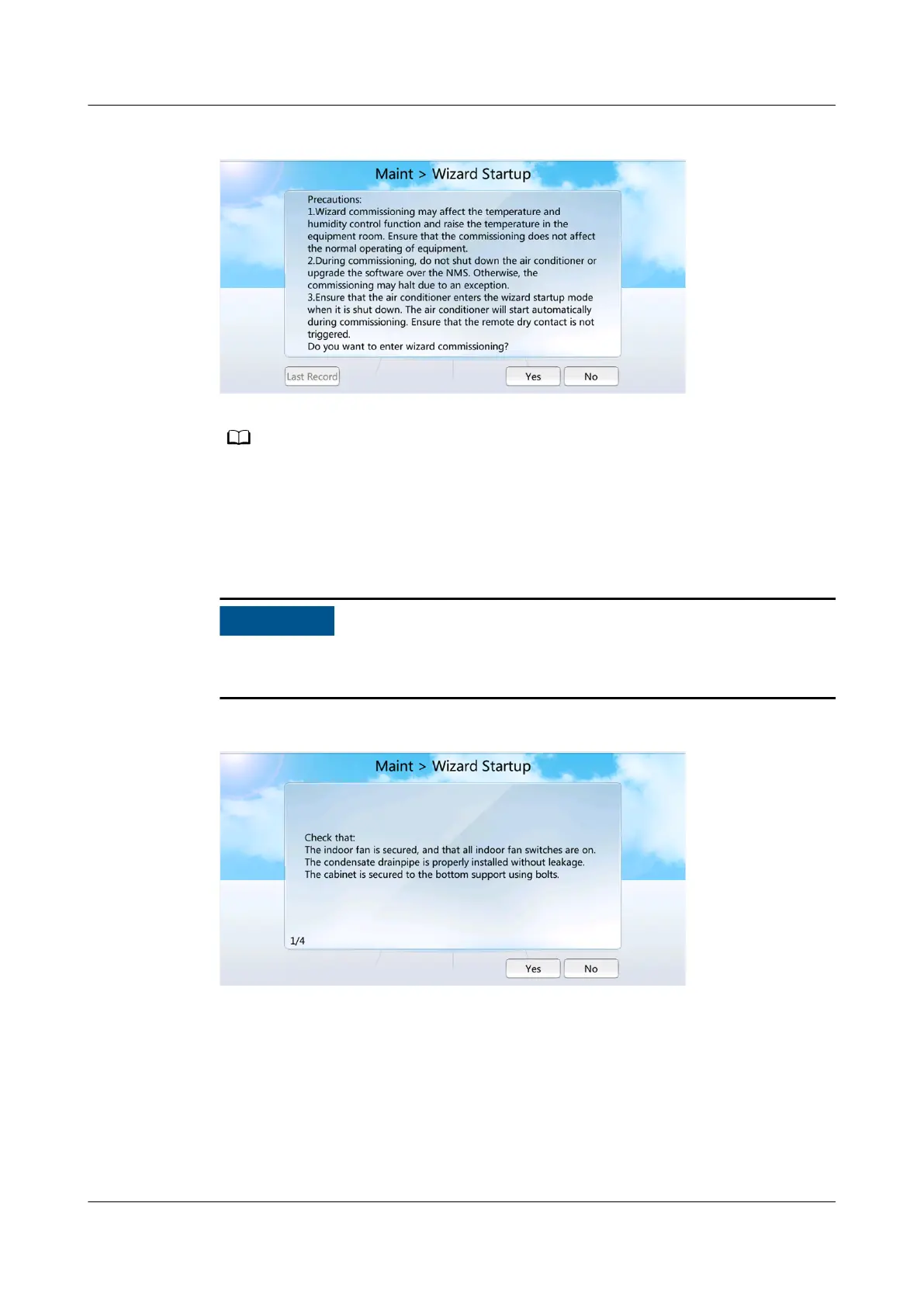
Figure 4-36 Startup wizard
● For the initial startup wizard, Last record is in gray, indicating that the operation is not
allowed.
● For the non-initial startup wizard, choose Last record and you can view the last startup
wizard report.
Step 2 Tap Yes. The checking before startup screen is displayed, as shown in Figure 4-37.
If the remaining refrigerant is not charged, tap No. Complete refrigerant charging,
and then perform the wizard commissioning.
Figure 4-37 Checking before startup
Step 3 Tap Yes for check items one by one according to the prompt messages on the
screen.
Step 4 Tap Yes and enter the screen where you select commissioning items, as shown in
Figure 4-38.
NetCol5000-A025 In-row Air Cooled Smart Cooling
Product
User Manual (300 mm Width) 4 Power-On Commissioning
Issue 15 (2020-12-10) Copyright © Huawei Technologies Co., Ltd. 162







 To Next Page