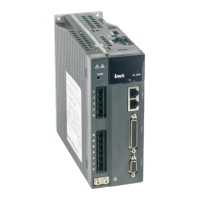
SV-DA200 series AC servo drive Function codes
-92-
This parameter can be used to set the operating mode of the system:
Position mode: Control the angular displacement of servo
motor via internal/external position command, thus
achieving controlling over mechanical motion displacement.
Speed mode: Control the rotation speed of the servo motor
with the internal or external speed command
Torque mode: Control the torque of the servo motor with the
internal or external torque command.
Position/speed mode switching: The position mode and
speed mode can be switched with the control mode
switching terminal.
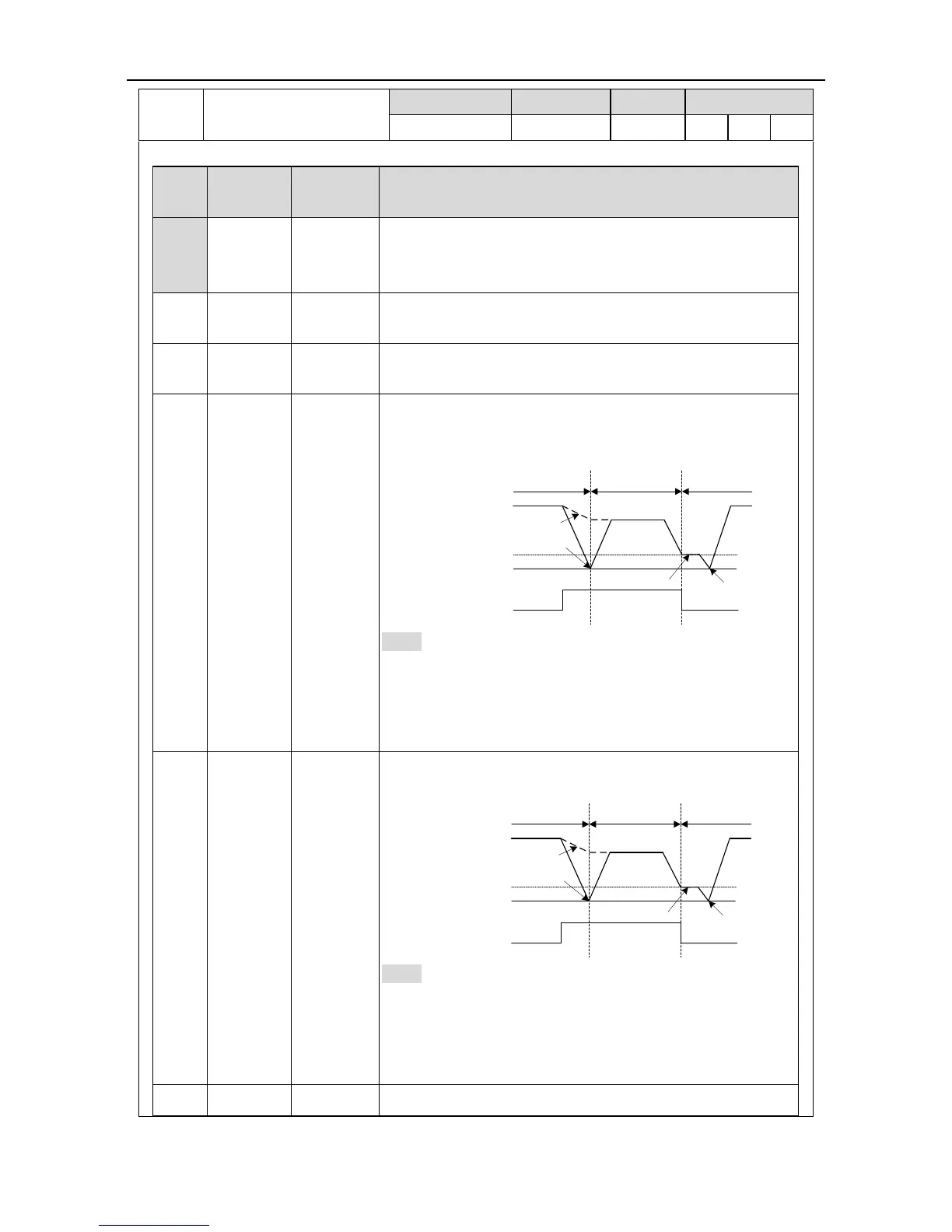
ON
OFF
(P0.90)
P0.92 = 1
P0.92 = 0
(P0.91)
Speed modePosition mode Position mode
Motor
speed
Mode switching
signal (MCH)
Note: For switching from position mode to speed mode,
there are two kinds of switching methods which can be
selected via P0.92; When switching from speed mode to
position mode, the motor will stop at the reference position
of P0.91 before switching to position mode.
Position/torque mode: The position mode and torque mode
can be switched with the control mode switching terminal
ON
OFF
(P0.90)
P0.92 = 1
P0.92 = 0
(P0.91)
Torque modePosition mode Position mode
Motor
speed
Mode switching
signal (MCH)
Note: For switching from position mode to torque mode,
there are two kinds of switching methods which can be
selected via P0.92; When switching from torque mode to
position mode, the motor will stop at the reference position
of P0.91 before switching to position mode.
Speed/torque mode: The speed mode and torque mode can



 To Next Page
 Loading...