Section 4 Scan Mode - Monochrome 4-4
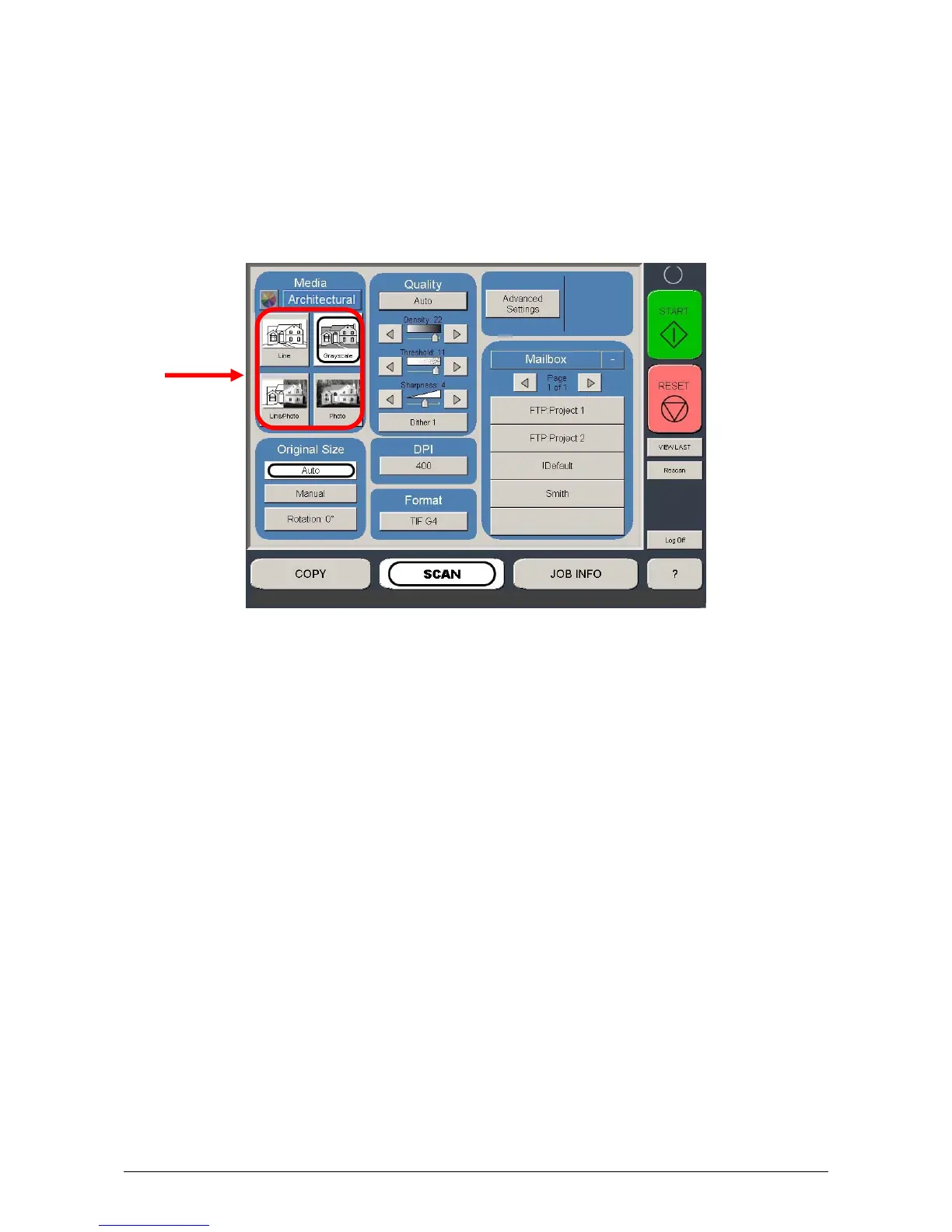
1.2.3 Select Original Image Type
Set the Original Image type you will scan. The selections are:
Line - used for simple line documents
Line / Photo - used for a combination of lines & photos documents
Grayscale - used for a combination of lines & areas of shade (CAD) originals
Photo - used for photographic originals
This will allow automatic image quality adjustments for the scan.



 To Next Page