Section 4 Scan Mode - Monochrome 4-11
2.3.4 Rotation
The file can be saved rotated, from the actual feed direction. This can be used to reduce
the scan time on certain orientation of originals, when they are archived.
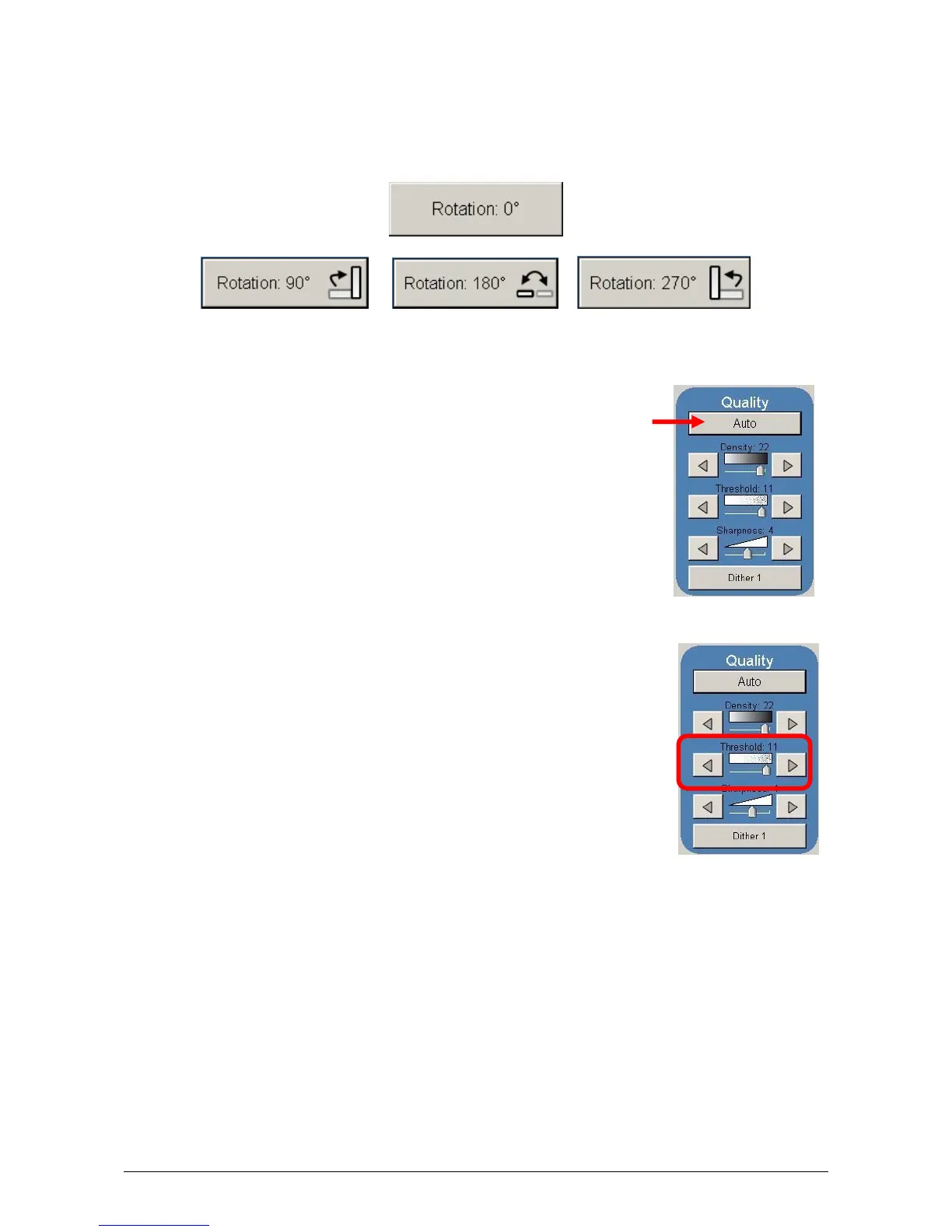
Press the “Rotation” button to select either one of four settings:
2.4 Quality
This region is used to change the image quality settings from the
automatic setting.
2.4.1 Automatic
For most scans, “Auto” should be selected. This will allow the KIP
3000 to automatically determine the best image settings without any
user intervention. (Please also note “Original” in 2.2)
2.4.2 Threshold
To override the “Automatic” settings, “Threshold” can be adjusted.
Deselect “Auto” to enable “Threshold”.
Pressing the arrows manually adjusts the threshold. This will
suppress or enhance the lines and images from the original.



 To Next Page