7-12 Section 7 “?” Screen
Page 3 of 6
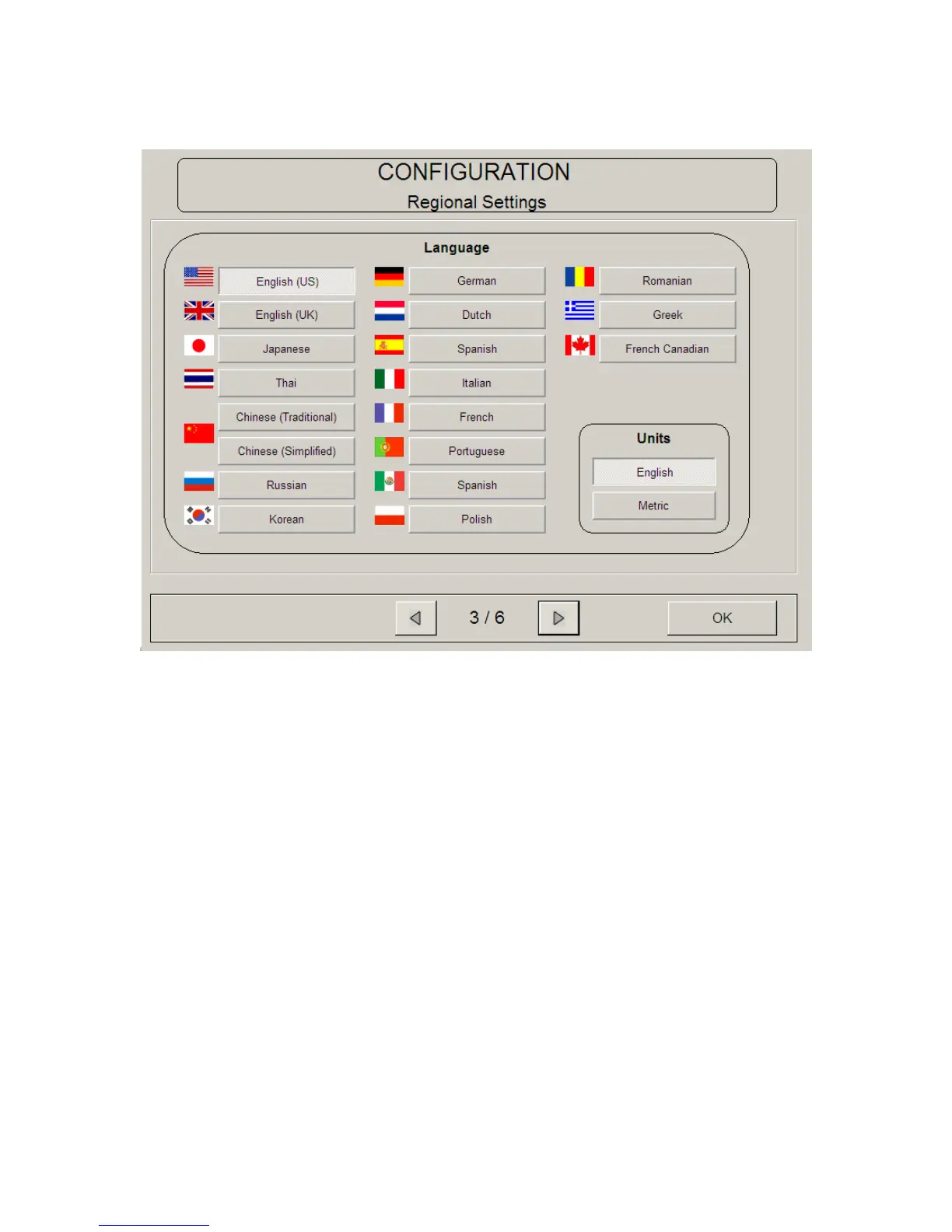
4.9 Language
Set the UI into a desired language.
4.10 English or Metric Units
Set the system from “English Mode” to “Metric Mode” by pressing the English or
Metric button. This will effect the entire KIP printer System, including Scan, Print
and Copy. Please note that the printer must be set to the correct size mode for
proper print function.



 To Next Page