Section 3 Copy Mode – Color 3-16
2.7.2. Percentage Key Pad
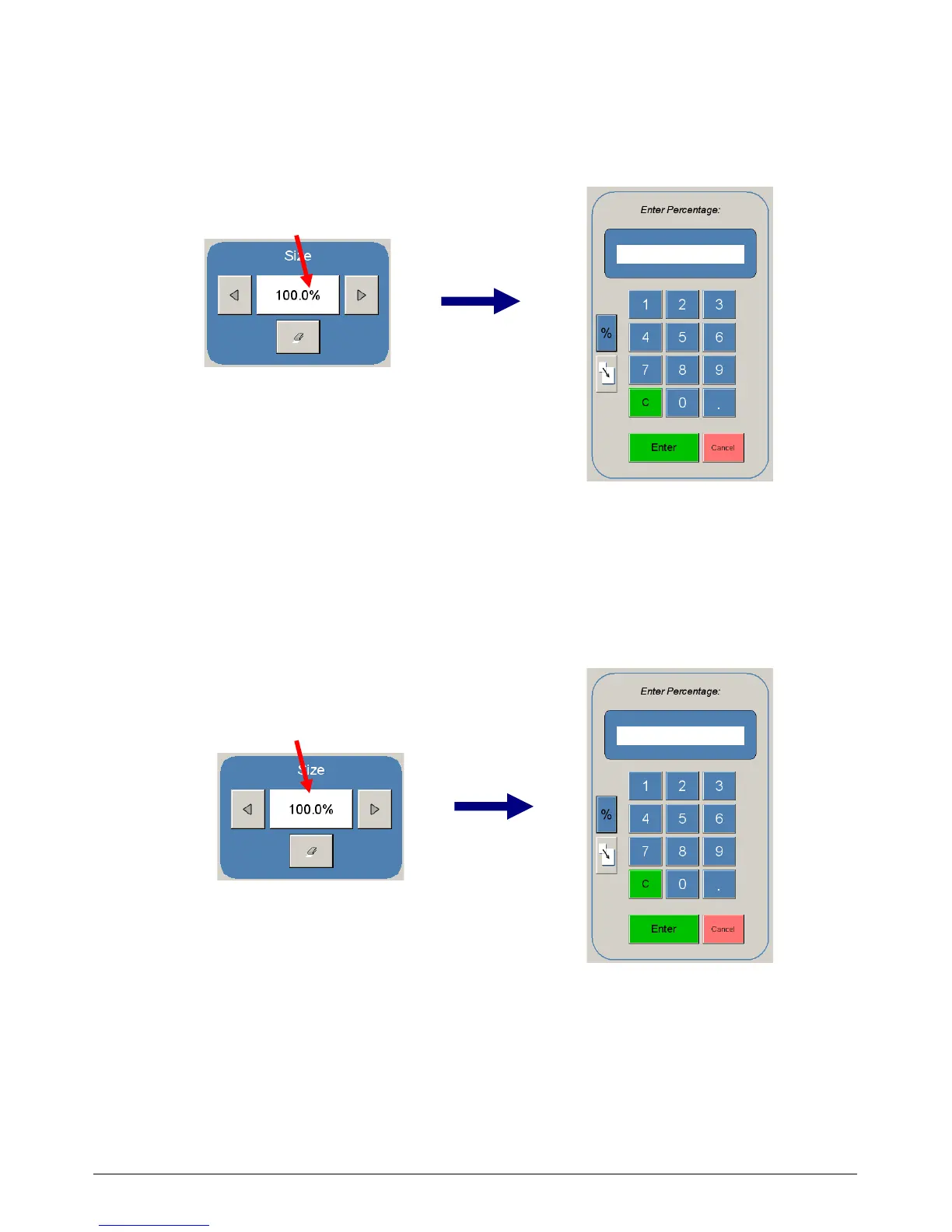
To enter a percentage directly:
a) Press on the Percentage value displayed (the number is a button).
b) This will show a keypad to enter the value (please note that the button Manual on the
side is a default).
c) Press the desired zoom value and press enter.
2.7.3. Page Size Zoom
To enter a zoom percentage based on pages sizes into the UI:
a) Press on the Percentage value displayed (the number is a button). This will show a
keypad to enter the value.



 To Next Page